
Dola-Seedream-5.0-pro: what it costs and what it does
Written by Clement
Seedream 5.0 Pro is ByteDance's flagship image model, released on 8 July 2026 as the tier above Dola-Seedream-5.0-lite. It adds a reasoning step before generation, editing you drive by pointing and sketching at the image, layer separation to alpha PNGs, and native text rendering in a dozen-plus languages.
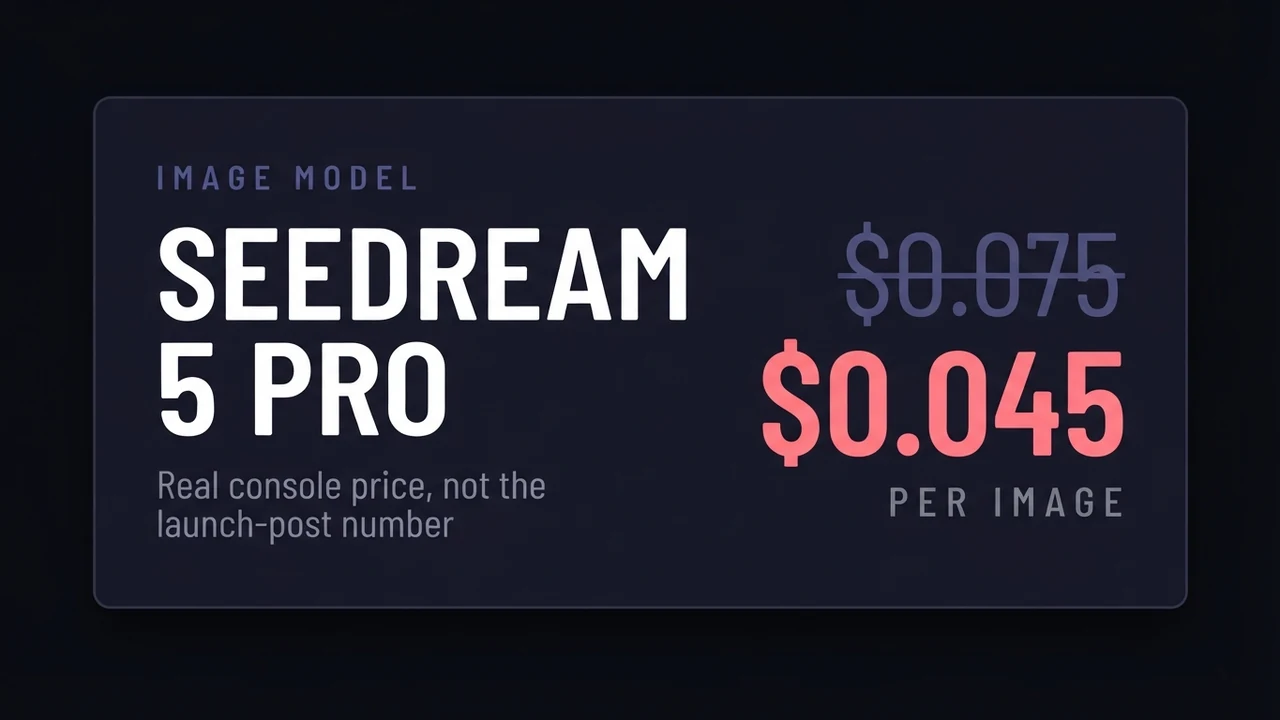
Start with the number, because almost every article about this model gets it wrong. Read the BytePlus console with an account open and Seedream 5.0 Pro bills 0.045 USD per output image. The figure repeated across launch coverage is 0.075. That gap is not rounding: it is 67% on top of the real price, and it changes which model you should be using for what.
Quick facts
- Model ID
- dola-seedream-5-0-pro-260628
- Made by
- ByteDance (served via BytePlus ModelArk, Volcano Engine, fal, ComfyUI, Doubao, Jimeng)
- Released
- 8 July 2026 (announcement post 9 July)
- Input / output
- Text, image (single or multiple) → image
- Native output
- 2K
- On-image text
- A dozen-plus languages (ByteDance says "a dozen widely used"; fal's listing says 14)
- IPM (images per minute)
- 500
- Best for
- Dense layouts, on-image text, product and ad work, anything needing editable layers
What it really costs (BytePlus console, 15 July 2026)
Read from our own BytePlus account, not from a launch post. Prices move and vary by region and tier, so check your console before a large batch. This is the direct BytePlus rate.
- Output image ≤2.36 megapixels
- 0.045 USD per image
- Input image
- 0.003 USD each, first image free
- Seedream 5.0 Lite, for comparison
- 0.035 USD per image (text-to-image or image-to-image)
- The price most articles quote
- 0.075 USD per image
Why the published price is wrong, and why it matters
Track the 0.075 figure back and it comes from launch-day coverage that repeated a reseller's rate card. It then got copied from article to article without anyone opening a console. Our account bills 0.045 per image up to 2.36 megapixels, with the first input image free and additional references at 0.003.
Provider matters more than most buyers realise. On fal the same model is 0.0675 per image up to 1536x1536, and 0.135 above that up to 2048x2048. So going direct through BytePlus is roughly a third cheaper than fal for a standard image, and about 40% below the rate the internet quotes. Aggregators are worth paying for when you want one API key across many models, or you are already on their stack. They are not worth paying for by accident.
The practical version: at 0.045 versus 0.035, Pro costs about 29% more than Lite per image, not the 114% premium the 0.075 figure implies. That reframes the decision. Priced at 0.075 you would reach for Lite and only escalate when it failed. At the real price, Pro is close enough that the choice should be made on capability, which is what the rest of this guide is about.
Get new guides by email
One email when we publish new guides and model breakdowns. No spam, unsubscribe anytime.
The reasoning step, and how it changes prompting
Seedream 5.0 Pro does not go straight from prompt to pixels. It reasons about the prompt first, planning the image before rendering it, and it can pull in real-time web search the way Lite does. This is the same architectural shift Meta shipped in Muse Image the same week: two flagship image models moving from prompt-to-pixels to plan-then-render within days of each other.
What this means in practice is still worth testing rather than asserting. Models with a planning step generally reward prompts written as clear intent rather than keyword piles, because the planner is doing the work that prompt-stuffing used to do by brute force. Our existing Seedream prompting guide predates this behaviour, so treat its keyword-heavy patterns as unverified against 5.0 Pro until we re-run them.
The capability that has no equivalent elsewhere is editing by pointing. You can annotate the image directly, using points, a lasso, sketch marks, or handwriting, and it responds to the markup rather than to a re-typed description of the whole scene. For iterative work, describing only the change beats re-describing the image.
Layer separation is the feature to care about
Seedream 5.0 Pro can separate an output into layers and export them as alpha PNGs. No other flagship image model does this today, and it is the difference between an image you accept and an image you can edit.
If you produce ad creatives, thumbnails, or product shots, the usual workflow is to generate, notice one element is wrong, and regenerate the whole thing hoping the rest survives. Layers break that loop: you keep the composition and fix the one element. This is also why the model's on-image text handling matters more than it sounds, since text you can pull out as its own layer is text you can correct without touching the artwork.
We have not yet run a full production batch through the layer export, so we are not going to tell you how clean the mattes are on hair, glass, or motion blur. Those are exactly the cases where alpha extraction usually breaks down. Test them against your own work before you rebuild a pipeline around it.
Pro or Lite: how to choose
Choose Pro when the output has to carry information: dense layouts, infographics, on-image text in any language, ads, product photography, or anything you will edit afterwards and therefore want in layers. The reasoning step earns its 29% premium when composition is complicated enough to need planning.
Choose Lite when you are generating a scene rather than composing a document. Portraits, characters, moods, and trend-driven images built on Lite's web retrieval all land fine on Lite at 0.035, and the money is better spent on more iterations than on a planner you do not need.
Choose neither if you are producing high volume where per-image cost dominates and the images are simple. At that point the open-weight options are worth a look, and our Z-Image guide covers that route.
Frequently asked questions
- How much does Seedream 5.0 Pro cost per image?
- Read from the BytePlus console on 15 July 2026, 0.045 USD per output image up to 2.36 megapixels, with the first input image free and each additional reference image at 0.003 USD. Most published articles quote 0.075 USD, which is roughly 67% higher than the direct BytePlus rate. Through fal the same model is 0.0675 USD up to 1536x1536 and 0.135 USD up to 2048x2048. Prices vary by provider, region, and tier, so check your own console before a large batch.
- Is Seedream 5.0 Pro worth it over Seedream 5.0 Lite?
- At the real prices, Pro is about 29% more per image than Lite (0.045 versus 0.035), so the decision comes down to capability rather than budget. Pro is worth it for dense layouts, on-image text, editable layers, and anything you will revise afterwards. Lite is the better buy for scenes, portraits, and trend-driven images, where the extra planning step adds little.
- What is layer separation in Seedream 5.0 Pro?
- The model can split a generated image into separate layers and export them as alpha PNGs, so you can edit one element without regenerating the whole image. No other flagship image model offers this today. It matters most for ad creatives, thumbnails, and product shots, where a single wrong element normally forces a full regeneration.
- How many languages can Seedream 5.0 Pro render text in?
- ByteDance's own model page says it natively supports "a dozen widely used languages" for prompting and on-image text, and demonstrates English, Chinese, Japanese, Korean, Spanish, Bengali, and Arabic. fal's listing for the same model says 14 languages. We have not verified the exact count, so treat it as roughly a dozen-plus rather than a firm number.
Keep reading
How to use Dola-Seedream-5.0-lite for AI image generation
A practical guide to Dola-Seedream-5.0-lite (model ID seedream-5-0-260128): a text- and image-input model with web-connected retrieval, strong reference consistency, and accurate instruction following. Covers how to prompt it, combine reference images, and pick the right pricing tier.
How to use Seedream 4.5 for AI image generation
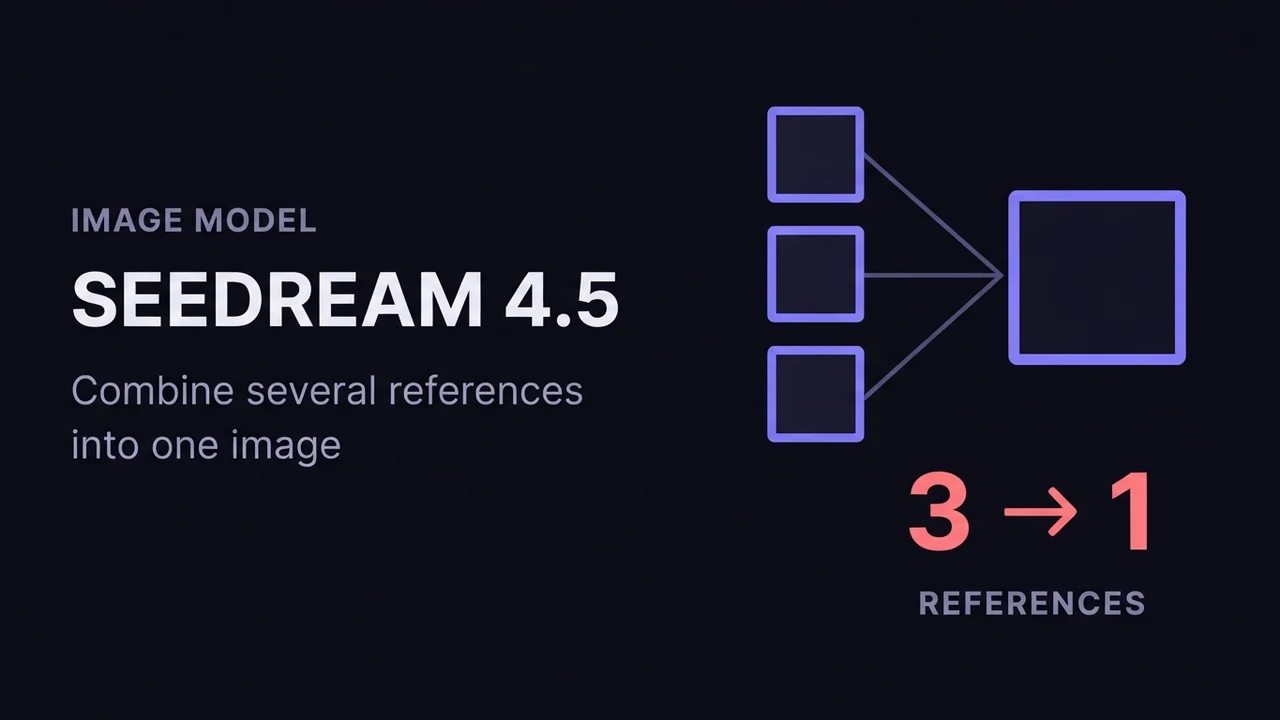
A practical guide to ByteDance Seedream 4.5: how its text-to-image and image-to-image (multi-image fusion) modes work, how to reference input images in a prompt, the resolution and batch settings that matter, and how to get consistent, high-detail results.
Seedream 4.5 prompt guide: patterns that hold up
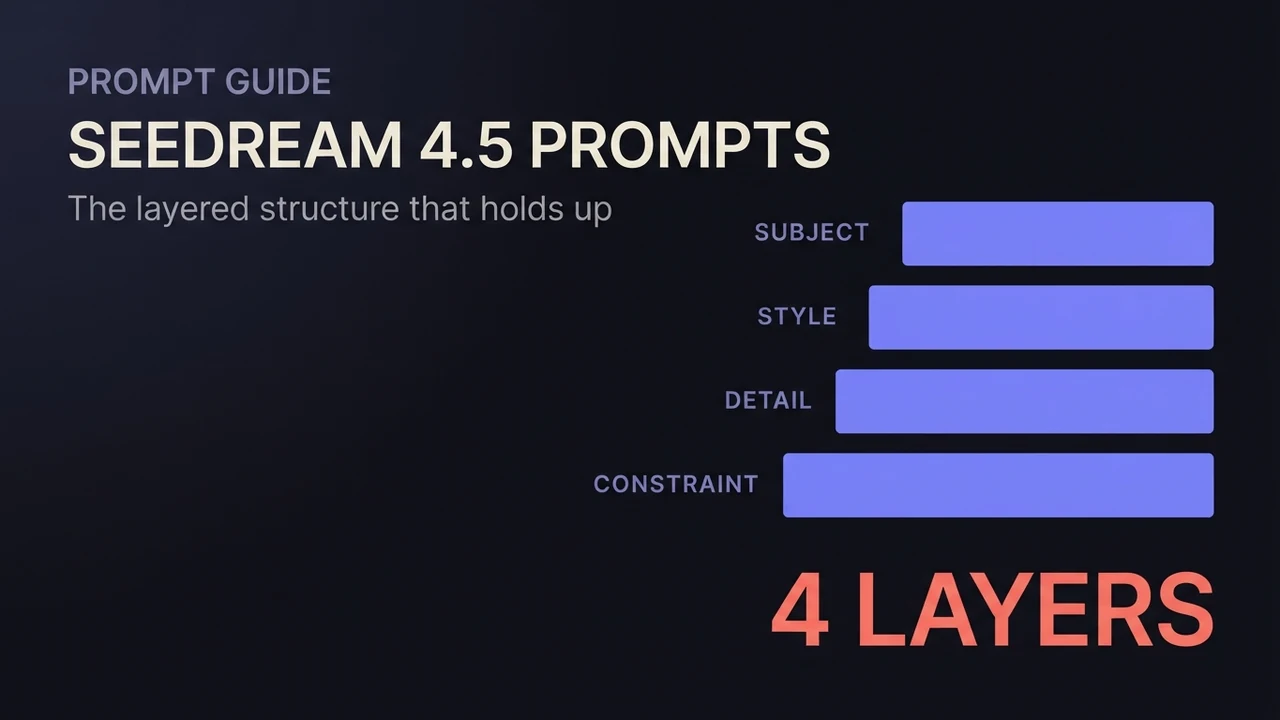
A working Seedream 4.5 prompt guide: the layered structure for text-to-image, edit instructions that preserve what matters, multi-image fusion phrasing, exact-text rendering, and copy-ready patterns for each.
How to use Z-Image for AI image generation
A practical guide to Z-Image (z-image-turbo): a fast, lightweight text-to-image model with clean English and Chinese text rendering. Covers the resolutions that work best, how to write a prompt it renders faithfully, and the settings that decide speed versus quality.
How to use Wan 2.7 Image (text-to-image, editing, and image sets)
A practical guide to Wan 2.7 Image: text-to-image up to 4K, prompt-based editing, interactive region edits, multi-image reference, and generating consistent image sets. Settings, prompting, and the mistakes that waste renders.
Related models
Get new guides by email
One email when we publish new guides and model breakdowns. No spam, unsubscribe anytime.