
How to get slow motion in Wan 2.2
Written by Clement
There is no slow-motion toggle in Wan 2.2. The pace of a clip comes from the words in your motion prompt, and that turns out to be good news: slow, deliberate movement is the thing this model renders best. Ask for it correctly and you get stable, premium-looking footage on the first or second seed.
This guide covers both routes to a slow-motion result: prompting the motion itself to be slow, and generating at normal pace then stretching the clip in post with frame interpolation. It assumes you can already run a basic Wan 2.2 image-to-video workflow; if not, start with our Wan 2.2 walkthrough and come back.
The panel above is an illustration of the workflow, not a live tool.
Want to make one? Grab the free prompt file. It turns ChatGPT, Claude, or Gemini into a specialist for this.
Get the free prompt file →Why slow motion plays to Wan's strengths
A video model has to keep every frame consistent with its neighbors, and the faster things move, the more changes per frame it has to get right. Slow motion inverts that pressure. Less changes between frames, so consistency gets easier, warping gets rarer, and detail survives longer.
This is why the general Wan advice (small, believable motion looks premium; big chaotic motion looks broken) applies double here. A slow clip isn't a compromise aesthetic. It's the model operating in its comfort zone, and it reads as intentional and cinematic to viewers.
5 steps
Route 1: prompt the motion slow
The native route. No extra tools, and it produces the cleanest results because the model renders the slowness rather than faking it later.
- 1
Step 1 of 5
Pick a source image with slow motion implied
Some stills want to move slowly: hair lifted by a light breeze, steam over a cup, fabric mid-drift, water settling.
Starting from an image whose implied motion is already gentle means the prompt and the picture pull in the same direction.
- 2
Step 2 of 5
Write the action in present-progressive with explicit pace words
"She is slowly turning her head", "the curtain is gently swaying", "smoke is drifting upward." The verb carries the motion; the pace word (slowly, gently, drifting) carries the speed. Both parts matter.
- 3
Step 3 of 5
Add one slow secondary motion
A single environmental cue at the same pace: dust in a light beam, steam rising, hair moving in a soft breeze.
It makes the clip read as alive rather than slowed down. Keep it to one; stacking cues invites drift.
- 4
Step 4 of 5
Hold the camera still, or give it one slow move
A static camera or a single slow push-in is the entire menu here.
A fast or compound camera move on top of slow subject motion reads as contradiction, and contradictions come out as warping.
- 5
Step 5 of 5
Re-roll the seed before touching anything else
If the pace comes out wrong but the motion is right, change only the seed and run again.
Wan is stochastic, and pace often lands on the next roll with identical settings.
Pace vocabulary that works
The difference between slow motion and sluggish motion is mostly word choice. Use this as the menu.
- Pace words that work
- slowly, gently, softly, drifting, gliding, settling, swaying
- Verbs that stay stable
- turning, swaying, drifting, rising, breathing, rippling: continuous actions with no endpoint
- Avoid
- suddenly, quickly, whipping, snapping, jumping: fast beats fight the short clip window and distort
- Camera
- static, or one slow push-in / slow pan; nothing compound, nothing fast
- Clip length
- Stay in the ~5 second reliable zone; slow motion doesn't earn you extra seconds, chaining does
Get new prompt files and guides first
One email when a new tested prompt file or model guide goes live. Prompts that survived production, not theory. No spam, unsubscribe anytime.
Route 2: generate normal, slow it in post
The second route is to render the clip at its natural pace and slow it down in an editor afterward. The catch is frame rate: AI video clips don't carry the high frame rates that real slow-motion footage relies on, so a plain 2x slowdown shows judder. The fix is frame interpolation: optical-flow or AI in-betweening (the RIFE-class tools built into most modern editors) that synthesizes the missing frames.
Interpolation works best on exactly the kind of footage the prompt route produces anyway: clean, simple, continuous motion with no sudden direction changes. Fast or chaotic clips give interpolators nothing coherent to in-between, and the artifacts show.
The strongest results often combine both routes: prompt the motion slow, then apply a mild slowdown with interpolation in post. Each route covers the other's weakness, and a gentle stretch on already-slow footage stays artifact-free far more reliably than an aggressive one on normal footage.
Slow motion and longer sequences
Slow motion pairs unusually well with clip chaining, the last-frame-forward technique from our longer-videos guide. The handoff between chained clips is cleanest when the frames on either side of the join nearly match, and slow motion makes that almost automatic: less changes per frame means the seam frames sit closer together.
It also simply feels longer. A slow five-second clip reads as more footage than a busy one, which is sometimes the whole answer: before building a chain, check whether one unhurried clip already fills the runtime you need.
Common problems and fixes
Barely any movement at all: the prompt is all pace words and no verb. "Slow, gentle, soft" describes nothing; "she is slowly turning her head" moves. Lead with the action.
Subject warps even though the motion is slow: guidance is set too high, over-baking the prompt. Ease it down before rewriting anything.
The clip feels sluggish rather than cinematic: everything in frame is slow, so nothing anchors the eye. Keep the subject's action crisp and let one secondary element carry the languid pace instead.
Judder after slowing down in post: the slowdown outran the interpolator. Reduce the stretch factor, or feed it a cleaner, simpler clip. Interpolation rewards footage with one continuous motion.
Frequently asked questions
- Does Wan 2.2 have a slow-motion setting?
- No. Pace is controlled entirely by the motion prompt: present-progressive verbs plus explicit pace words like "slowly" and "gently." For true half-speed footage, generate normally and slow the clip in post with frame interpolation.
- Should I prompt slow motion or slow the clip down in post?
- Prompt it first: the model renders slow motion natively and it's the most stable footage Wan produces. Use post-process interpolation when you need a stronger stretch than prompting gives you, and ideally combine both: a mild stretch on already-slow footage.
- Why does my slow-motion clip look underwater and dreamy?
- You probably wrote "in slow motion" as a style tag, which slows everything indiscriminately. Describe the specific action as slow instead ("the curtain is gently swaying") and keep one element crisp so the frame has an anchor.
- Can I make a slow-motion clip longer than 5 seconds?
- Not reliably in one pass: the ~5 second window is where Wan 2.2 stays consistent. Chain clips using the last frame of one as the source image for the next. Slow motion makes the joins easier to hide, because neighboring frames change less.
Keep reading
How to generate videos with Wan 2.2 (free, step-by-step)
A tested, step-by-step walkthrough for turning a single image into smooth AI video with Wan 2.2: the exact settings that matter, the prompt structure that works, and the mistakes that waste renders. Free.
How to make longer AI videos: 4 methods that work
AI video models cap out at a few seconds. Here are the 4 methods that extend them: chaining clips, last-frame continuation, and keeping motion consistent across every join. Step by step, free.
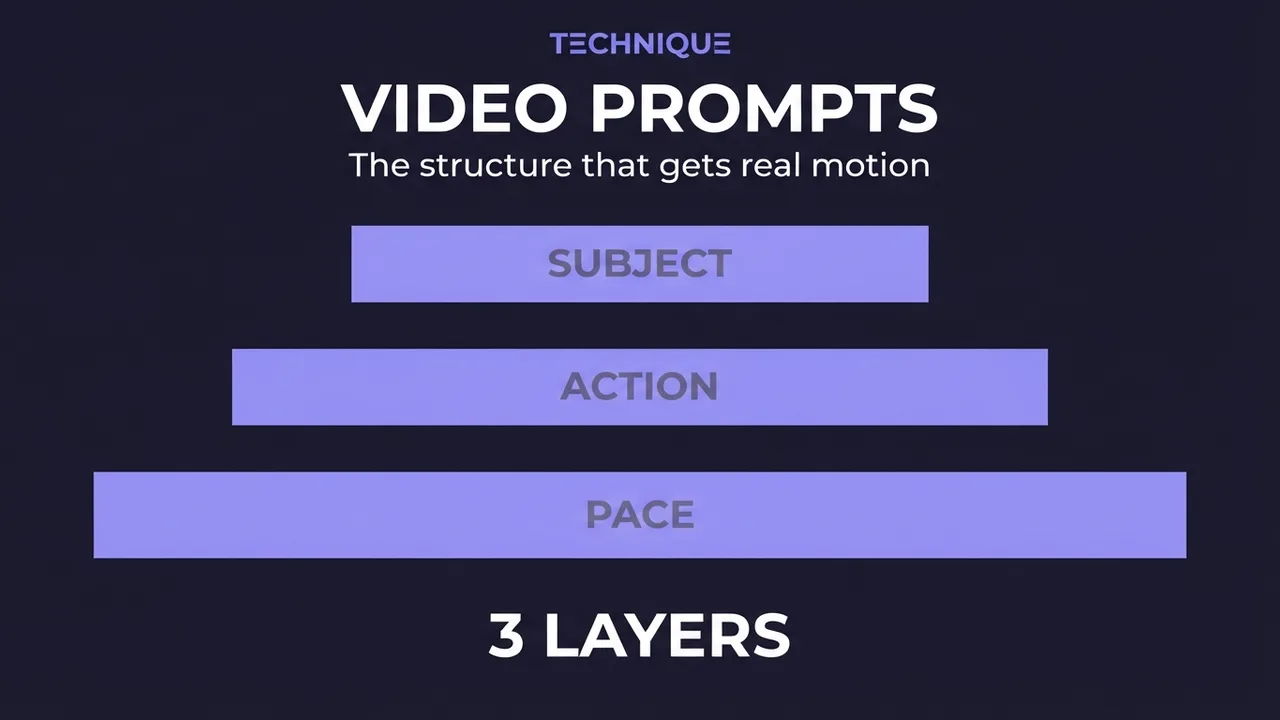
How to write prompts for AI video generation
The prompt structure that works for AI video: why motion prompts are different from image prompts, the present-progressive rule, and the specific phrasing that gets you believable movement instead of a warped photo.
How to fix flickering AI video: 4 causes and fixes
AI video that flickers, shimmers, or morphs between frames has 4 usual causes. Here's how to diagnose and fix each one: source-image noise, too-few steps, over-long clips, and unstable prompts. Step by step.
How to generate videos with Wan 2.5
What changed in Wan 2.5 versus 2.2, including native audio, and how to get the most out of it for image-to-video: the new settings worth touching, when the upgrade helps, and when it doesn't.
Get new prompt files and guides first
One email when a new tested prompt file or model guide goes live. Prompts that survived production, not theory. No spam, unsubscribe anytime.