
How to generate videos with Wan 2.5
Written by Clement
Wan 2.5 is the follow-up to the 2.2 image-to-video model, and most of what you already know still applies: you feed it a still image and a short motion prompt, and it animates the scene. If you have used 2.2, you can drive 2.5 on day one. What matters is knowing where the two differ, so you spend your renders on the settings that moved rather than re-learning the ones that didn't.
This guide assumes you can already run a Wan I2V workflow. If you can't yet, start with our Wan 2.2 walkthrough for the full setup, then come back here for what the newer version changes.
What changed, and whether you should care
The headline improvements in 2.5 are steadier motion over the length of a clip, better handling of fine detail (faces, hands, fabric) that older versions tended to smear once things started moving, and native audio: ambient sound or voice generated in the same pass as the picture, which 2.2 doesn't have at all. If your 2.2 renders looked great on frame one and fell apart by second four, that is the exact problem 2.5 targets on the visual side. On the audio side, it's simply a capability 2.2 never had.
The trade is compute. The gains come from a heavier model, so a 2.5 render costs you more time or GPU memory than the same clip on 2.2. For a quick throwaway loop, 2.2 is often still the right tool. For anything you plan to keep, or anything that needs sound, 2.5 usually earns its cost.
One thing that did not change: the model still reads your image as the scene and your prompt as the motion. Every prompt habit from 2.2 carries over unchanged. In our own testing, migrating a working 2.2 prompt to 2.5 with the same seed showed the detail gain exactly where the guide above says to expect it: fabric and hands held together noticeably better by second four, the point our 2.2 version usually started to smear. Native audio was the other change worth calling out on its own. It's a useful addition, not a checkbox feature, and it's the main reason we reach for 2.5 over 2.2 on anything we're keeping.
Step-by-step
The workflow is the same as 2.2. The differences are in the settings table below.
- 1
Load the Wan 2.5 I2V model
Point your tool at the 2.5 image-to-video checkpoint rather than 2.2. Everything downstream of the model choice (image input, prompt, output) works the same way.
- 2
Prepare your source image
Same rules as before: one clear subject, sharp, cropped to your target aspect ratio. 2.5 is better at preserving fine detail, but it cannot invent detail that isn't in a soft source image. Sharp in, sharp out.
- 3
Write the motion prompt
Describe only the movement, in present-progressive verbs. 2.5 follows motion prompts slightly more literally than 2.2, so if a prompt gave you too much motion on 2.2, tone it down here rather than up.
- 4
Set length, steps, and guidance from the table
Use the baseline values below. The main change is that 2.5 holds up better on longer clips, so you can push length a little further before drift sets in. But the sweet spot is still short.
- 5
Generate and compare against your 2.2 result
If you are migrating a clip that worked on 2.2, run it on 2.5 with the same seed first. That isolates the model as the only variable and shows you exactly what the upgrade bought you before you start re-tuning.
Recommended settings (baseline)
These are 2.5 defaults. Where a value differs meaningfully from 2.2, it is noted.
- Workflow
- Image-to-video (I2V), Wan 2.5 checkpoint
- Resolution
- Same supported sizes as 2.2; keep dimensions on the model's required multiple
- Clip length
- ~5-8 seconds; 2.5 tolerates the upper end better than 2.2, but drift still grows with length
- Steps
- Slightly fewer steps reach the same cleanliness as 2.2, because the model is stronger per step. Start moderate and lower if it looks clean early
- Guidance / CFG
- Moderate; 2.5 follows prompts more literally, so ease off if motion comes out exaggerated
- Audio
- Native; describe ambient sound and/or voice in the prompt, the same way you describe motion. Not available on 2.2
- Seed
- Fixed while tuning; keep the same seed when comparing 2.5 against a 2.2 render
Get new guides by email
One email when we publish new guides and model breakdowns. No spam, unsubscribe anytime.
When 2.2 is still the better choice
Fast iteration. If you are exploring twenty ideas to find one worth keeping, the lighter 2.2 model lets you burn through drafts faster and cheaper. Switch to 2.5 only for the one you commit to.
Limited hardware. If 2.5 pushes your GPU into swapping or out-of-memory errors, a clean 2.2 render beats a 2.5 render that never finishes. Match the model to the machine you have.
No need for sound. If the clip is silent by design (a loop, a thumbnail, footage you'll score separately), 2.2 gives you that for less compute and time than generating audio on 2.5 and discarding it.
Common problems and fixes
Motion feels stiff or too literal: 2.5 follows prompts closely, so an over-specified prompt reads as a checklist. Loosen the wording and let the model interpret.
Render is far slower than 2.2: expected. The model is heavier. Lower steps first, then resolution, before assuming something is misconfigured.
No visible improvement over 2.2: your source image or clip is short enough that 2.2 already handled it well. 2.5's edge shows most on detail-heavy subjects and longer clips.
Where 2.5 sits in the lineup
Think of it as the middle rung. Wan 2.2 is the light, cheap, silent workhorse for volume; 2.5 is the quality and audio step up for clips you keep. Above both sits Wan 2.7, which pushes clip length much further (up to around fifteen seconds) in a single pass, at a higher cost. If you find yourself wishing 2.5 could run longer, that is the signal to look at 2.7.
Keep reading
How to generate videos with Wan 2.2 (free, step-by-step)
A tested, step-by-step walkthrough for turning a single image into smooth AI video with Wan 2.2: the exact settings that matter, the prompt structure that works, and the mistakes that waste renders. Free.
How to generate videos with Wan 2.7
A practical guide to Wan 2.7 image-to-video: clips up to about fifteen seconds, built-in prompt optimization, and refined native audio. What the model adds over 2.5, how to prompt sound, and how to script a longer clip so it holds together.
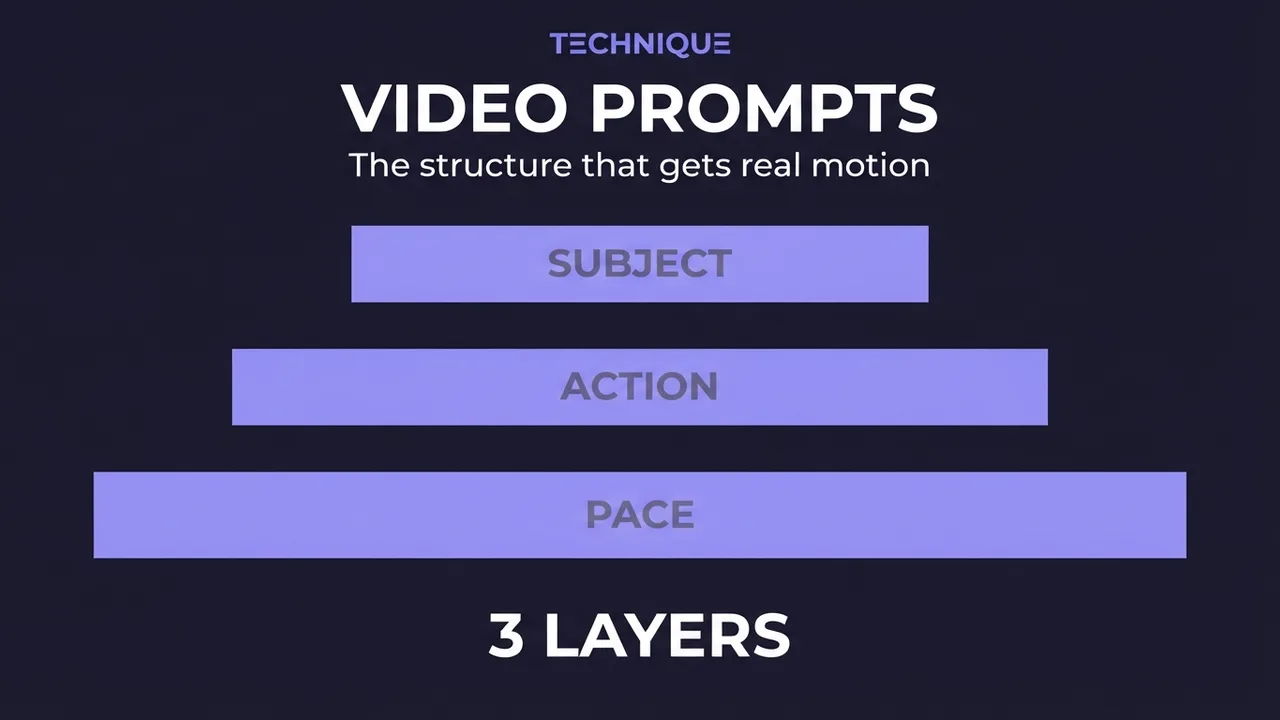
How to write prompts for AI video generation
The prompt structure that works for AI video: why motion prompts are different from image prompts, the present-progressive rule, and the specific phrasing that gets you believable movement instead of a warped photo.
How to fix flickering AI video: 4 causes and fixes
AI video that flickers, shimmers, or morphs between frames has 4 usual causes. Here's how to diagnose and fix each one: source-image noise, too-few steps, over-long clips, and unstable prompts. Step by step.
How to make longer AI videos: 4 methods that work
AI video models cap out at a few seconds. Here are the 4 methods that extend them: chaining clips, last-frame continuation, and keeping motion consistent across every join. Step by step, free.
Get new guides by email
One email when we publish new guides and model breakdowns. No spam, unsubscribe anytime.