
AI generation guides: every step, tested on real runs
Every how-to on GenLovers in one place: generating video and images, writing prompts that hold up, fixing broken output, and what each model really costs once you run it.
How these guides get written
Every guide here starts with us running the model, not reading its documentation. We generate with the real settings, keep the runs that fail, and write down the numbers we saw rather than the ones on the pricing page. When a guide says a render took ninety seconds or cost eleven cents, that is a figure off our own dashboard. Guides get revisited when a model ships a new version or changes its pricing, and each one carries the date it was last checked so you can judge how current it is.
Generating video
How to run MiniMax H3 locally in ComfyUI
Install MiniMax H3 in ComfyUI: the right FP8/INT8 files for your GPU, the license restriction to check first, and all three workflows, step by step.
Read the guide →
How to turn an image into a video with AI
A model-agnostic guide to generating an AI video from an image: what image-to-video does, how to pick a source image that moves well, and how and what to prompt to get good motion.
Read the guide →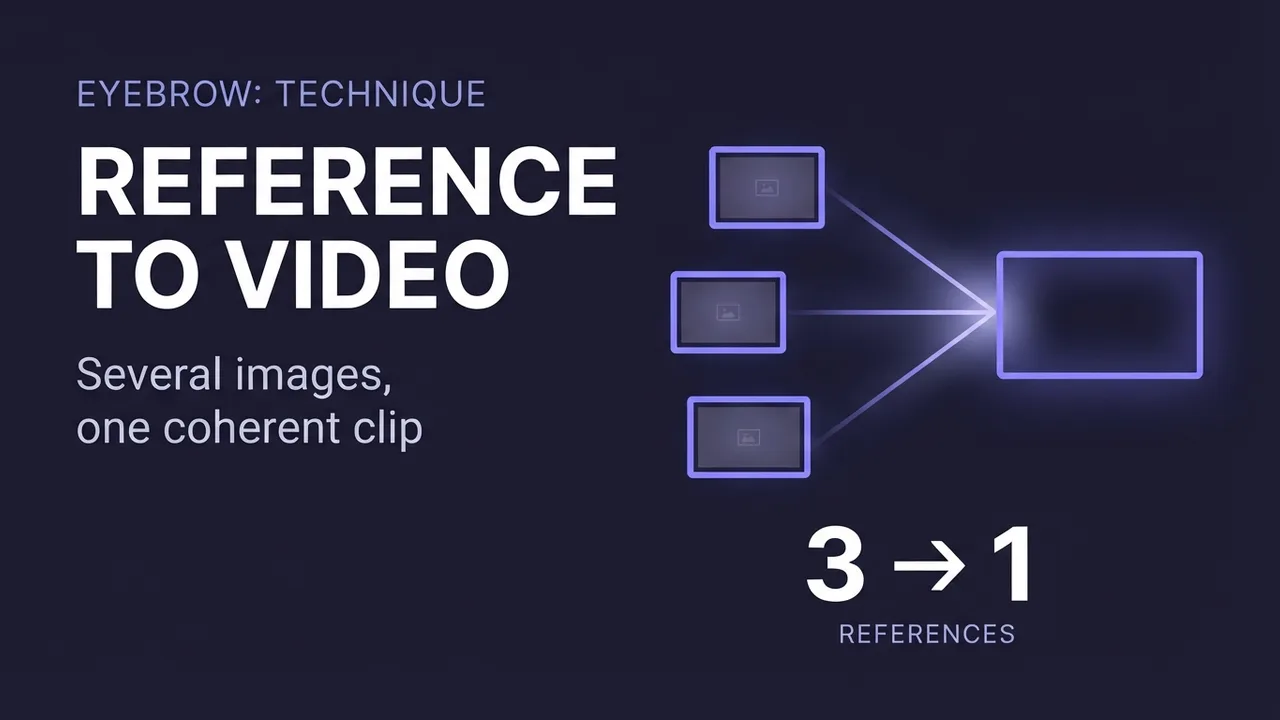
How to use reference-to-video AI (combine images into one clip)
A model-agnostic guide to reference-to-video AI: how to combine several reference images (a person, an outfit, a prop, a location) into one coherent clip, how some engines also take audio and video as references, and the mistakes that decide whether the shot fuses or falls apart.
Read the guide →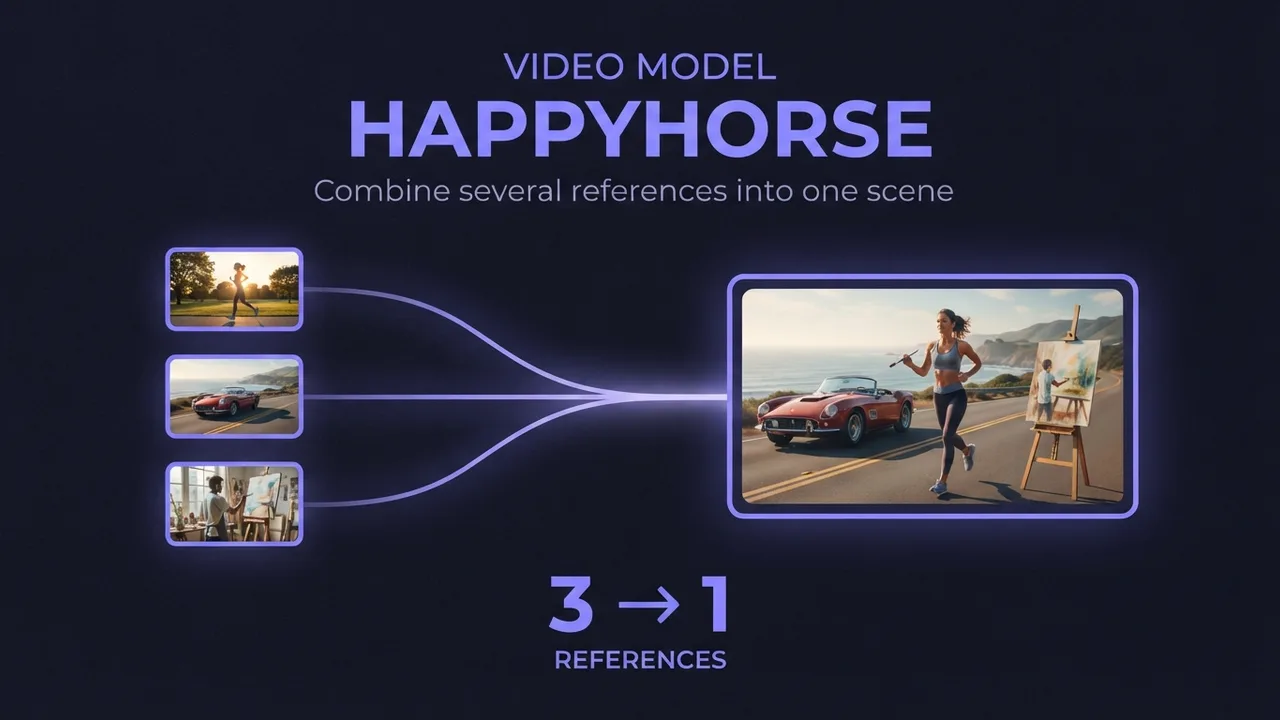
How to use HappyHorse reference-to-video (multi-image AI video)
A practical guide to HappyHorse reference-to-video: how to combine several reference images (a person, an outfit, an accessory) into one AI video scene, how to reference each image in your prompt, and the settings and mistakes that decide whether the shots blend or clash.
Read the guide →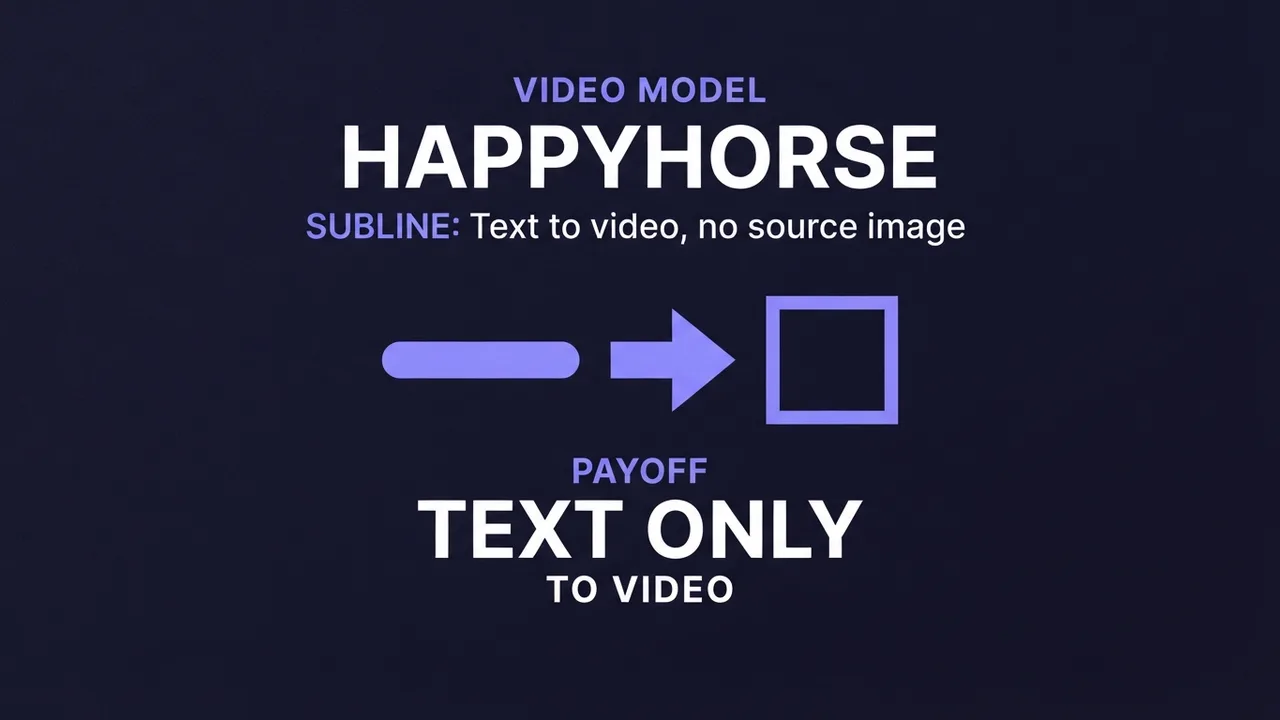
How to use HappyHorse text-to-video (AI video from a prompt)
A practical guide to HappyHorse text-to-video: how to write a prompt that produces physically realistic, motion-smooth video with no source image, the resolution and duration settings that matter, and the mistakes that waste a render.
Read the guide →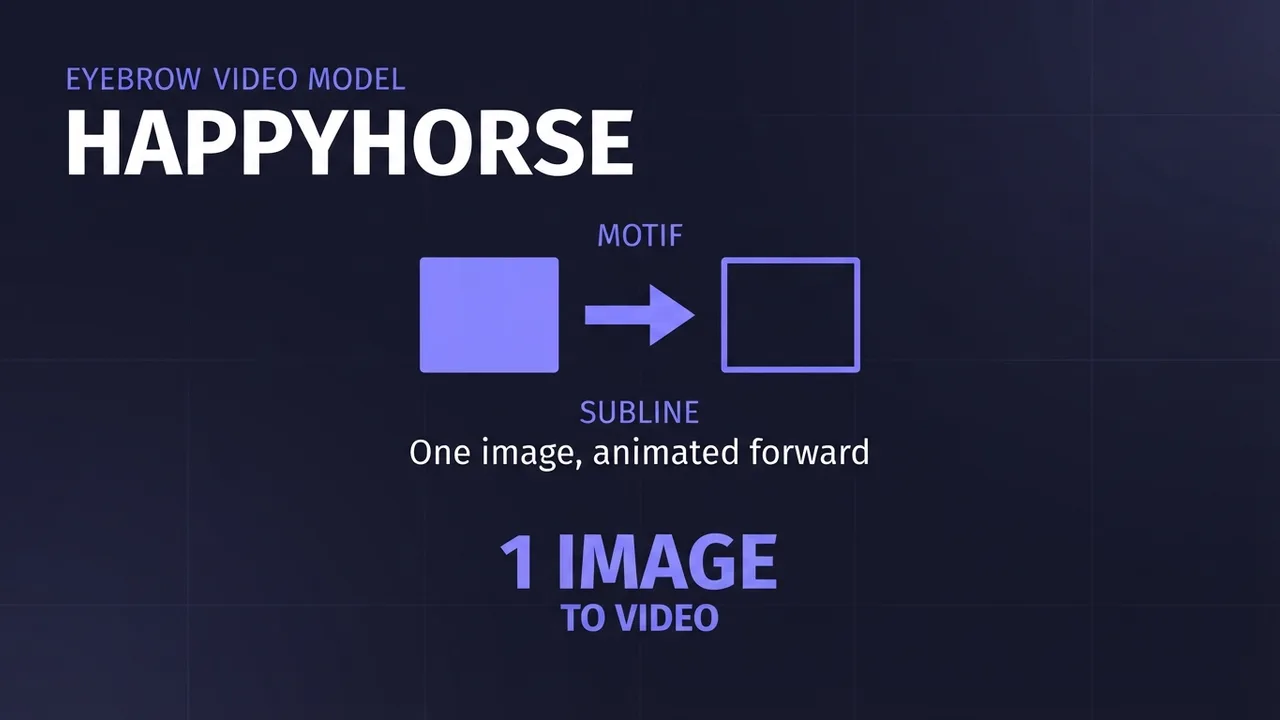
How to use HappyHorse image-to-video (first-frame AI video)
A practical guide to HappyHorse image-to-video: how to turn a single first-frame image and a prompt into smooth AI video, the resolution and duration settings that matter, and the mistakes that waste a render.
Read the guide →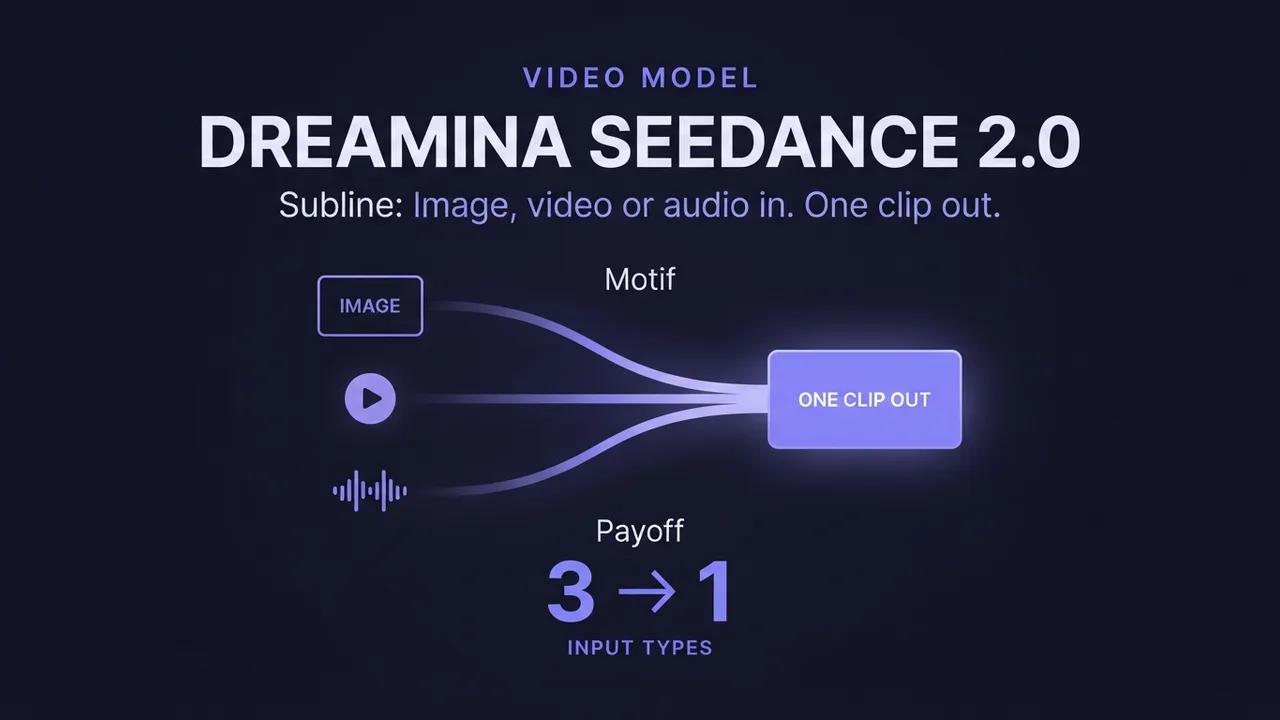
How to use Dreamina Seedance 2.0 (multimodal AI video)
A practical guide to Dreamina Seedance 2.0: how to generate video from image, video, and audio references, edit an existing video, and extend a clip. Plus how the standard, fast, and mini tiers differ so you pick the right one.
Read the guide →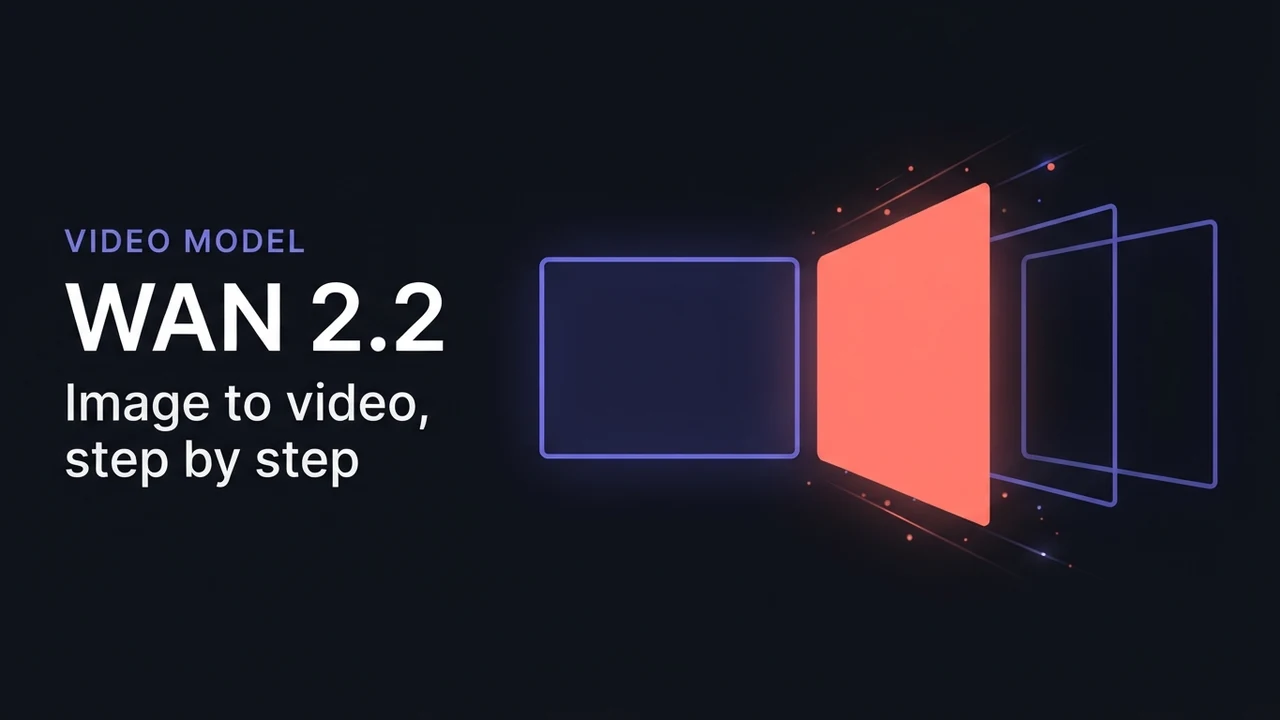
How to generate videos with Wan 2.2 (free, step-by-step)
A tested, step-by-step walkthrough for turning a single image into smooth AI video with Wan 2.2: the exact settings that matter, the prompt structure that works, and the mistakes that waste renders. Free.
Read the guide →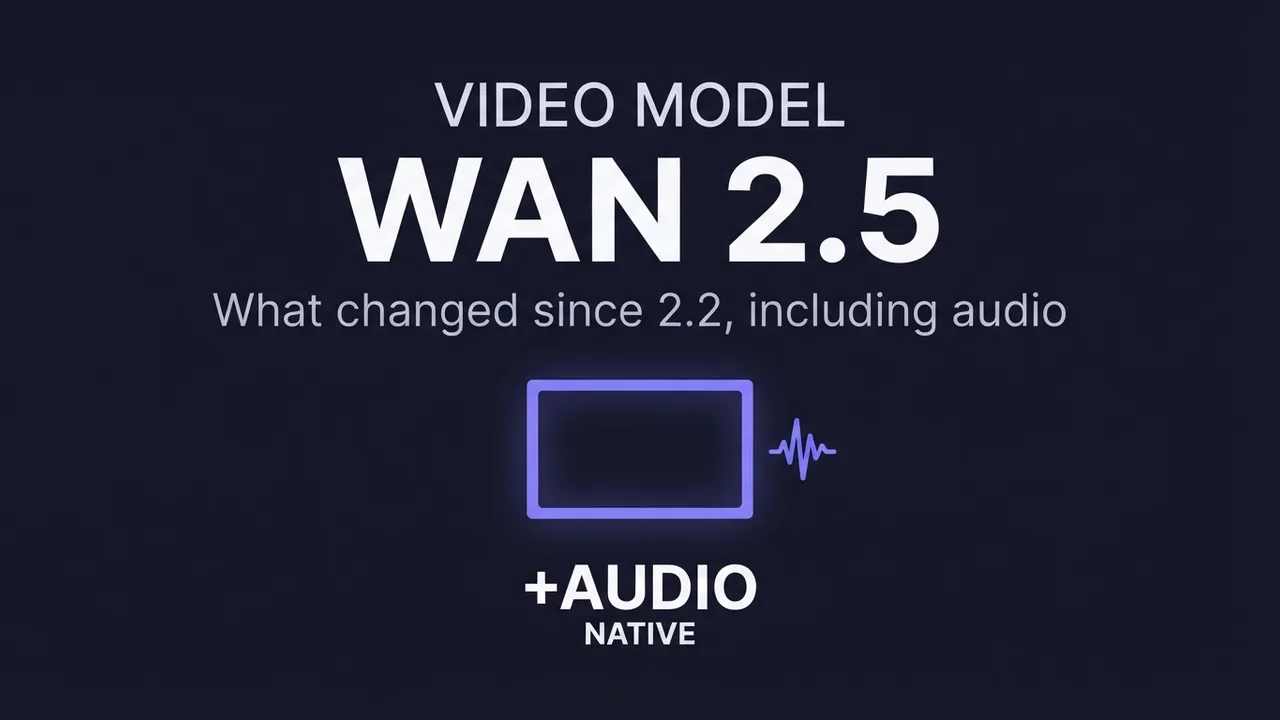
How to generate videos with Wan 2.5
What changed in Wan 2.5 versus 2.2, including native audio, and how to get the most out of it for image-to-video: the new settings worth touching, when the upgrade helps, and when it doesn't.
Read the guide →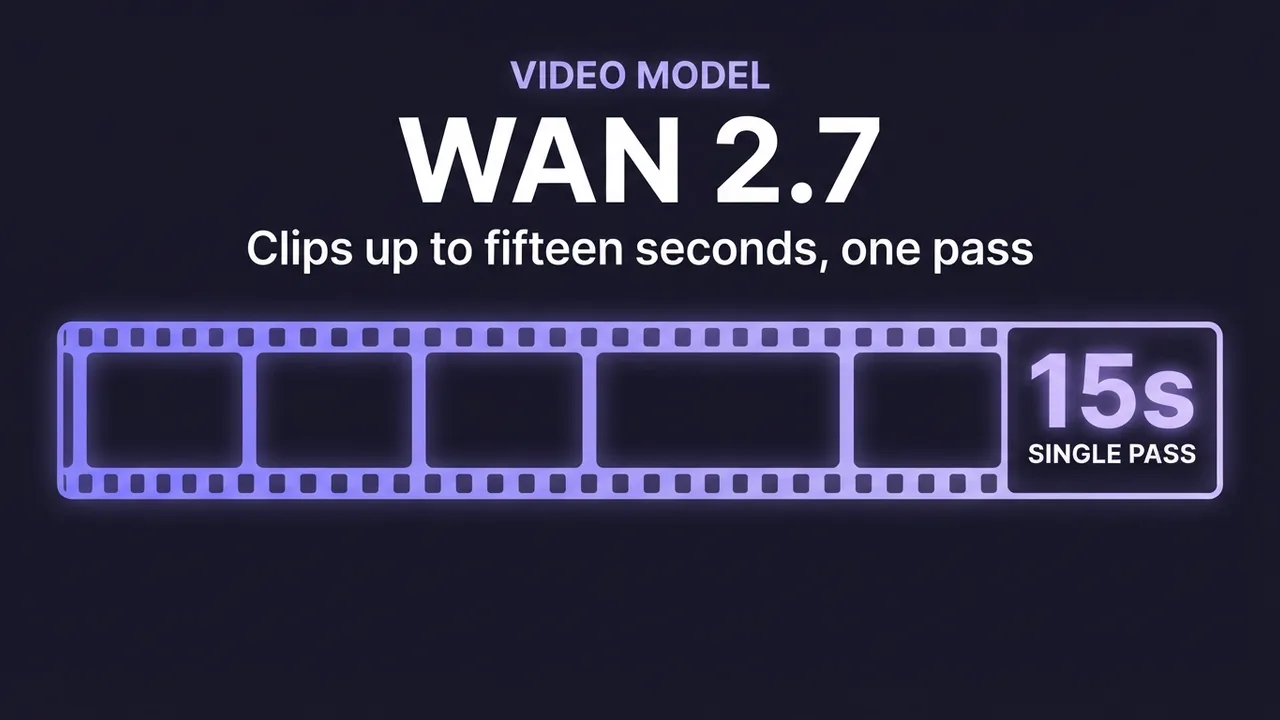
How to generate videos with Wan 2.7
A practical guide to Wan 2.7 image-to-video: clips up to about fifteen seconds, built-in prompt optimization, and refined native audio. What the model adds over 2.5, how to prompt sound, and how to script a longer clip so it holds together.
Read the guide →
Generating images
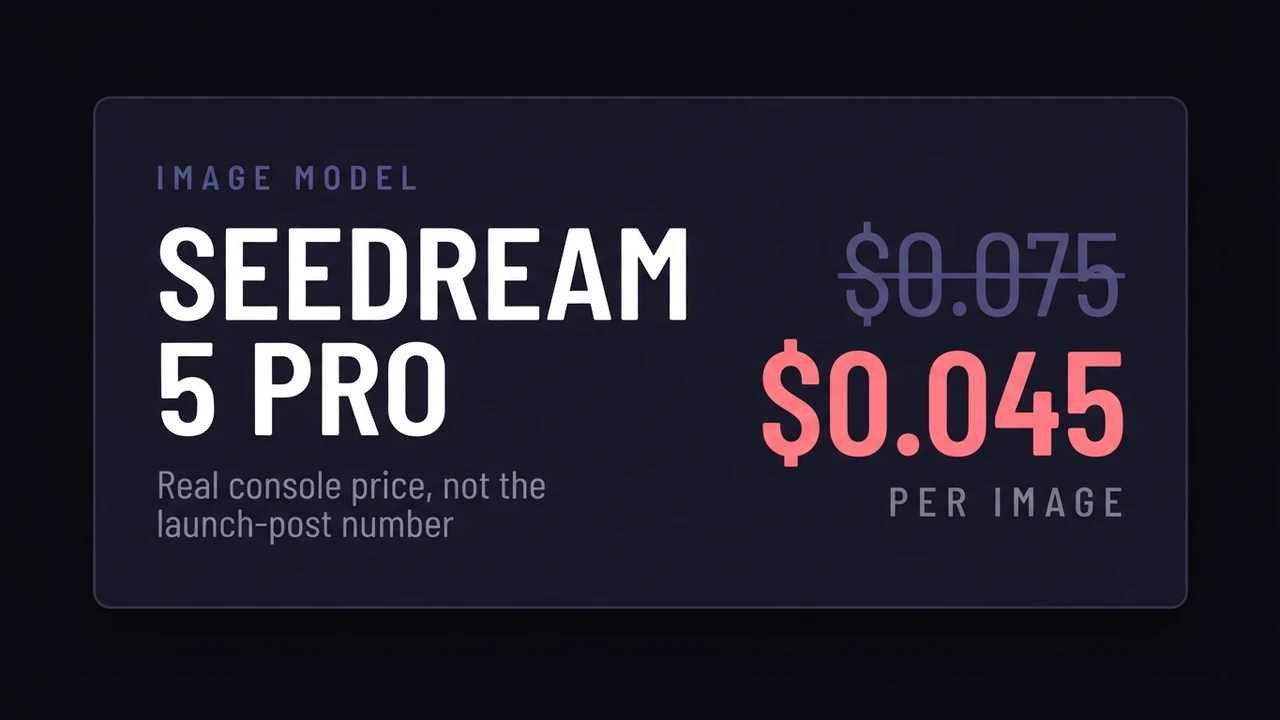
Dola-Seedream-5.0-pro: what it costs and what it does
Seedream 5.0 Pro (model ID dola-seedream-5-0-pro-260628) priced from the BytePlus console rather than the press release: 0.045 USD per image, not the 0.075 quoted everywhere. Covers real costs across providers, layer separation, the reasoning step, and when Lite is the better buy.
Read the guide →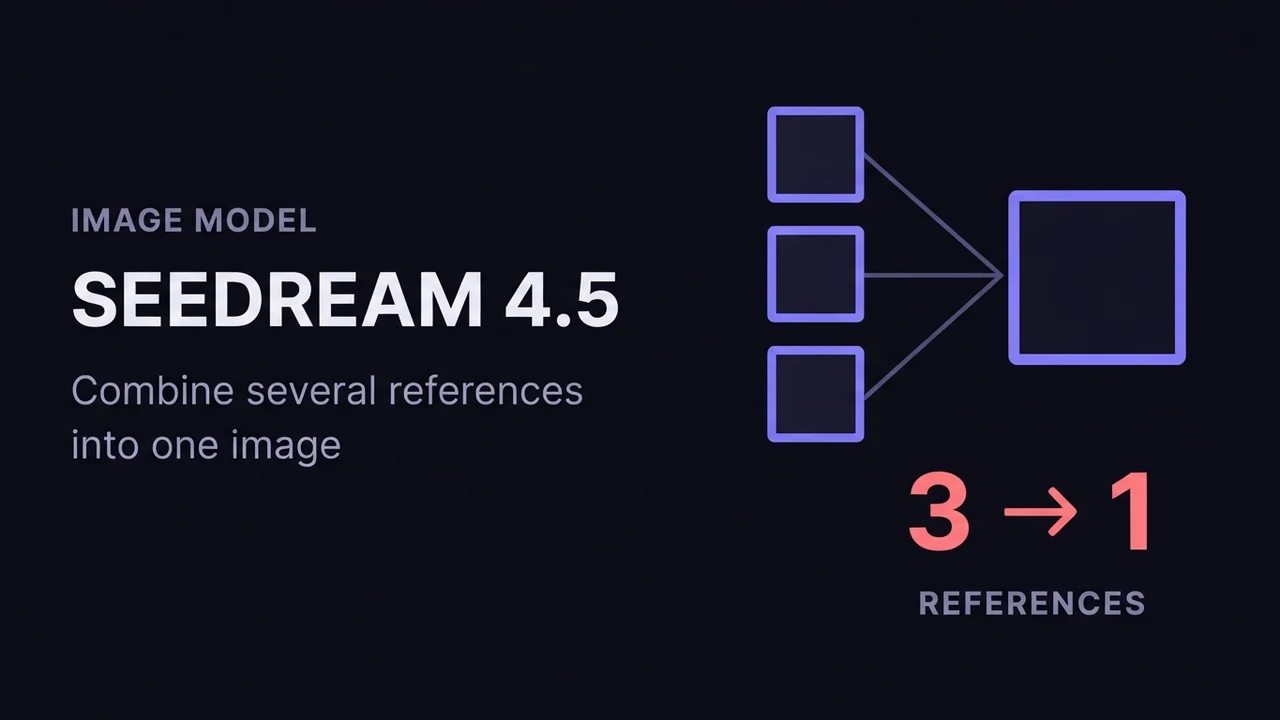
How to use Seedream 4.5 for AI image generation
A practical guide to ByteDance Seedream 4.5: how its text-to-image and image-to-image (multi-image fusion) modes work, how to reference input images in a prompt, the resolution and batch settings that matter, and how to get consistent, high-detail results.
Read the guide →
How to use FLUX.2 [klein] for AI anime-style images
A practical guide to FLUX.2 [klein]: a small, fast model that restyles a photo or photoreal image into anime/manga art. Covers how the image-to-image transform works, how to write a style prompt it responds to, and the mistakes that break the pose or composition.
Read the guide →
How to use Wan 2.7 Image (text-to-image, editing, and image sets)
A practical guide to Wan 2.7 Image: text-to-image up to 4K, prompt-based editing, interactive region edits, multi-image reference, and generating consistent image sets. Settings, prompting, and the mistakes that waste renders.
Read the guide →
How to use Z-Image for AI image generation
A practical guide to Z-Image (z-image-turbo): a fast, lightweight text-to-image model with clean English and Chinese text rendering. Covers the resolutions that work best, how to write a prompt it renders faithfully, and the settings that decide speed versus quality.
Read the guide →
How to use Dola-Seedream-5.0-lite for AI image generation
A practical guide to Dola-Seedream-5.0-lite (model ID seedream-5-0-260128): a text- and image-input model with web-connected retrieval, strong reference consistency, and accurate instruction following. Covers how to prompt it, combine reference images, and pick the right pricing tier.
Read the guide →
Voice and music
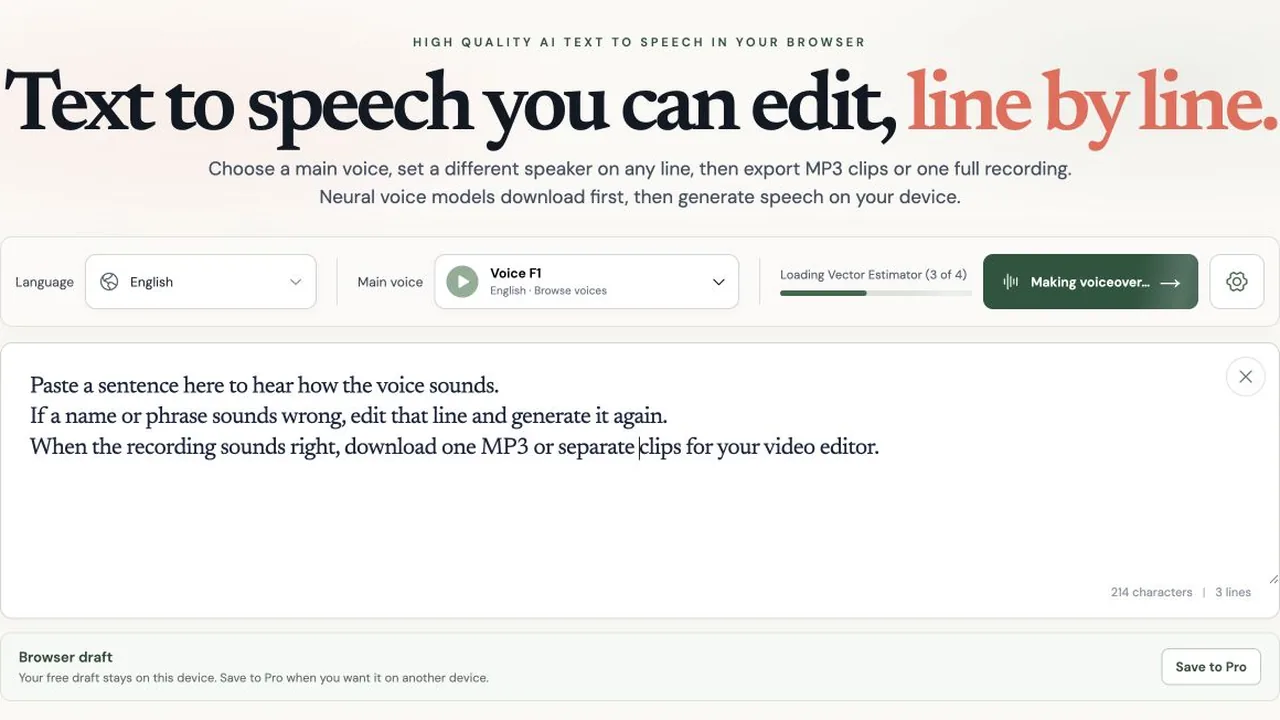
TTS Lines: free AI text to speech with editable lines
Make a voiceover in your browser, revise one sentence, and export separate MP3 clips. See TTS Lines' local technology, limits, and planned Pro pricing.
Read the guide →
How to Set Up AuK: A Local, Uncensored Voice Model
Install AuK, Tencent's open-source 1.5B speech model, on a rented RunPod GPU through its official Gradio web form: zero-shot voice cloning, text-to-speech, and speech editing with no account, no content filter, and no per-second usage fee once it's running.
Read the guide →
How to Set Up YuE2: A Local, Open-Source AI Music Model
Install YuE2, m-a-p's open-source 3B music model, on a rented RunPod GPU through ComfyUI: an editable musical score generated first, then a full song with vocals and accompaniment rendered from it, no account or per-generation fee once it's running.
Read the guide →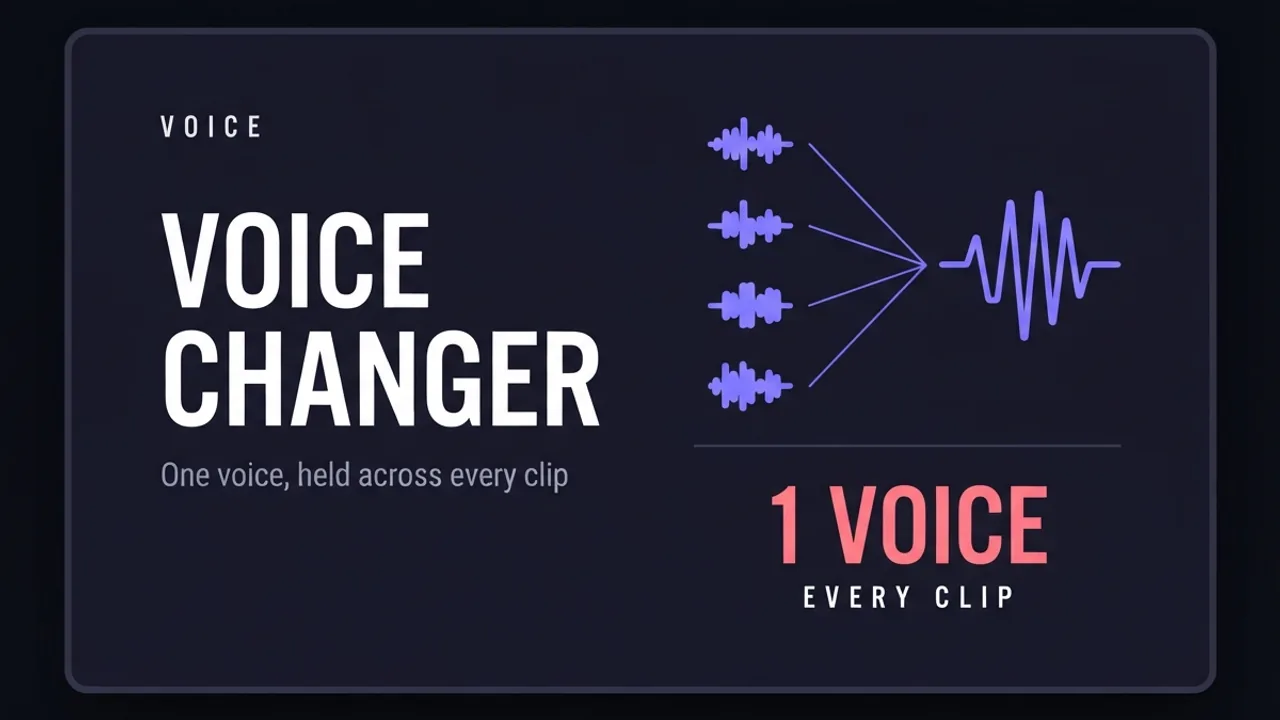
How to use ElevenLabs Voice Changer to keep one voice across a whole video
How to use ElevenLabs' Voice Changer (speech-to-speech) to replace your recorded voice with one consistent voice across a long video assembled from several separate AI generations.
Read the guide →
Prompting and fixing output
How to make longer AI videos: 4 methods that work
AI video models cap out at a few seconds. Here are the 4 methods that extend them: chaining clips, last-frame continuation, and keeping motion consistent across every join. Step by step, free.
Read the guide →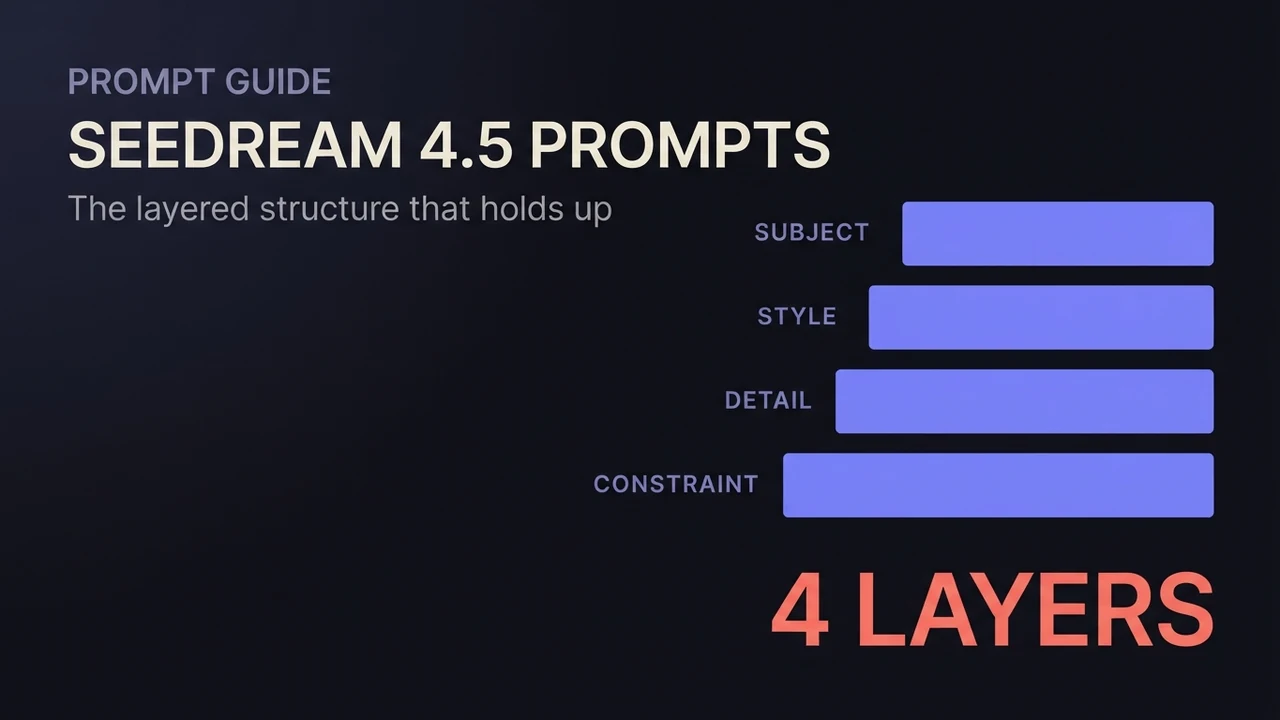
Seedream 4.5 prompt guide: patterns that hold up
A working Seedream 4.5 prompt guide: the layered structure for text-to-image, edit instructions that preserve what matters, multi-image fusion phrasing, exact-text rendering, and copy-ready patterns for each.
Read the guide →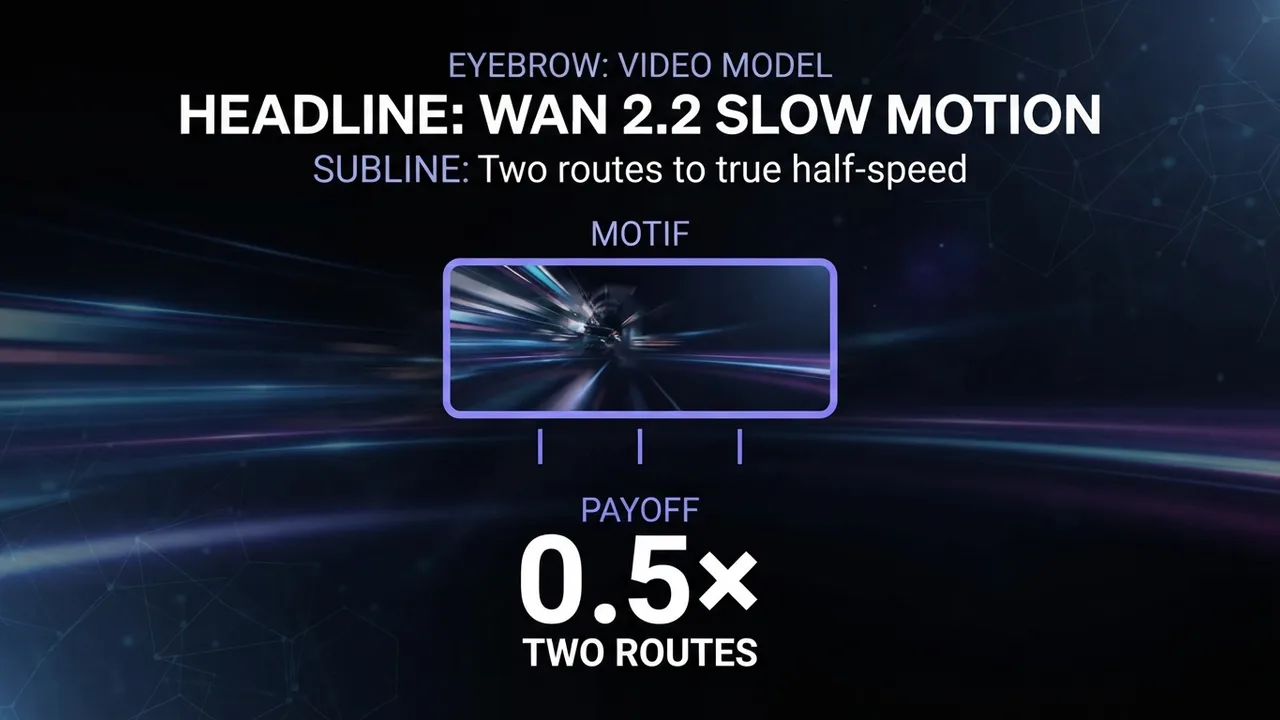
How to get slow motion in Wan 2.2
Two reliable routes to slow motion in Wan 2.2: prompt patterns that produce slow, stable movement in the render itself, and the post-process interpolation route when you need true half-speed smoothness.
Read the guide →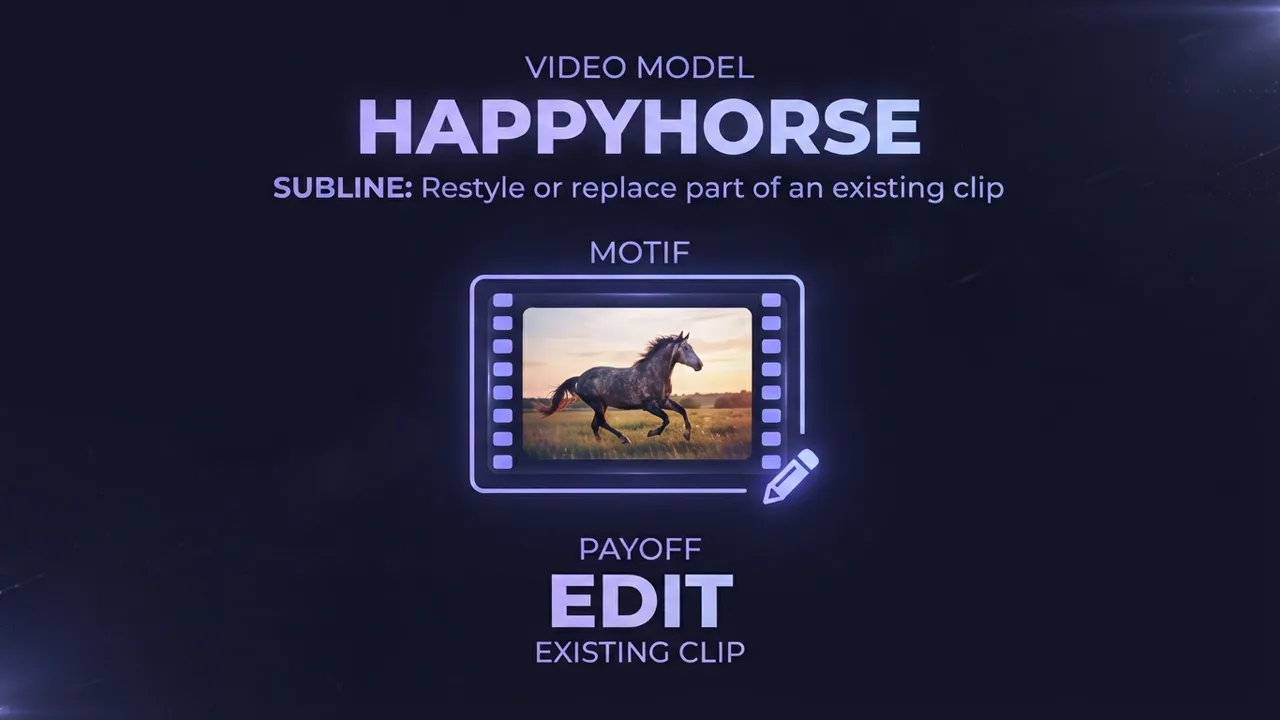
How to edit an existing video with HappyHorse (AI video editing)
A practical guide to HappyHorse video editing: how to restyle or locally replace parts of an existing video using a reference image and a text instruction, the input requirements that decide whether it works, and the settings and mistakes that make or break an edit.
Read the guide →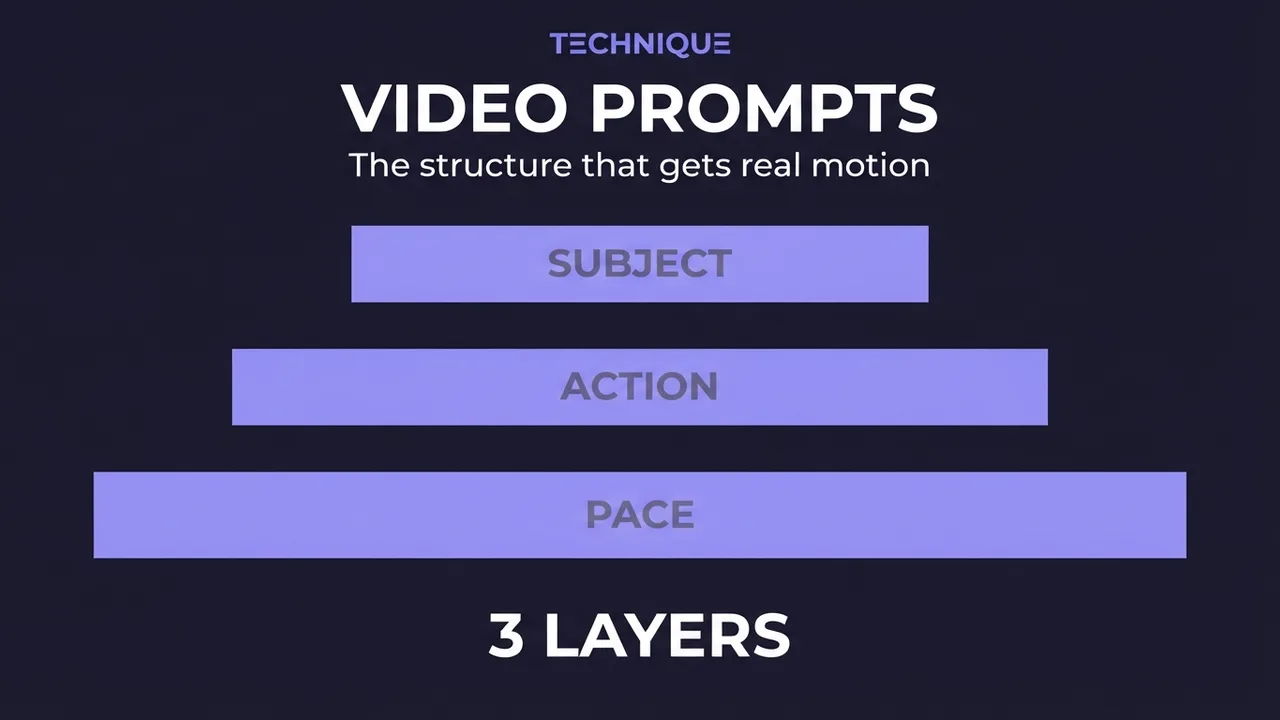
How to write prompts for AI video generation
The prompt structure that works for AI video: why motion prompts are different from image prompts, the present-progressive rule, and the specific phrasing that gets you believable movement instead of a warped photo.
Read the guide →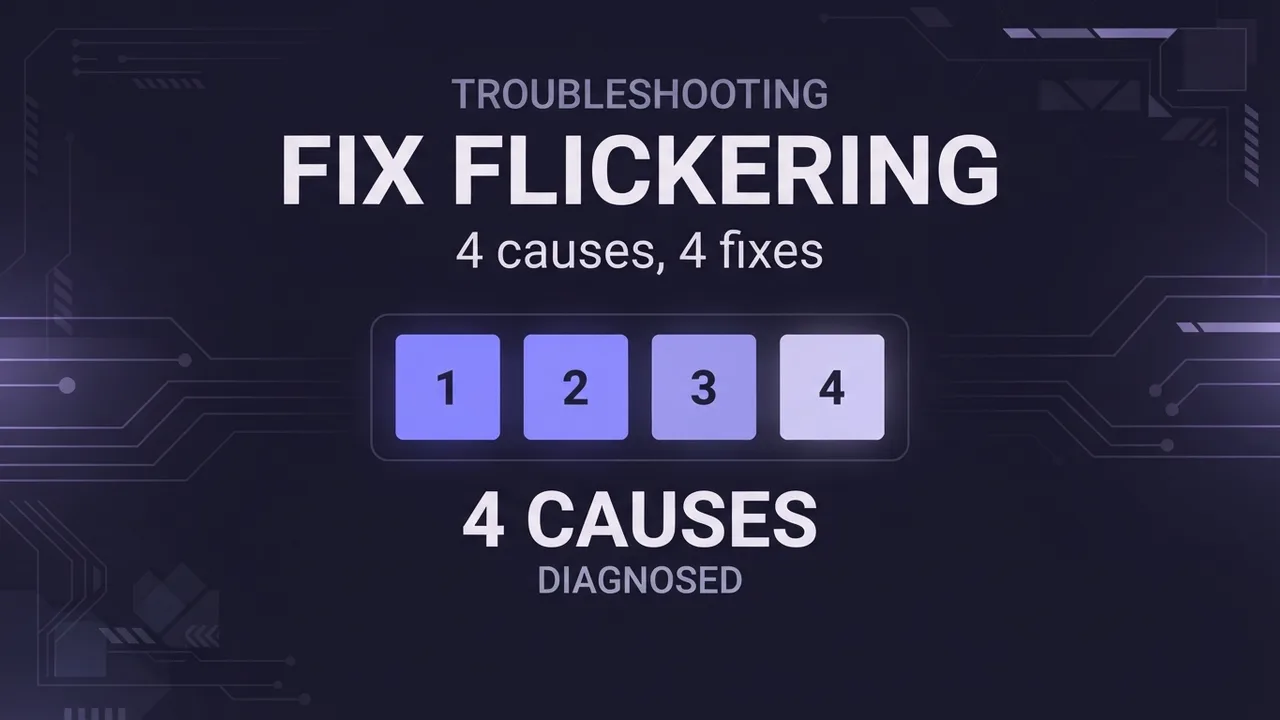
How to fix flickering AI video: 4 causes and fixes
AI video that flickers, shimmers, or morphs between frames has 4 usual causes. Here's how to diagnose and fix each one: source-image noise, too-few steps, over-long clips, and unstable prompts. Step by step.
Read the guide →
What it costs
How much does AI video generation cost?
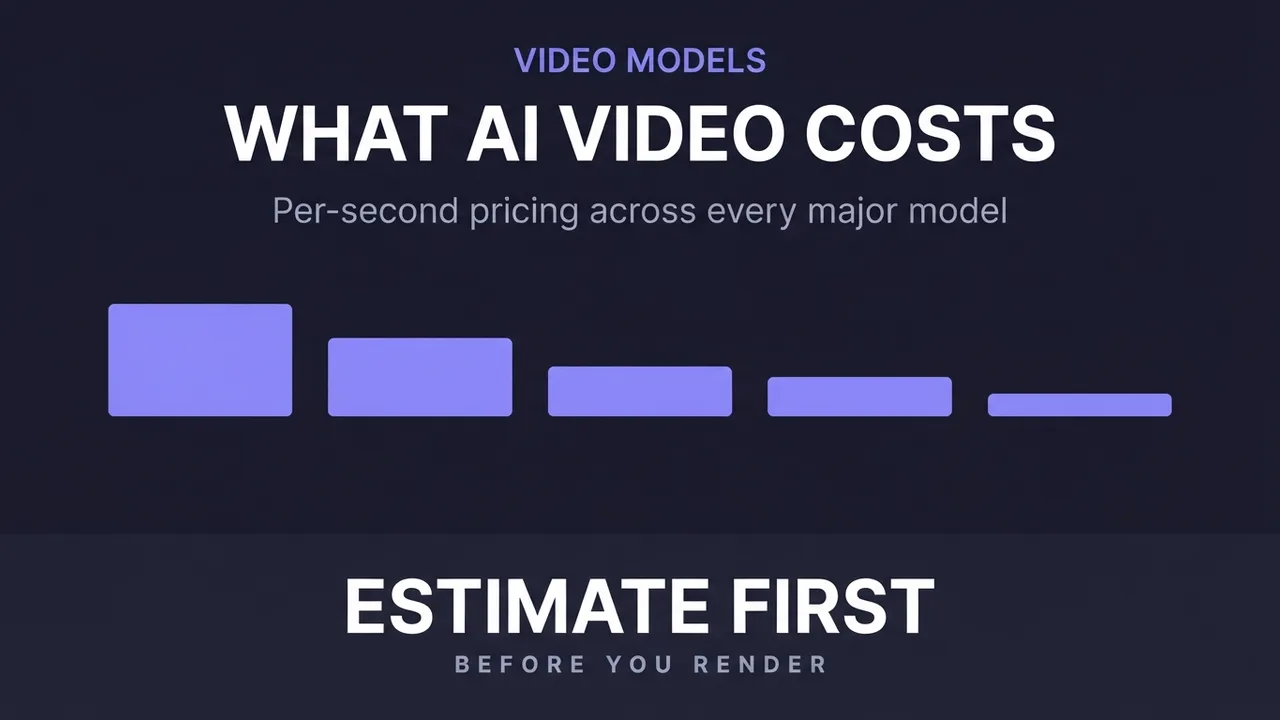
A clear breakdown of what AI video costs: per-second pricing, why resolution and audio change the bill, how to estimate a clip before you generate it, the free local alternative, and where the hidden costs like upscaling hide.
Read the guide →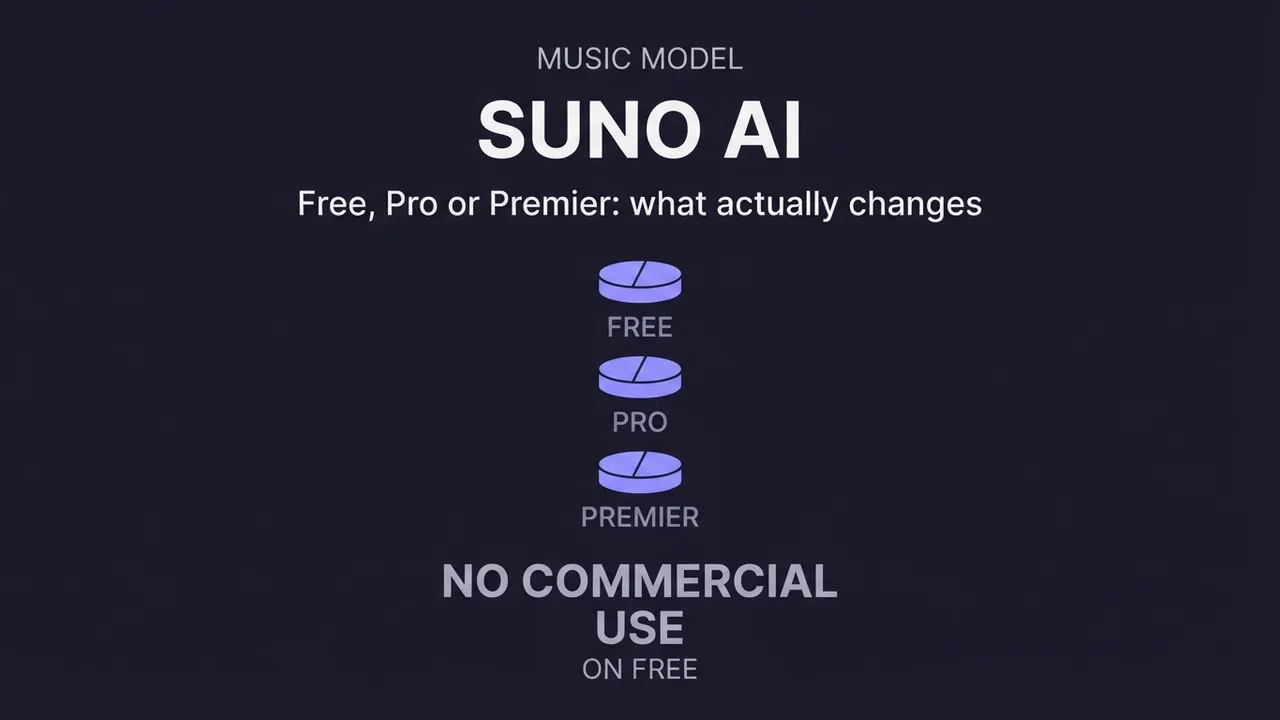
How much does Suno AI cost?
What Suno AI costs: how its credit system works, the real difference between the free, Pro, and Premier tiers, the commercial-use catch on the free plan, what a single song costs, and how to pick the right tier.
Read the guide →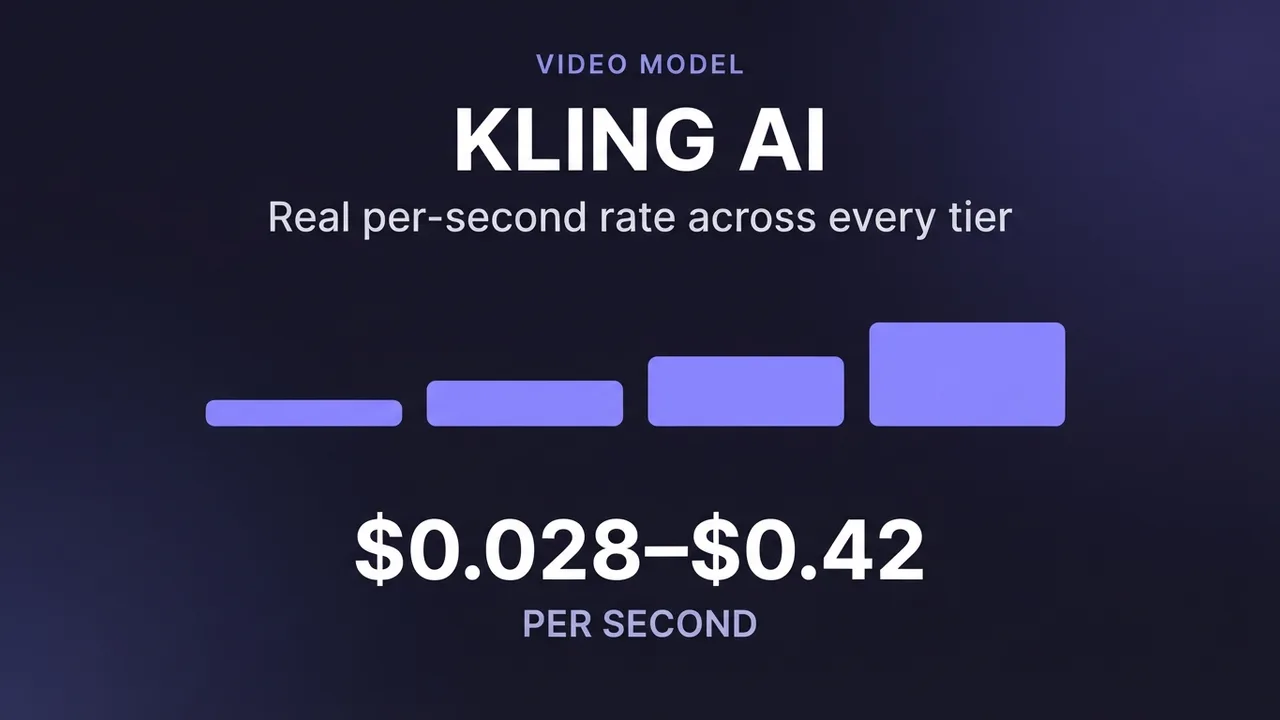
How much does Kling AI cost?
What Kling AI costs: the real per-second API rates from Kling's own pricing across every model (3.0, O1, 2.6, Master, 1.0 and more), how 720p, 1080p and 4K differ, what native audio adds, image pricing, and how to estimate a clip.
Read the guide →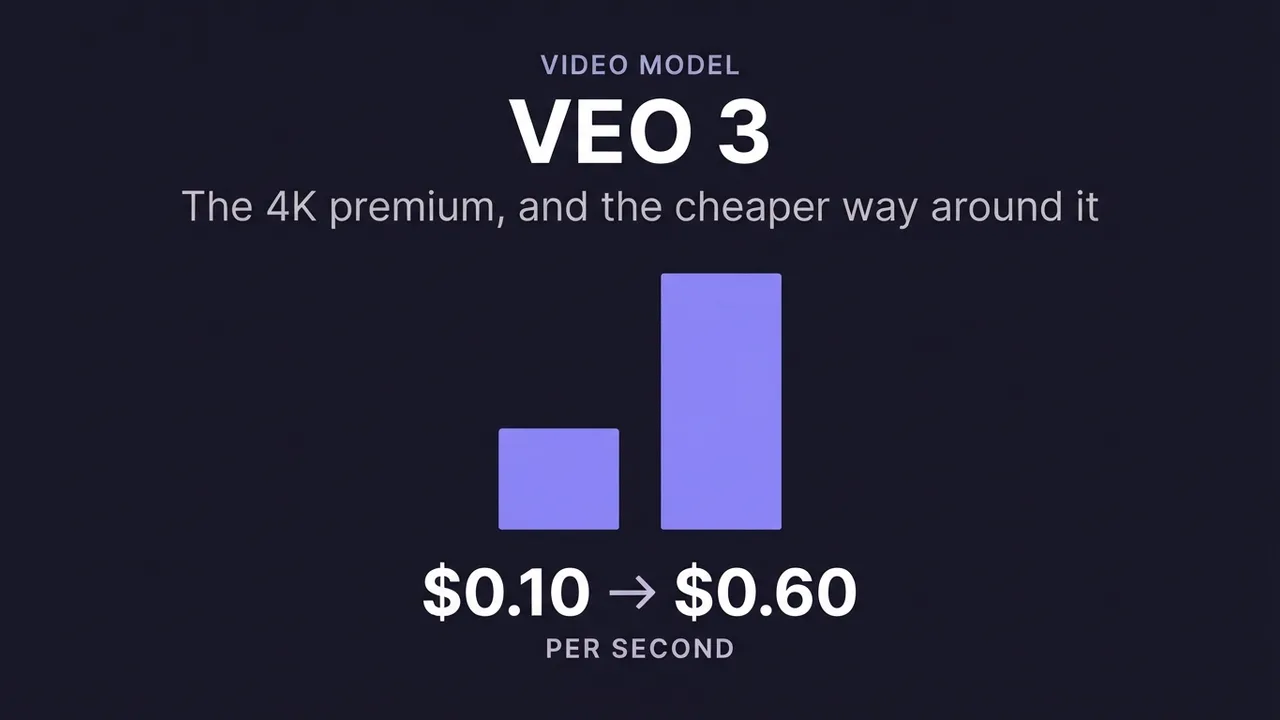
How much does Veo 3 cost?
Google Veo 3 pricing explained with the real per-second API rates: standard vs fast vs lite, what the 4K premium costs, why audio is included in the price, and how the tiers compare for budgeting a clip.
Read the guide →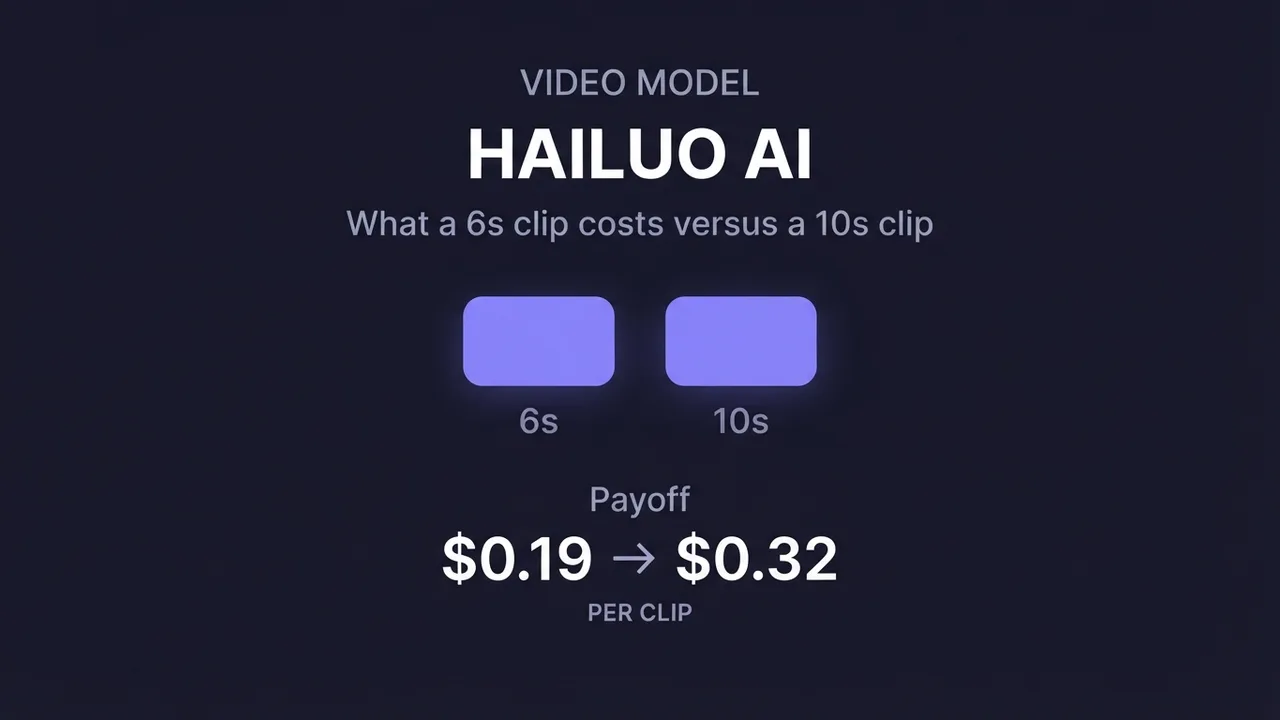
How much does Hailuo AI cost?
Hailuo AI (MiniMax) pricing with the real per-generation API rates: what a 6-second vs 10-second clip costs, how 768p and 1080p differ, the fast vs standard model tiers, and how to budget a batch.
Read the guide →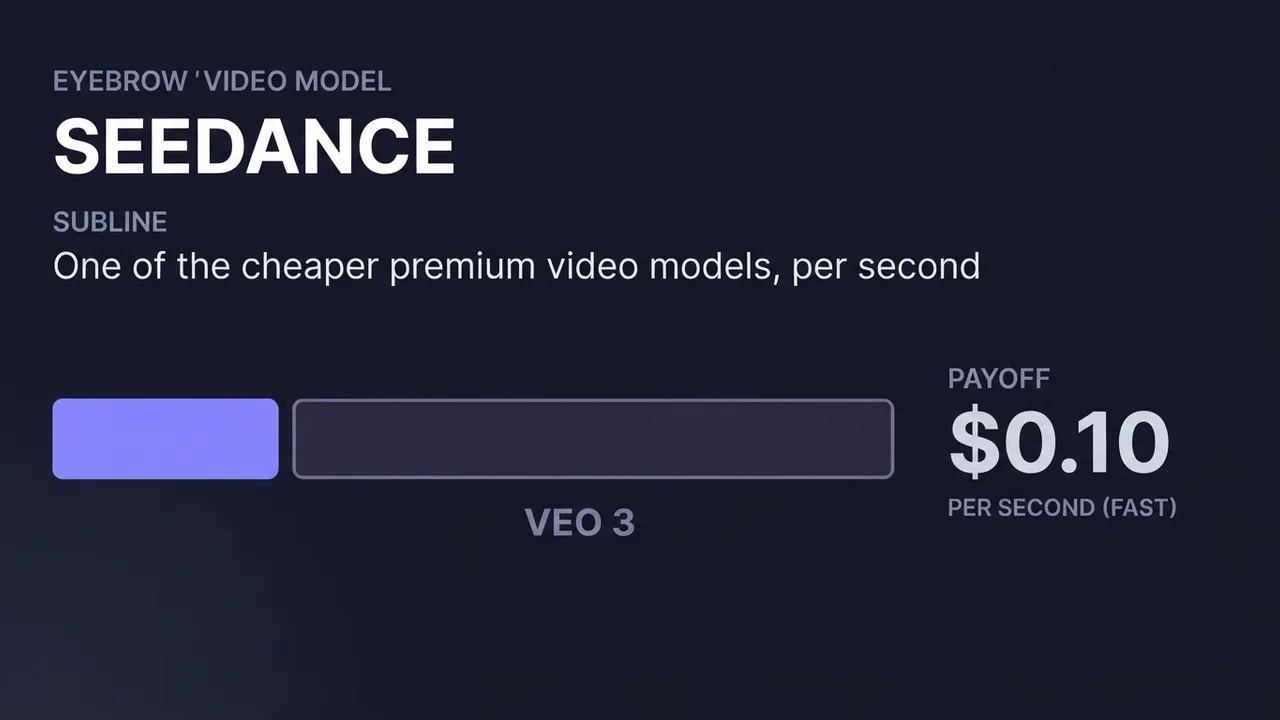
How much does Seedance cost?
Seedance (ByteDance) pricing: the real per-second API rate for the fast tier, how standard, fast and mini differ, why it's one of the cheaper premium video models, and how to estimate a clip.
Read the guide →
More guides
How to Set Up a Free, Uncensored AI Companion Locally (No GPU)
Install Ollama, pull an uncensored abliterated Qwen3.5 4B model, and chat with your own private AI companion, fully offline on CPU only. No GPU, no account, no subscription.
Read the guide →
3D Gaussian Splatting From One Photo: Is It Good?
What 3D Gaussian Splatting is, how good a single-photo result really looks, where it breaks, and what it's useful for versus a flat generated image or a textured 3D mesh.
Read the guide →
How to Set Up Qwen-Image-2.1 in ComfyUI
Install Qwen-Image-2.1, Alibaba's open-weight image model, on a rented RunPod GPU with a single setup script: text-to-image, multi-reference image editing, and background removal, through ComfyUI's official templates or through a plain web interface this guide includes for anyone who'd rather skip the node graph entirely. No account, no content filter, and no per-generation fee once it's running.
Read the guide →
How to Make AI Porn: The Full Pipeline, Idea to Finished Video
The real production method behind a finished AI adult video: script first, repeatable character and scene sheets, then generation, then stitching it all into one clip with one consistent voice.
Read the guide →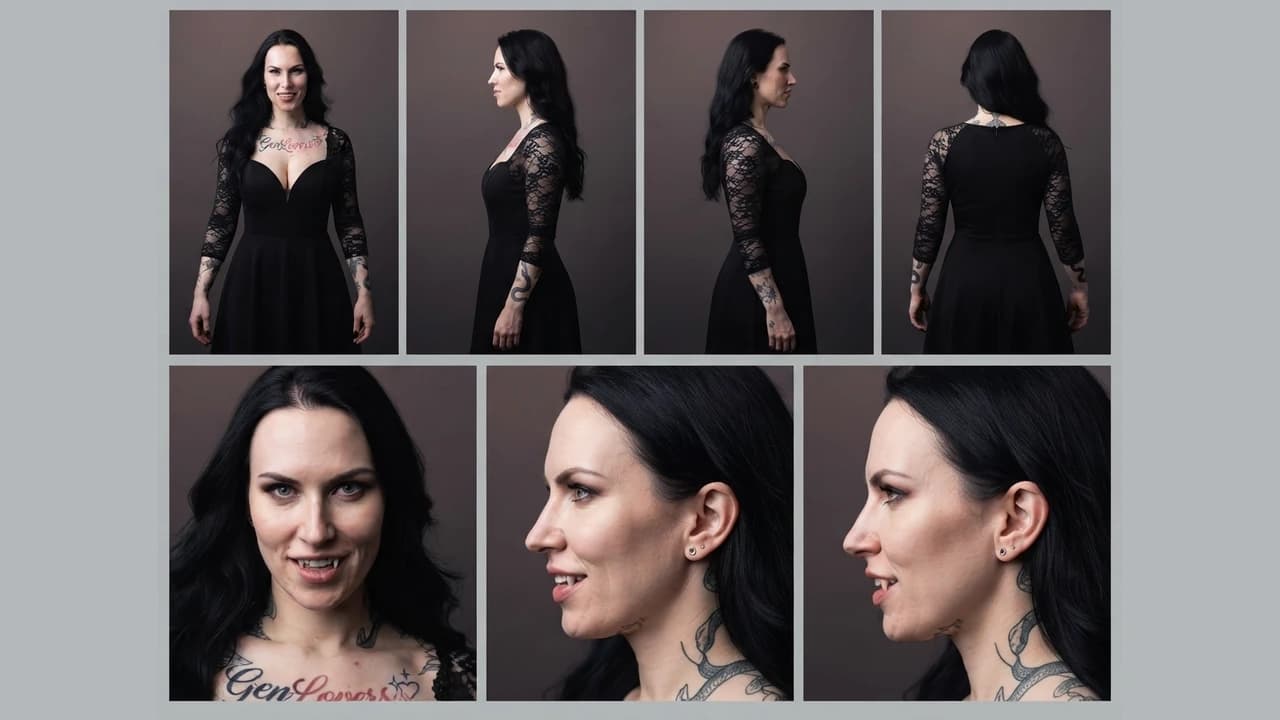
How to build character and scene reference sheets for consistent AI video
How to generate technical turnaround sheets for a character and for a location, then use both as persistent references across image and video generation, so the same character and the same setting hold from shot to shot.
Read the guide →
How to write a script for an AI-generated video
A script format built for AI video generation, not film: every scene planned with its start frame, end frame, duration, dialogue, camera move, and sound, so each clip can be generated on its own and still cut together as one continuous video.
Read the guide →
Which AI APIs allow uncensored roleplay
How refusal behavior differs between hosted AI APIs, why the usual recommendations go stale within weeks, and a repeatable way to test what a model allows before you build on it.
Read the guide →
How to upscale AI video without making it worse
Upscaling AI video is not the same as upscaling photos: temporal artifacts get amplified. What to fix before you upscale, which approaches suit which footage, and where sharpening finds its limits.
Read the guide →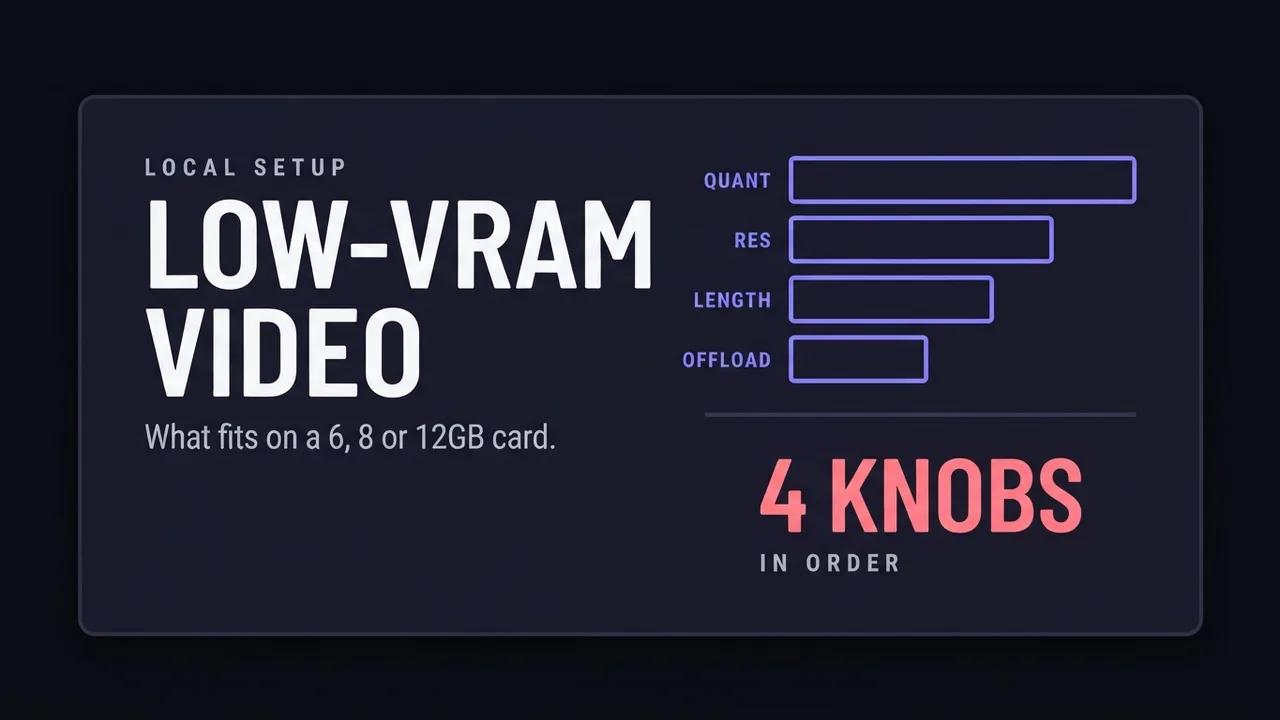
AI video generation on a low-VRAM GPU
What decides whether an AI video model fits on a 6, 8, or 12GB card: quantization, resolution, clip length, and offloading.
Read the guide →
How to Set Up a Local NSFW Image Model: Full Tutorial
Install an adult image-generation workflow on a rented cloud GPU: RunPod, ComfyUI, a real workflow file, and every step in between, screenshot by screenshot.
Read the guide →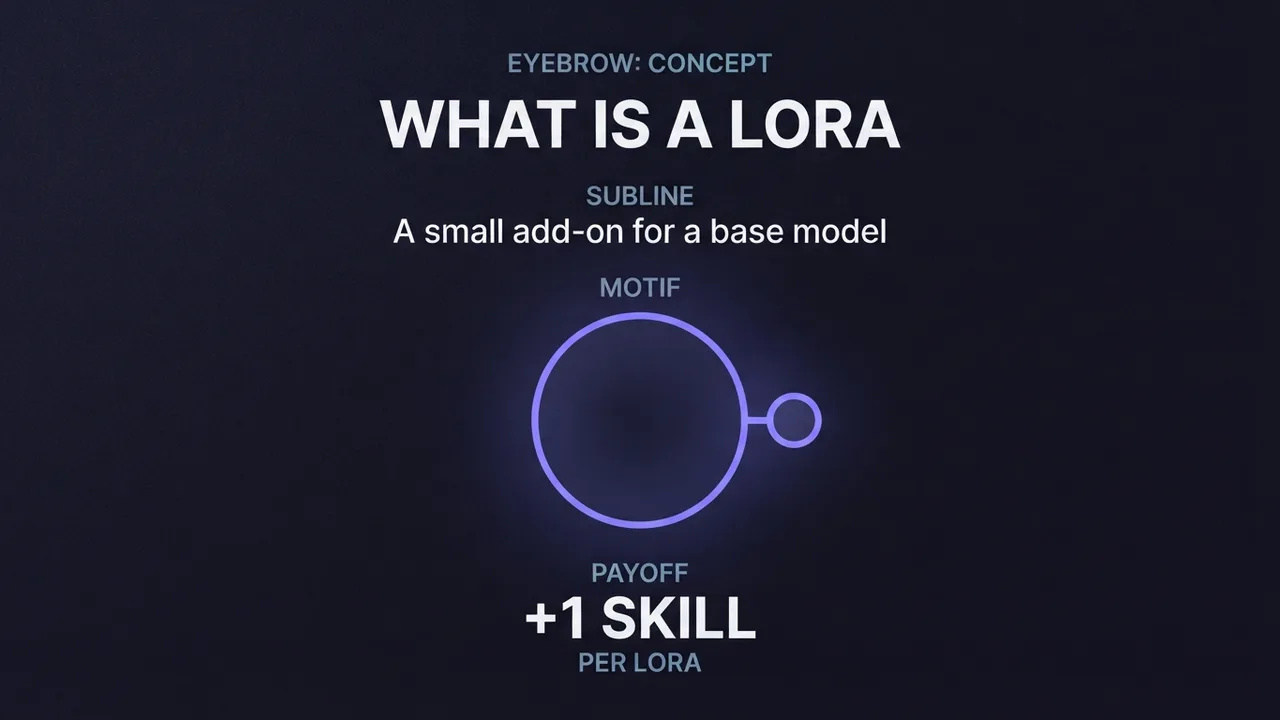
What is a LoRA and when do you need one
A plain-language explanation of LoRAs for AI image generation: what they add to a base model, why they only work on open-weight models, and what weight to load one at.
Read the guide →
Frequently asked questions
- Where should I start if I have never generated AI video?
- Start with turning an image into a video. It is the shortest path to a result you can judge, because you supply the first frame and only have to get the motion right. Once that clicks, move to text-to-video, where the model decides both the look and the movement and there is more to go wrong.
- Do I need a paid account to follow these guides?
- Not for most of them. Where a guide needs a paid tier we say so at the top, and we note the cheapest route to the same result. Several models covered here run free on your own GPU, and our free-generator roundups cover the no-cost options.
- Why do your cost figures differ from the pricing page?
- Advertised pricing is usually the best case: lowest resolution, shortest clip, no audio, annual billing. We record what a realistic job costs, including the retries you need when the first generation comes back unusable. That number is almost always higher than the headline.
- How often are these guides updated?
- Whenever the underlying model changes in a way that would change the instructions, and whenever our own re-testing turns up something different. Every guide shows its last-updated date.
Get new guides by email
One email when we publish new guides and model breakdowns. No spam, unsubscribe anytime.