
How to use reference-to-video AI (combine images into one clip)
Written by Clement
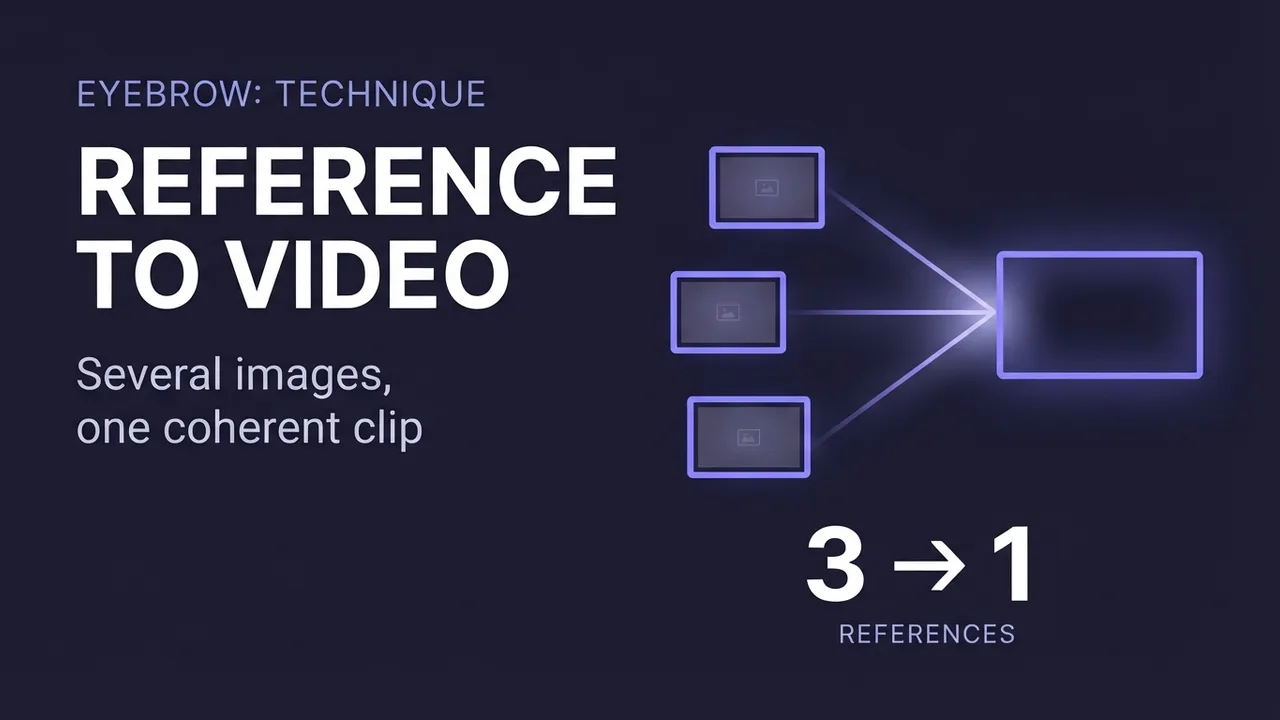
Most AI video tools take one image and animate it. Reference-to-video (R2V) does something different: you give it several reference images, say, a person, an object they're holding, and an outfit they're wearing, plus a prompt, and it generates a clip that combines all of them into a single coherent scene. It's the tool to reach for when the shot you want doesn't exist as one photo, because the subject, the prop, and the outfit are three different pictures.
This guide is deliberately tool-agnostic: HappyHorse, Seedance 2.0, Kling's multi-image mode, and Vidu all do some version of this, and the exact tag syntax differs between them, but the underlying discipline (numbering references, pointing each one to a job, never re-describing what a reference already shows) is the same everywhere.
The panel above is an illustration of the workflow, not a live tool.
Want to make one? Grab the free prompt file. It turns ChatGPT, Claude, or Gemini into a specialist for this.
Get the free prompt file →What reference-to-video is for
Image-to-video animates one picture. Text-to-video invents a scene from nothing. Reference-to-video composes several source images into one. If you want a specific person wearing a specific outfit and holding a specific object, and no single photo has all three, R2V is built for exactly that: it treats each reference image as one ingredient and assembles them into a scene your prompt describes.
The trade-off is control at the cost of setup. You need clean, single-subject reference images and a prompt that correctly numbers and points to each one. Get the numbering wrong and the wrong element lands in the wrong place, a jacket on the wrong person, a face in the wrong body.
Not just images: audio and video references too
On the more capable engines (Seedance 2.0 is the clearest example), a "reference" isn't limited to a still image. You can feed in a video reference and recast its action or camera move onto a different subject, or hand it an existing clip and use reference-to-video as an editing tool: swap out a character for one of your reference images, or restyle the clip, while the rest of the footage stays untouched. That reframes R2V as a video editor as much as a video generator.
Audio references work the same way: on models that accept one, you can point an audio file at an image and use it to drive the animation, the classic case being a voice track that animates a still portrait's mouth and expression. It's a different entry point from writing motion in words: the sound itself supplies the timing.
Step-by-step
The flow has one extra step compared to image-to-video: pointing each reference to its job before you write the action.
- 1
Gather clean, single-subject references
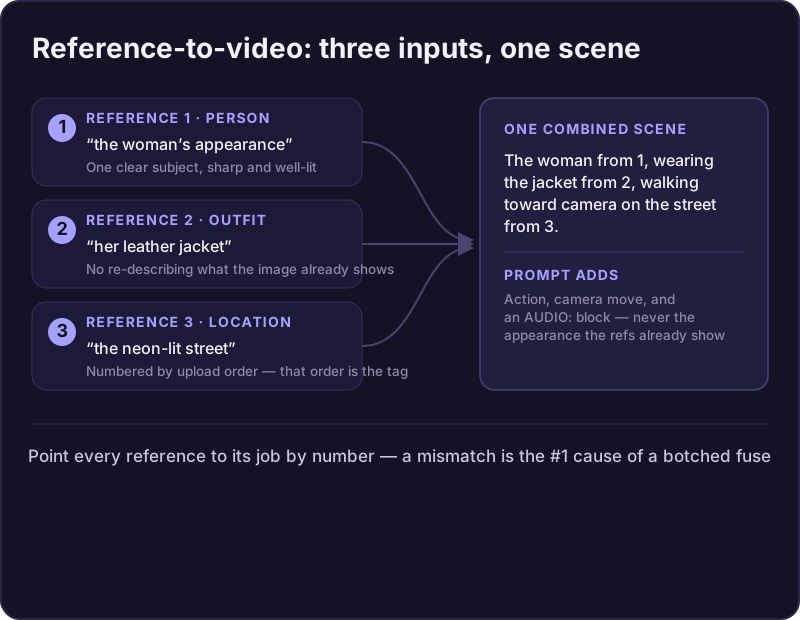
One clear subject per image: sharp, well-lit, minimal occlusion. A common, reliable split is three kinds of reference: the character(s), the object(s) they interact with, and the background, so the prompt just has to describe how the character uses the object in that setting.
- 2
Decide the upload order and write it down
Whatever order you upload the images in becomes the numbering you reference in the prompt, first image uploaded is reference 1, and so on. Lock this order before you write a word of prompt.
- 3
Open the prompt with a reference line
Point every image to its role by number, up front: "Use reference 1 for the woman's appearance, reference 2 for her jacket, and reference 3 for the street." Exact tag syntax varies by tool (bracketed numbers, @-mentions, named tokens), but the number-to-upload-order mapping is universal.
- 4
Describe only what happens, not what things look like
If the subject and outfit are already in your references, don't re-describe their appearance, that fights the references and drifts identity. Spend your words on action, environment, and camera instead.
- 5
Put audio, if any, in its own block at the end
On models with native audio, quoted dialogue usually triggers lip-sync. Layer foreground dialogue, mid-ground foley, and background ambience, matched to what's visibly happening.
The levers that matter (labels vary by model)
Every current R2V tool exposes some version of these five settings.
- References
- 1 to 9 images depending on the model; some engines also accept video and audio references, not just stills
- Reference tagging
- Number by upload order; exact syntax (brackets, @-mentions, named tokens) is model-specific
- Resolution
- 720p for iteration, 1080p for finals, on models that offer both
- Duration
- 3-15 seconds; a single beat wants ~5s, a multi-shot sequence wants the longer end
- Seed
- Fixed while tuning so you compare like-for-like; randomize to explore variations
Get new prompt files and guides first
One email when a new tested prompt file or model guide goes live. Prompts that survived production, not theory. No spam, unsubscribe anytime.
Physicalize emotion, don't describe it
Most reference-to-video models don't understand abstract feelings; they render body language. Writing "she feels nervous" gives the model nothing concrete to animate. Writing "she is glancing away and biting her lower lip" gives it an actual physical action to render.
This holds for every emotion in the prompt: translate the feeling into a micro-movement or body cue before you write it down. It's the difference between a shot that reads as flat and one that reads as alive.
Common problems and fixes
Wrong element in the wrong place: your reference number doesn't match the actual upload order. Recheck the mapping.
Identity or outfit drifts partway through the clip: add a second angle of that subject as another reference and name explicitly what to preserve ("preserve the jacket exactly from reference 2").
Style doesn't match the references: spell out the style, palette, and lighting explicitly in the prompt, and repeat the style block on every scene if it's a multi-shot sequence.
Motion feels weak or the shot looks static: add an explicit action verb and a named camera move, the same fix as any video prompt.
Multi-shot sequences
For anything with more than one beat, don't cram it into a single sentence. Open with a reference setup line and a global style block, then break the rest into shots with timecodes: "SHOT 1 (0:00-0:05): [camera]. [action]. SHOT 2 (0:06-0:10): [camera]. [action]." Keep each shot to one clear action, and repeat the style block if the scene changes so the look doesn't drift across cuts.
Some of the more advanced engines take this further and let you script a full scene as structured, near-JSON shot data instead of plain prose, camera moves and cuts defined field by field rather than described in a sentence. It's the same discipline as the timecode format above, just in a stricter shape, and it's worth checking whether your specific tool offers it before you hand-write a long multi-shot prompt.
Where reference-to-video fits vs. image-to-video and text-to-video
If one photo already shows everything you want animated, plain image-to-video is simpler and has one less thing to get wrong. Reach for reference-to-video specifically when the shot you're after is assembled from parts, a person from one photo, an item from another, and no single image contains the whole scene.
The techniques also chain: use reference-to-video to generate a combined starting frame or short clip, then treat its output as the source image for further image-to-video animation, or as one more reference in a later R2V pass.
Keep reading
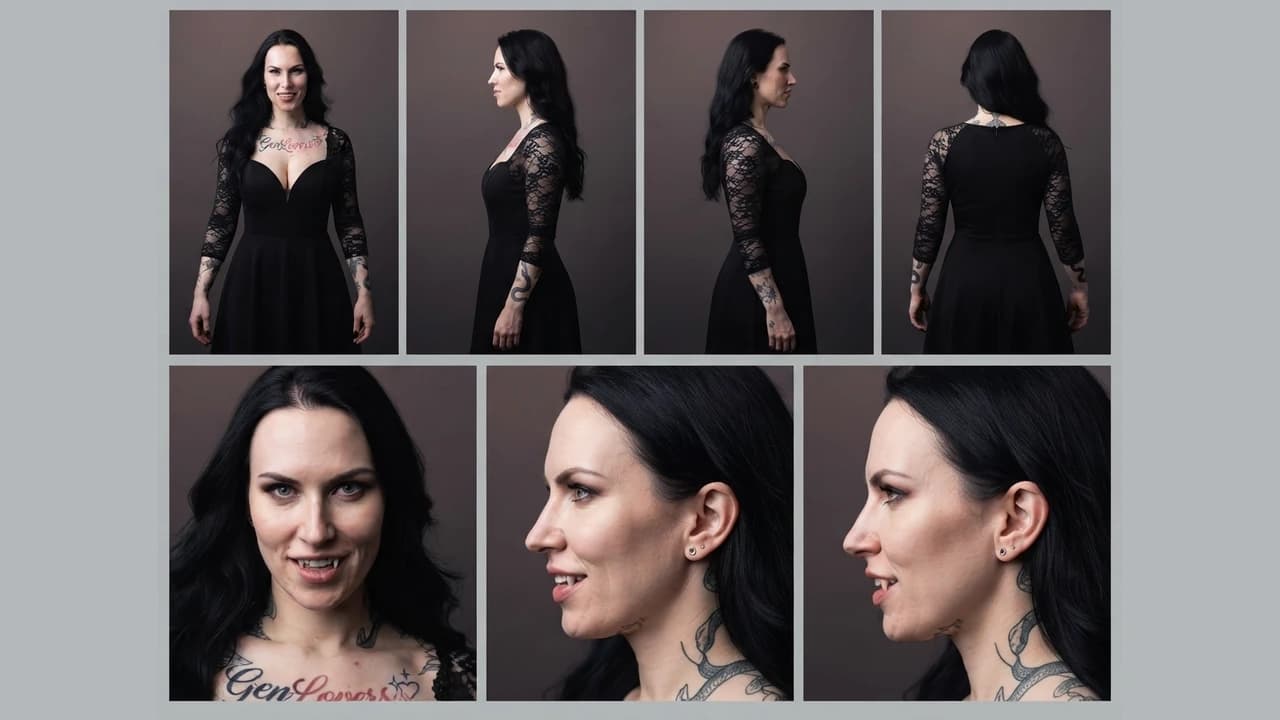
How to build character and scene reference sheets for consistent AI video
How to generate technical turnaround sheets for a character and for a location, then use both as persistent references across image and video generation, so the same character and the same setting hold from shot to shot.
How to turn an image into a video with AI
A model-agnostic guide to generating an AI video from an image: what image-to-video does, how to pick a source image that moves well, and how and what to prompt to get good motion.
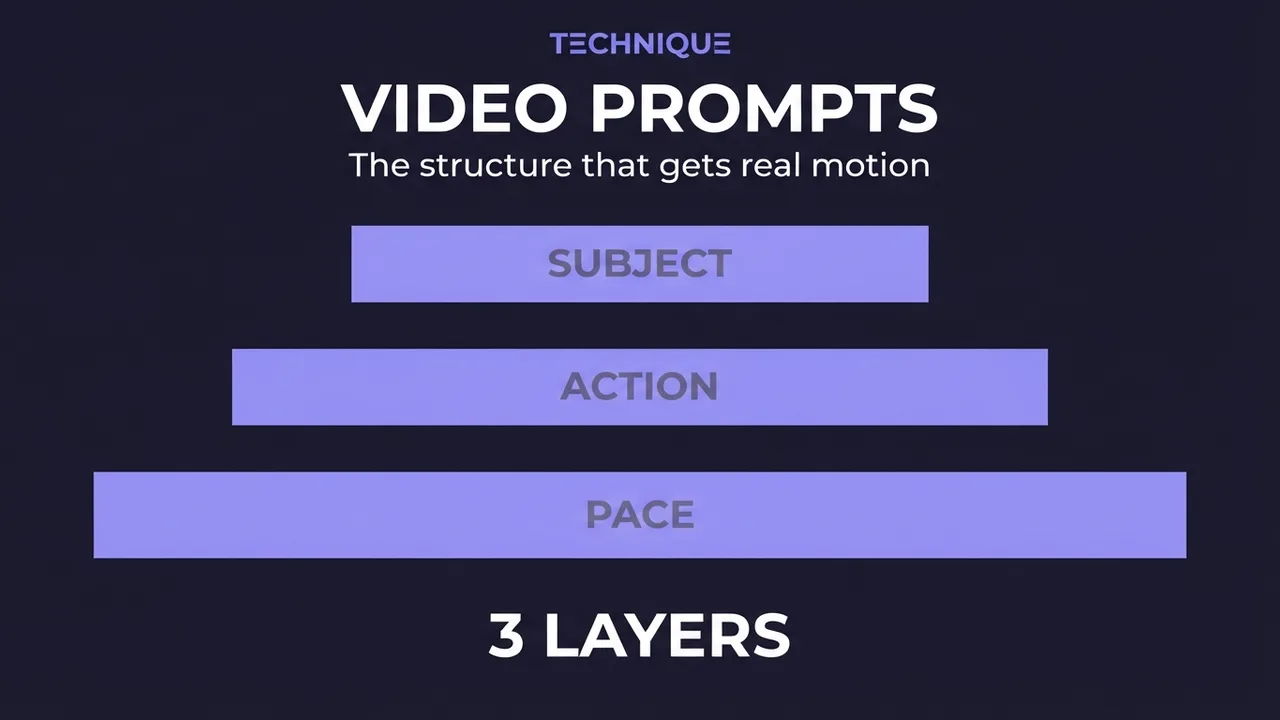
How to write prompts for AI video generation
The prompt structure that works for AI video: why motion prompts are different from image prompts, the present-progressive rule, and the specific phrasing that gets you believable movement instead of a warped photo.
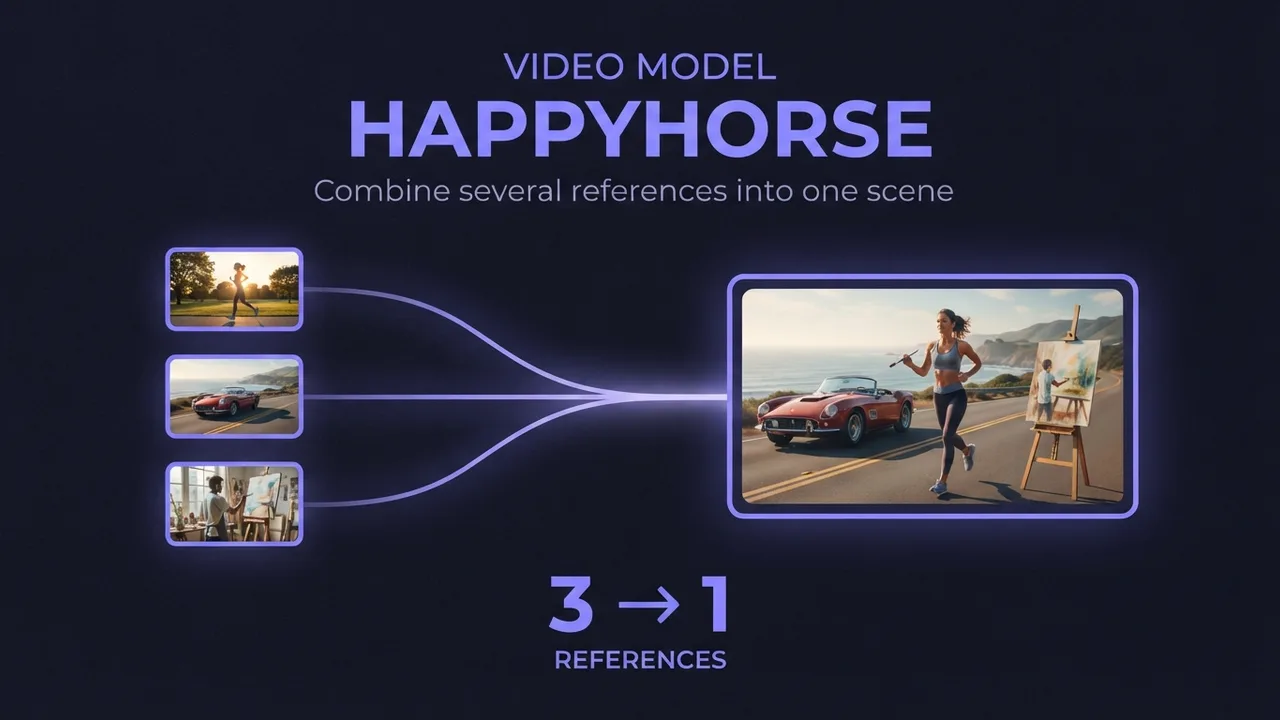
How to use HappyHorse reference-to-video (multi-image AI video)
A practical guide to HappyHorse reference-to-video: how to combine several reference images (a person, an outfit, an accessory) into one AI video scene, how to reference each image in your prompt, and the settings and mistakes that decide whether the shots blend or clash.
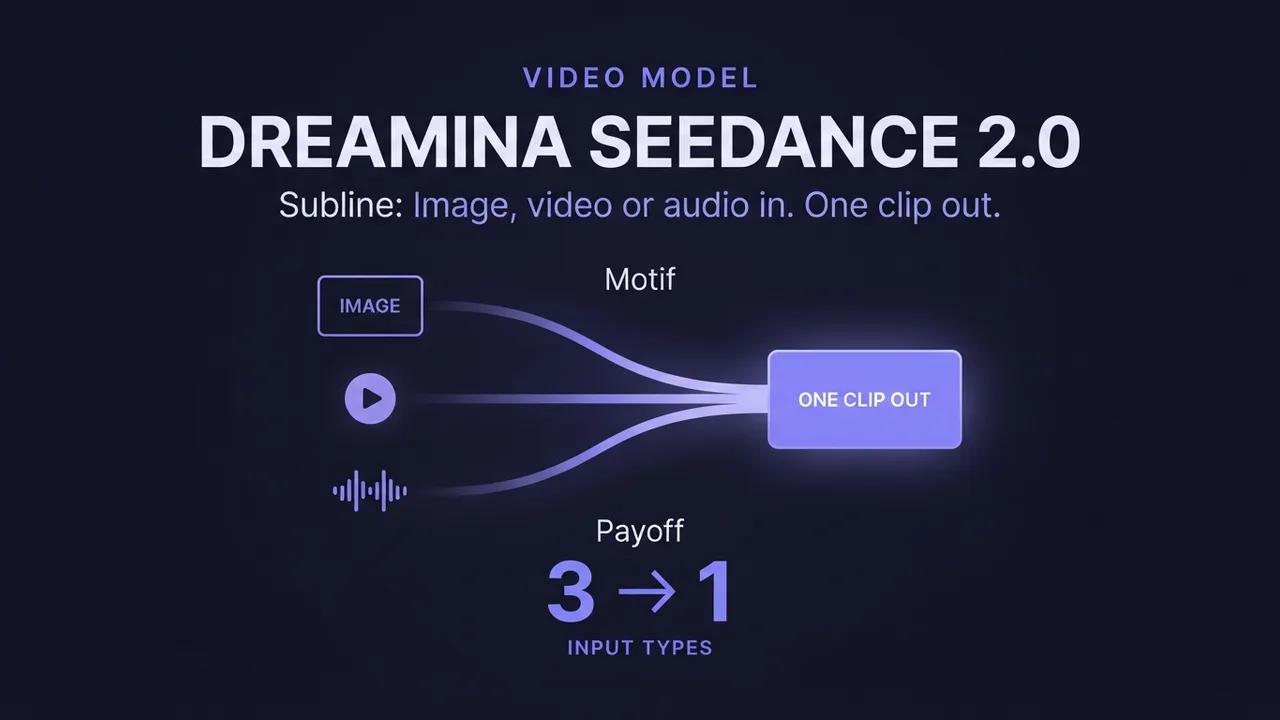
How to use Dreamina Seedance 2.0 (multimodal AI video)
A practical guide to Dreamina Seedance 2.0: how to generate video from image, video, and audio references, edit an existing video, and extend a clip. Plus how the standard, fast, and mini tiers differ so you pick the right one.
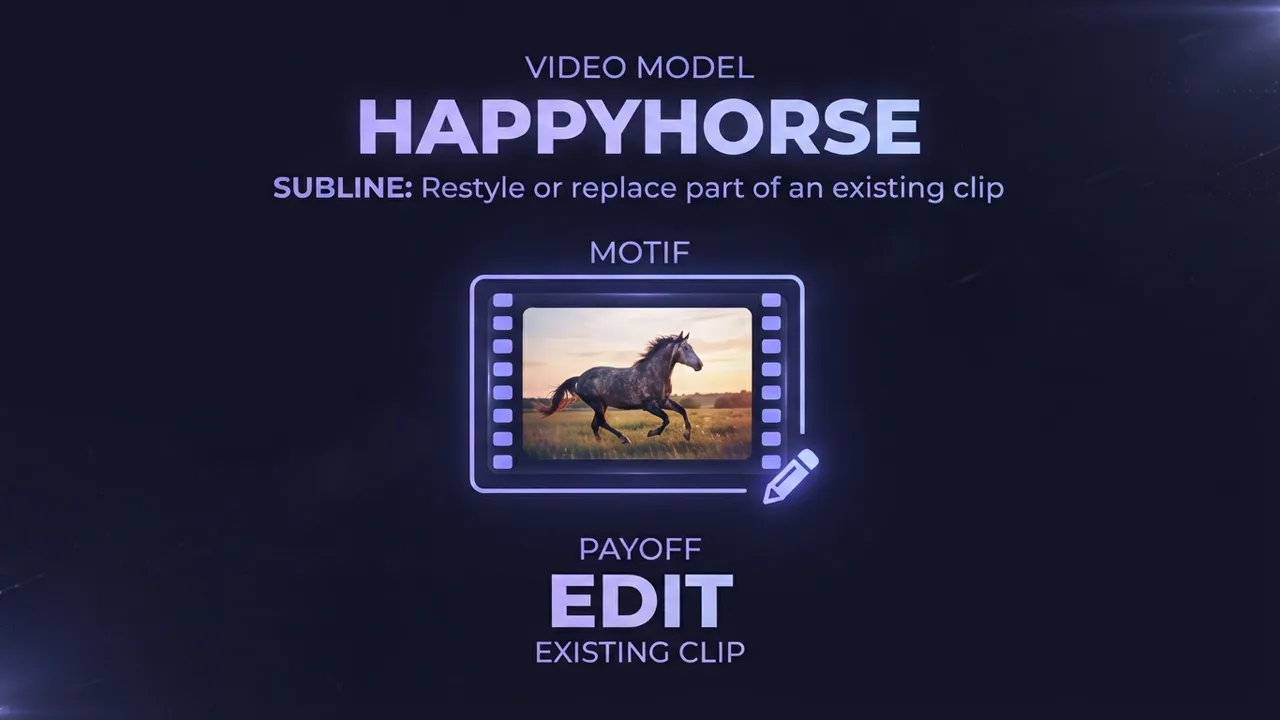
How to edit an existing video with HappyHorse (AI video editing)
A practical guide to HappyHorse video editing: how to restyle or locally replace parts of an existing video using a reference image and a text instruction, the input requirements that decide whether it works, and the settings and mistakes that make or break an edit.
Get new prompt files and guides first
One email when a new tested prompt file or model guide goes live. Prompts that survived production, not theory. No spam, unsubscribe anytime.