
How to upscale AI video without making it worse
Written by Clement
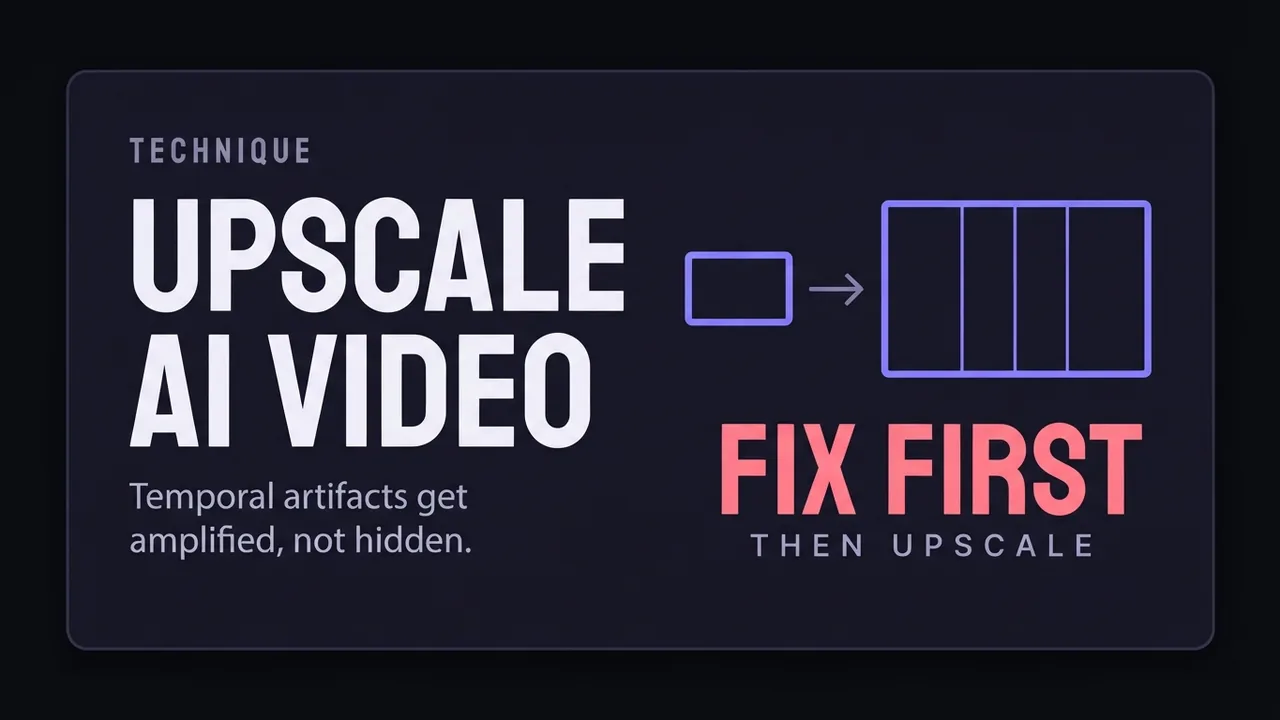
Generating at a lower resolution and upscaling afterwards is one of the most useful habits in local AI video: it is faster, it fits on smaller cards, and done well the result is close to a native high-resolution render. Done badly it produces something visibly worse than the clip you started with.
The failure mode is specific to video. A photo upscaler judges each image on its own, and an AI video clip's worst problems live between frames rather than inside any one of them. This page covers what to fix first, how the approaches differ.
Why video upscaling is not image upscaling
An image upscaler has one job: invent plausible detail that was not in the source. Run that same process independently on every frame of a video and each frame gets its own plausible detail, which is subtly different from its neighbours' plausible detail. The result is texture that crawls and shimmers even though every individual frame looks fine paused.
This is why a still frame is a misleading test. Pause a badly upscaled clip and it can look sharper than the original. Always judge an upscale in motion, at normal speed, and preferably on the display you intend to use.
Approaches that consider neighbouring frames avoid most of this by construction, because they have information about what the video looked like just before. Anything operating strictly frame by frame is working blind, and on generated footage that blindness shows.
Choosing an approach for your footage
Roughly ordered from safest to most aggressive. The right choice depends on what your clip contains.
- Temporal-aware upscaling
- Uses neighbouring frames, so surfaces stay stable in motion. The default choice for generated video, and worth preferring even when a frame-by-frame option scores better on stills
- Frame-by-frame image upscaling
- Fine for near-static shots, risky for anything with movement or fine texture. Judge it in motion before committing a long render to it
- Diffusion-based refinement
- Adds genuinely new detail rather than interpolating. Strongest results and the highest risk: it can quietly change faces and small objects, so check identity across the clip
- Modest upscale plus light sharpening
- Frequently beats an aggressive upscale. A clean 2x with restrained sharpening looks better than a 4x that introduces halos
Does DLSS 5 help: we tested it, and the answer is no
Neural rendering built for games has moved fast, and the obvious question is whether it helps AI-generated video too. It is a reasonable thing to wonder, because the underlying problem sounds similar: take a lower-resolution frame and produce a convincing higher-resolution one. We ran DLSS 5 on our own generated footage to find out. It did not work.
The likely reason traces back to a real mechanical gap. Game upscalers are handed information a rendering engine has and a video file does not, including motion vectors describing exactly how each pixel moved between frames. That is a large part of why they stay stable in motion in a game. A generated video clip arrives as pixels with no such metadata, so a game upscaler applied to one is working with considerably less than it was designed around, and on our footage that gap showed.
This is one test on our own clips, not an exhaustive survey of every neural game upscaler against every generation model, so a different tool or a future version could land differently. What we can say now is that DLSS 5 specifically did not improve our AI-generated video, despite the demand around it this year.
When not to upscale at all
Upscaling is a fix for resolution, and resolution is often not the actual problem. If a clip reads as low quality because the motion is wrong, the lighting is flat, or the subject drifts, more pixels make it a larger version of the same problem. Re-rendering with better settings beats upscaling a weak generation almost every time.
It is also worth checking where the clip is going. Video compressed for social platforms loses much of what an aggressive upscale added, so a 4x upscale destined for a feed that will re-encode it at a lower bitrate is mostly wasted computation. Match the effort to the destination.
Frequently asked questions
- Should I generate at a low resolution and upscale, or generate high directly?
- Generating lower and upscaling is usually the better trade on consumer hardware: it is faster, it fits on smaller cards, and a good upscale gets close to a native render. The exception is footage with fine texture or fast motion, where instability in the source gets amplified. Fix any flicker before upscaling rather than after, because upscaling makes temporal problems more visible, not less.
- Why does my upscaled AI video look worse than the original?
- Almost always because the source had frame-to-frame instability that the upscale amplified. A faint shimmer at low resolution becomes obvious crawling texture once there are more pixels expressing it. The other common cause is judging the result on a paused frame: upscaled stills often look sharper while the clip in motion looks worse, so always review at normal playback speed.
- Does DLSS work on AI-generated video?
- We tested DLSS 5 on our own AI-generated footage and it did not help. The likely reason is structural: game upscalers rely on motion vectors from the rendering engine describing how each pixel moved between frames, and a generated video clip carries no such data, so the upscaler is working with far less than it was built around. This is one tool tested on our own clips, not a verdict on every neural upscaler, but for DLSS 5 specifically, we would not recommend it for this.
- What is the best upscaler for AI video?
- The one that considers neighbouring frames rather than treating each in isolation, whichever tool that happens to be when you read this. Temporal awareness matters more than any specific product, because the characteristic failure of AI video upscaling is inconsistency between frames rather than lack of detail within them. We have not benchmarked specific tools against each other on our own footage.
Keep reading
How to fix flickering AI video: 4 causes and fixes
AI video that flickers, shimmers, or morphs between frames has 4 usual causes. Here's how to diagnose and fix each one: source-image noise, too-few steps, over-long clips, and unstable prompts. Step by step.
How to make longer AI videos: 4 methods that work
AI video models cap out at a few seconds. Here are the 4 methods that extend them: chaining clips, last-frame continuation, and keeping motion consistent across every join. Step by step, free.
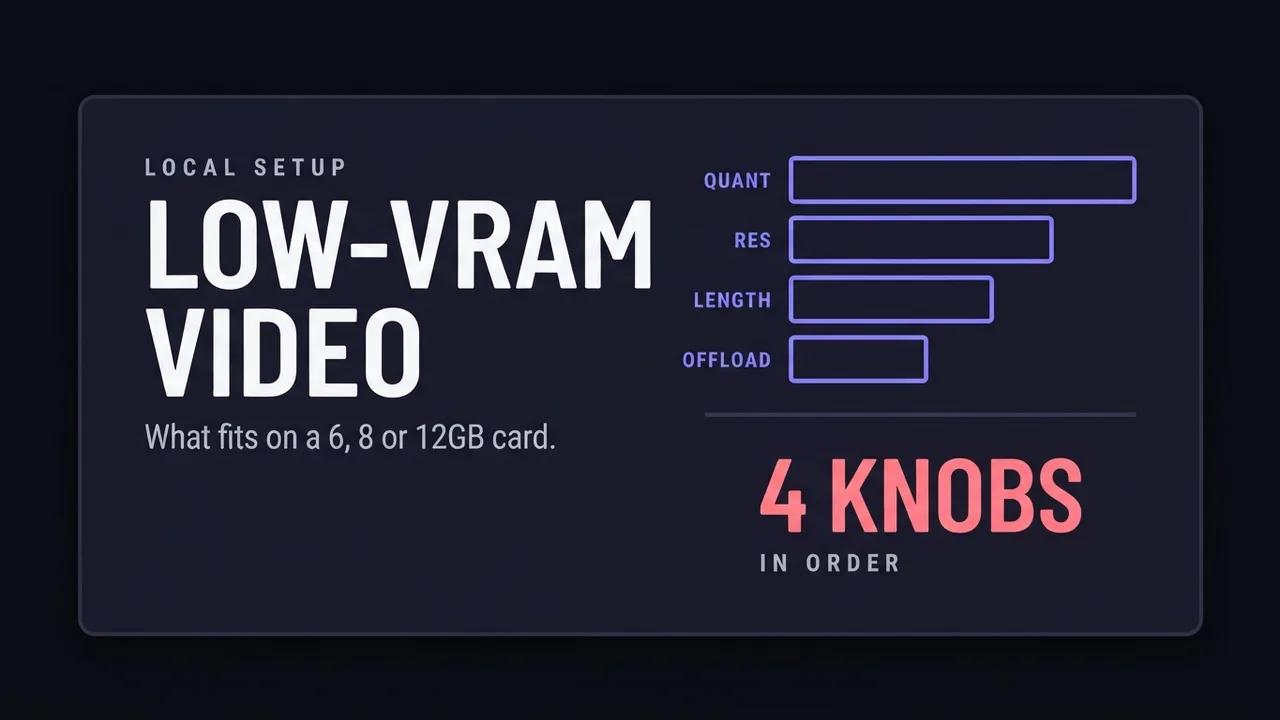
AI video generation on a low-VRAM GPU
What decides whether an AI video model fits on a 6, 8, or 12GB card: quantization, resolution, clip length, and offloading.
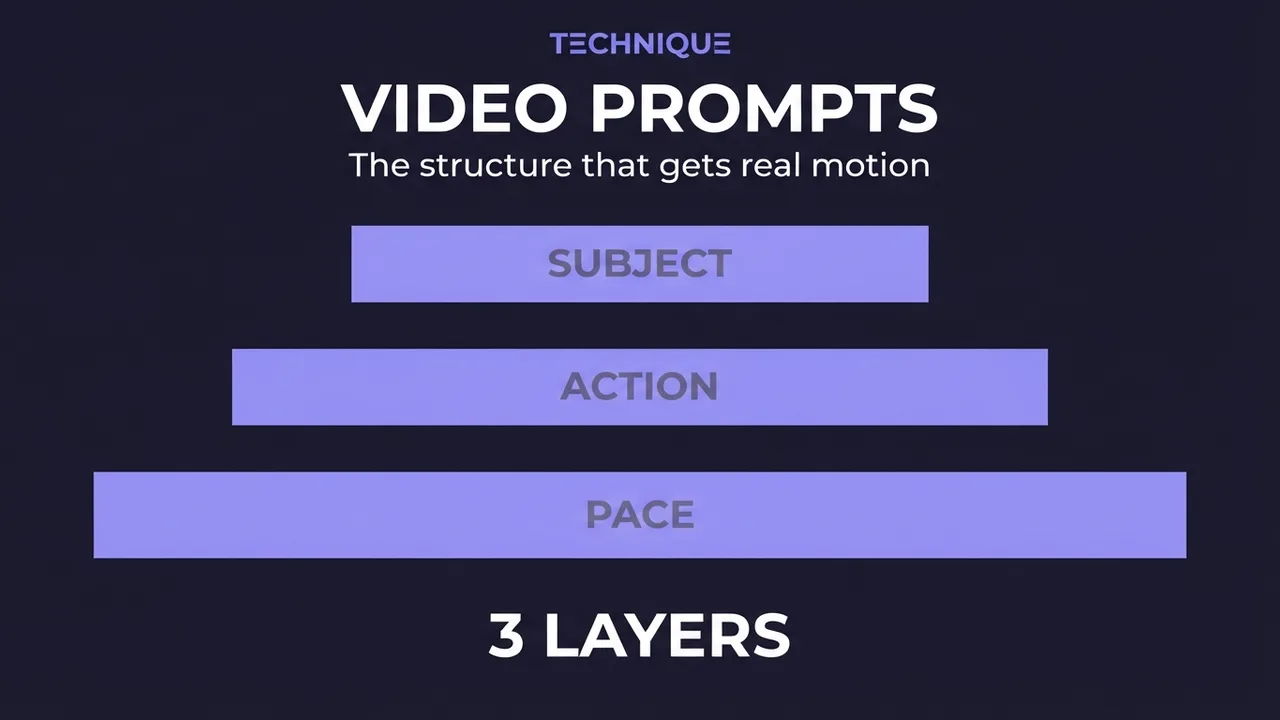
How to write prompts for AI video generation
The prompt structure that works for AI video: why motion prompts are different from image prompts, the present-progressive rule, and the specific phrasing that gets you believable movement instead of a warped photo.
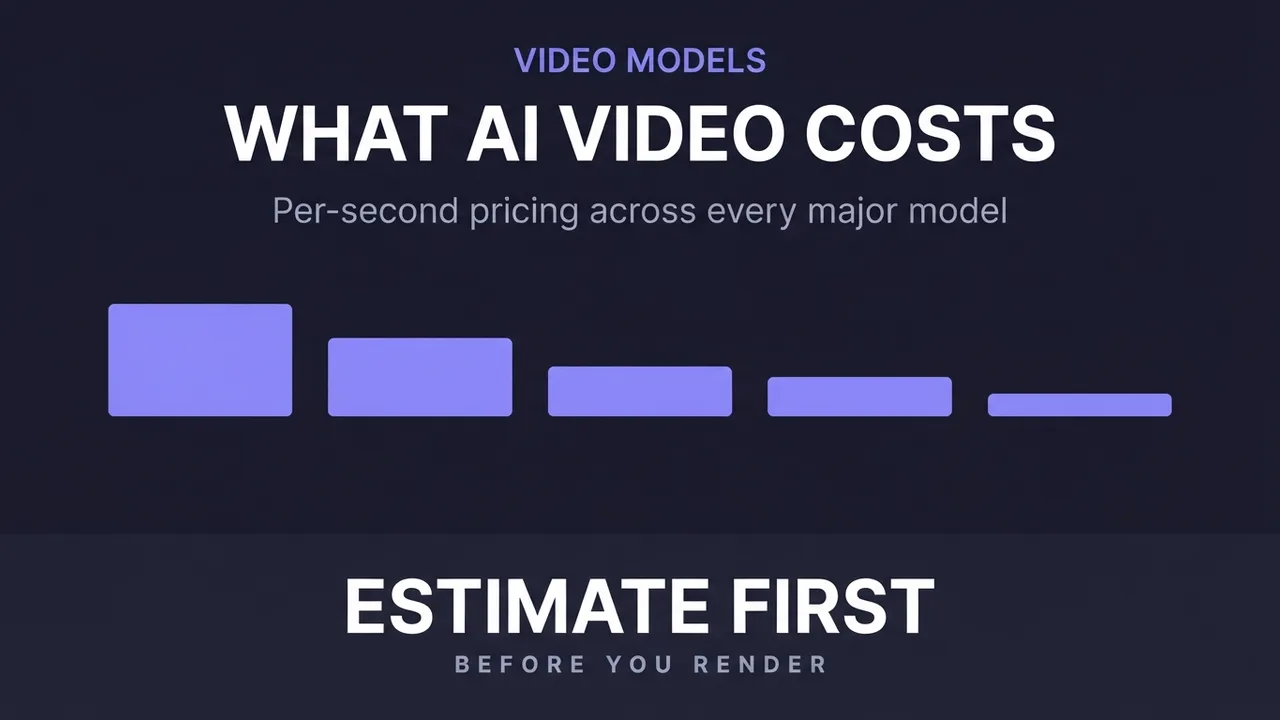
How much does AI video generation cost?
A clear breakdown of what AI video costs: per-second pricing, why resolution and audio change the bill, how to estimate a clip before you generate it, the free local alternative, and where the hidden costs like upscaling hide.
Get new guides by email
One email when we publish new guides and model breakdowns. No spam, unsubscribe anytime.