
How much does AI video generation cost?
Written by Clement
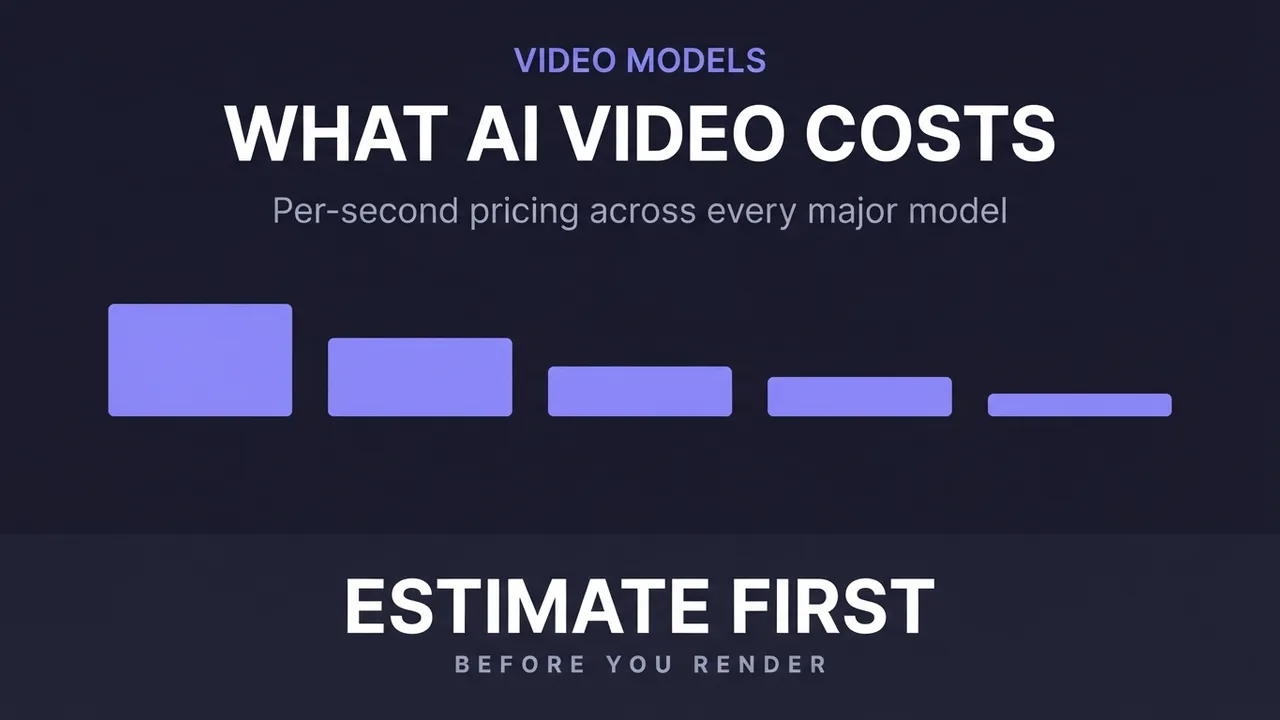
AI video pricing looks confusing until you learn the one rule that governs almost all of it: you pay by the second of output, and a handful of options move that per-second rate up or down. Once you know which options matter, you can estimate the cost of any clip before you spend a cent on it.
This guide explains how per-second billing works, why a higher-resolution clip with audio costs several times more than a basic one, and how to budget for a project. The numbers here are representative of the current image-to-video market; your specific provider's rates will differ, but the structure is the same almost everywhere.
The core rule: you pay per second of output
Almost every image-to-video service bills by the second of finished video, not per render or per month. A five-second clip costs five times a one-second clip at the same settings. This is the single most important thing to internalize, because it means the length of your clip is a direct multiplier on its price.
That per-second rate is not fixed, though. It changes with resolution and whether the output includes audio: the two levers that separate a cheap clip from an expensive one. Everything else is a smaller adjustment on top.
Why resolution and audio change the price so much
Resolution is the biggest driver. A 480p clip is the cheapest tier, 720p costs more, and 1080p costs the most, because higher resolution means dramatically more pixels to generate per frame, which is more compute the provider has to pay for and passes on to you. Moving from 480p to 1080p can multiply your per-second rate several times over.
Native audio is the second driver. Some models generate video only (silent), and you add music or voice afterward. Others generate video with built-in ambient sound or voice in a single pass. That integrated-audio tier costs noticeably more per second, because the model is doing more work, but it saves you a separate audio-production step.
The practical takeaway: a silent 480p clip and an audio 1080p clip are the cheap and expensive ends of the same market, and the gap between them is large. Match the tier to what the output is for.
What each option does to the bill
These are the levers, ranked by how much they move the price. Adjust the top ones first when budgeting.
- Clip length
- Direct multiplier: cost = per-second rate × seconds. The easiest lever to control.
- Resolution (480p / 720p / 1080p)
- Biggest per-second driver; each step up can multiply the rate. Use the lowest resolution the output can get away with.
- Audio (silent vs native)
- Native-audio tiers cost more per second but remove a separate dubbing/scoring step. Silent is cheaper if you were adding your own soundtrack anyway.
- Upscaling / super-resolution
- A separate per-second charge to enlarge a finished clip to 2K/4K. Often cheaper than generating at high resolution from the start.
- Prompt optimization
- A tiny per-request fee some tools charge to auto-improve your prompt. Negligible next to generation cost.
How to estimate a clip's cost before you generate
Two minutes of math saves you from surprise bills. This works for any per-second provider.
- 1
Find the per-second rate for your tier
Look up the price for your chosen resolution and audio setting, for example a basic 480p silent tier versus a 1080p tier with audio. That single number is the basis for everything else.
- 2
Multiply by your clip length
Per-second rate × number of seconds = base cost of one clip. A 5-second clip at a mid tier and a 15-second clip at the same tier differ only by that multiplier.
- 3
Add upscaling if you need it
If you plan to enlarge the finished clip to 2K or 4K, add the super-resolution rate × the same number of seconds. Decide up front whether generating at a lower resolution and upscaling is cheaper than generating high-resolution directly. Often it is. We use this ourselves: rendering at a lower base resolution, then running a 2x model-based upscale (RealESRGAN, not a simple resize) instead of generating at the target resolution from the start. On a paid-per-second GPU, that cut our generation time roughly in half for a comparable final resolution.
- 4
Multiply by your iteration count
You rarely nail a clip on the first try. If you expect to generate three or four versions to get a keeper, multiply the single-clip cost by that. This is the number people forget, and it's usually the biggest part of a real project's bill.
- 5
Scale to the whole project
Multiply one finished clip's realistic cost by how many finished clips the project needs. Now you have a budget grounded in the actual pricing model rather than a guess.
AI pricing moves fast. Stay current.
One email when model prices change or a new cost breakdown goes live. Real numbers only. No spam, unsubscribe anytime.
Premium vs mass-production: two different cost strategies
The market has effectively split into two model classes, and they suit different goals. Premium models cost more per second but produce longer, higher-resolution clips with native audio, worth it when the video itself is the product and quality justifies a price to the end viewer.
Mass-production models are cheaper per second, shorter, and usually silent, built for volume, where you need hundreds of short clips (loops, animated thumbnails, quick social assets) and per-clip cost matters more than cinematic polish. Choosing the right class for the job is the biggest cost decision you'll make, ahead of any individual setting.
The other cost model: generating on your own hardware
Everything above assumes you rent compute by the second. There is a second model that breaks that math entirely: run an open-weight video model on hardware you already own, and the marginal cost of a clip drops to electricity. Wan's open 2.1 and 2.2 releases are the usual route, run locally in ComfyUI. You trade a hardware requirement and an afternoon of setup for unlimited free generation, no queue, and no per-clip billing at all.
That trade used to require a desktop GPU with serious VRAM, which is why most people stayed on hosted APIs. In July 2026 Qualcomm AI Research published MobileWan, which runs the 5B Wan 2.2 architecture on Snapdragon phone hardware: a 5-second 480x832 clip at 16fps in roughly 20 seconds, on the device, from a ~9.9 GB download. Quality sits well below the hosted tiers priced above, so this is not a replacement for a paid flagship. What it demonstrates is that the hardware floor for zero-marginal-cost generation is falling fast.
How to decide between the two models: hosted per-second pricing wins when you need peak quality, native audio, longer clips, or you generate rarely enough that hardware would sit idle. Local wins on volume. If you are generating hundreds of iterations, or you want your prompts and outputs to stay on your own machine, the per-clip cost of local generation is zero and the hosted bill grows with every attempt. Many people run both: iterate locally for free, then pay for the final render at a quality tier the local model cannot reach.
The costs people forget
Failed and throwaway renders. Every experiment you discard still cost you. Budgeting only for final clips underestimates a real project by a wide margin: count your iterations.
Upscaling as a second pass. If you generate cheap and enlarge later, remember the super-resolution step is its own per-second charge on top of generation.
Length creep. Because cost scales directly with seconds, a habit of generating longer-than-needed clips quietly inflates the bill. Generate the length you'll use.
Hardware amortization, if you go local. Free per clip is not free overall: a GPU purchase, or the phone you already own reaching its thermal limits, is a real cost that just sits outside the per-second model.
Keep reading
How to generate videos with Wan 2.7
A practical guide to Wan 2.7 image-to-video: clips up to about fifteen seconds, built-in prompt optimization, and refined native audio. What the model adds over 2.5, how to prompt sound, and how to script a longer clip so it holds together.
How to make longer AI videos: 4 methods that work
AI video models cap out at a few seconds. Here are the 4 methods that extend them: chaining clips, last-frame continuation, and keeping motion consistent across every join. Step by step, free.
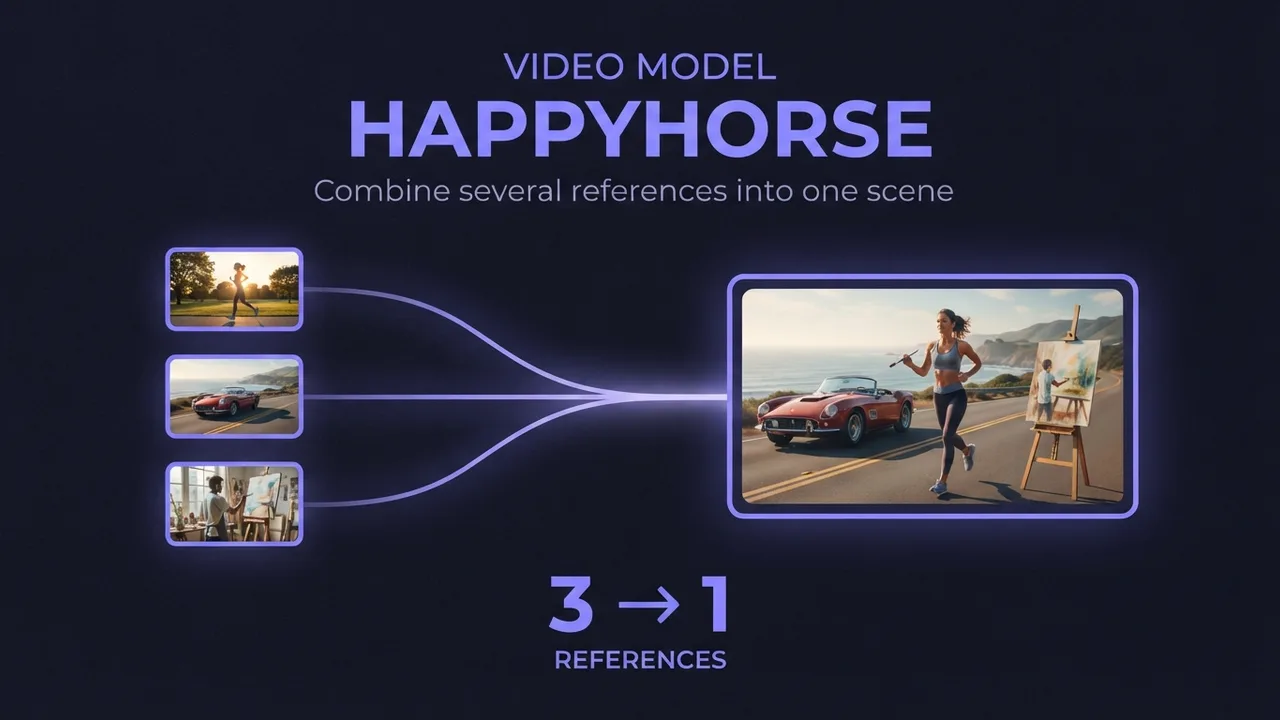
How to use HappyHorse reference-to-video (multi-image AI video)
A practical guide to HappyHorse reference-to-video: how to combine several reference images (a person, an outfit, an accessory) into one AI video scene, how to reference each image in your prompt, and the settings and mistakes that decide whether the shots blend or clash.
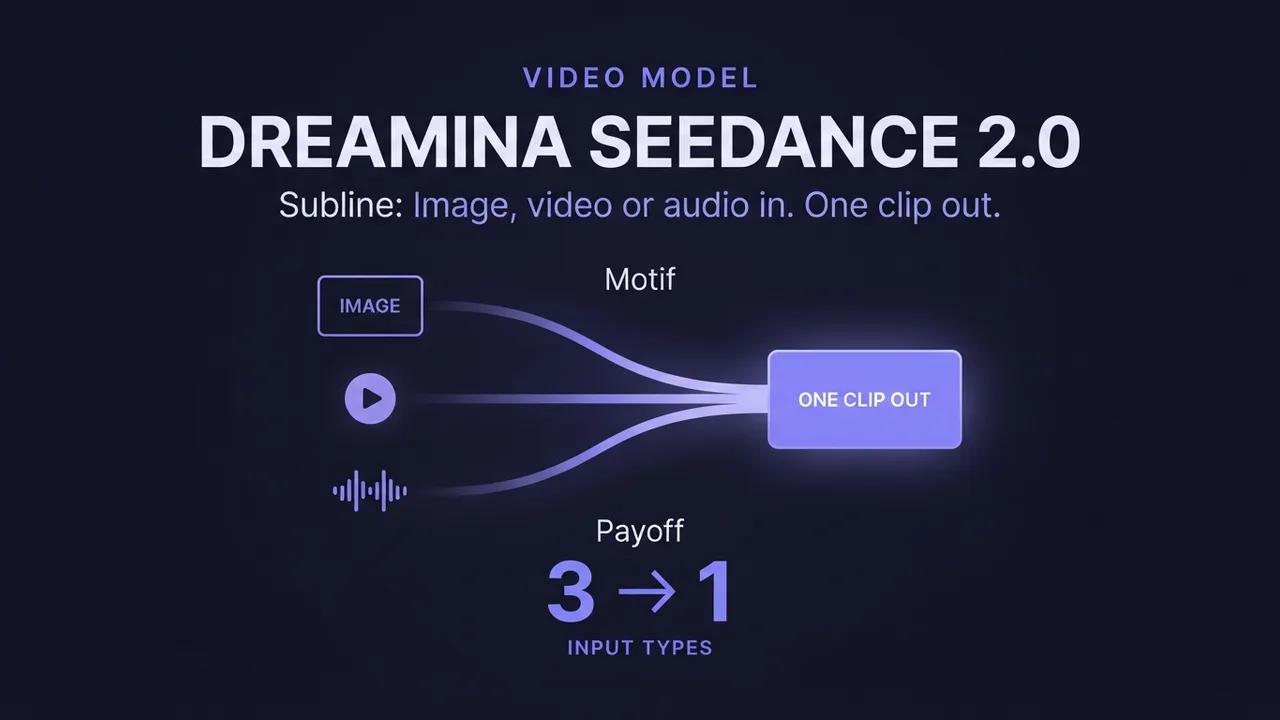
How to use Dreamina Seedance 2.0 (multimodal AI video)
A practical guide to Dreamina Seedance 2.0: how to generate video from image, video, and audio references, edit an existing video, and extend a clip. Plus how the standard, fast, and mini tiers differ so you pick the right one.
How to turn an image into a video with AI
A model-agnostic guide to generating an AI video from an image: what image-to-video does, how to pick a source image that moves well, and how and what to prompt to get good motion.
AI pricing moves fast. Stay current.
One email when model prices change or a new cost breakdown goes live. Real numbers only. No spam, unsubscribe anytime.