
3D Gaussian Splatting From One Photo: Is It Good?
Written by Clement
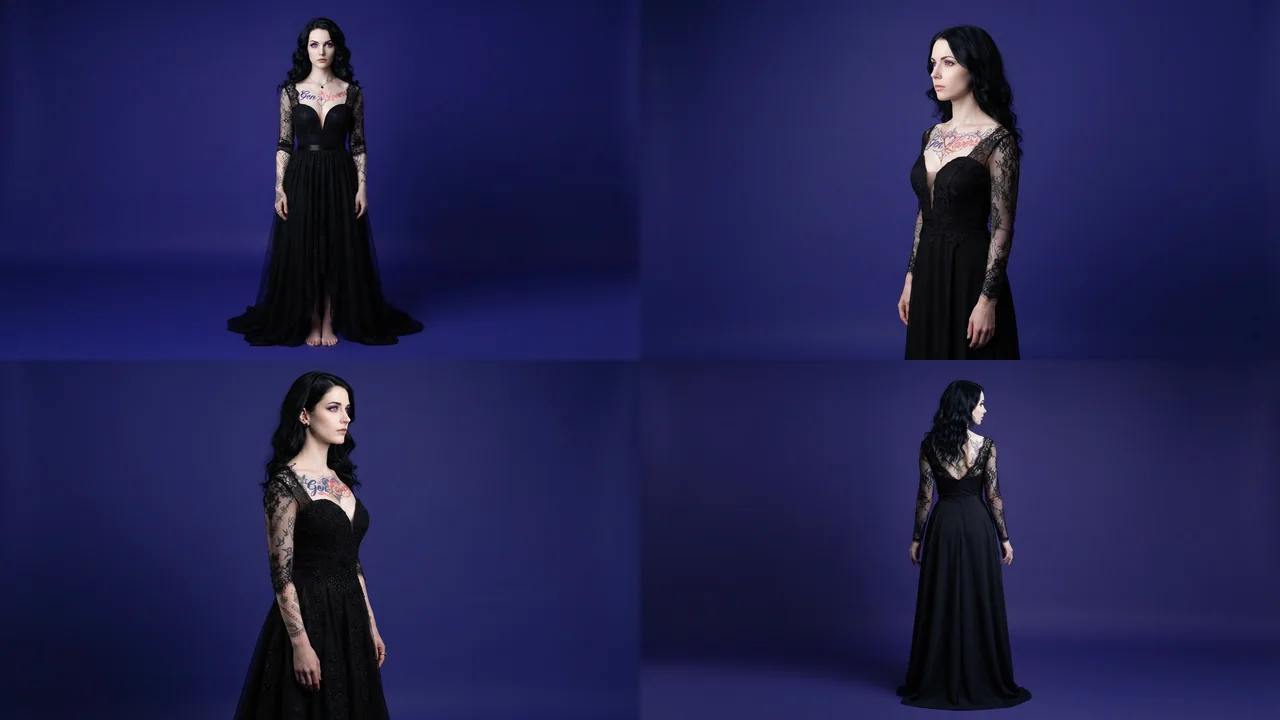
A Gaussian Splat turns a photo into a scene you can move a camera through, instead of a flat image that only looks right from the angle it was shot at. What used to need dozens of photos from a proper capture rig now has tools that build a usable splat from a single image, and the technique has been showing up across r/StableDiffusion and creator YouTube channels as something worth a look even without a photogrammetry background.
This page is a review of the technique, not a setup walkthrough: what it is, how good it really looks, and where it falls apart. A full step-by-step guide is worth building once there's demand for one.
What a Gaussian Splat is
A traditional 3D model is built from a mesh of connected triangles wrapped in a texture. A Gaussian Splat is built differently: a cloud of millions, sometimes billions, of semi-transparent 3D ellipsoids, each carrying its own position, scale, opacity, color, and view-direction shading, that together render like a photograph from any angle you move a virtual camera to. That density is what makes it handle fine, complex geometry (hair, leaves, translucent edges, specular highlights) more convincingly than a low-to-mid poly mesh, and why the community language around it keeps repeating the same contrast: not a 3D model that looks good from one angle, but a complete scene you can move through.
The practical upshot for a single-image workflow: instead of getting a picture that stays a picture, the output is something that plays in a viewer, or imports into Blender, Unity, or Unreal Engine, and lets you walk a camera around.
Is it good, or just a tech demo?
Where it earns the hype: photorealism holds up well near the original camera angle, and it captures detail (hair strands, leaf edges, reflective or translucent surfaces) that a comparable low-poly mesh just smears into flat texture. For the specific job of "look around this one photo a little," the result is unlike anything a flat image model produces.
Where the tech-demo label still applies: it's a single-image reconstruction guessing at everything the camera didn't see, not a real 3D scan. Push the virtual camera far enough from the original framing and the guess shows, in specific and predictable ways covered next. It's closer to "a photo with real parallax" than "a photo turned into a full 3D scene," and treating it as the latter is where the disappointment reports on Reddit come from.
Where a single-image splat breaks
Content the camera never saw in the source image, the back of an object, whatever sits behind a foreground subject, is the model's best guess rather than a reconstruction. Move the virtual camera far enough from the original framing and that guess shows up as two specific artifacts: edge fragmentation, where background edges and occluded areas break apart into fuzzy, dispersed point clusters, and holes, where a blind spot in the original capture renders as an empty void, often solid black.
The generative-AI workaround for both, in current pipelines: feed the re-angled, broken splat render back into an image-to-image or inpainting model (Qwen Image Edit or FLUX both handle this) to hallucinate a fill for the missing background and occlusion. That's also the technique's other real use beyond "look around a photo": holding a subject's exact pose, composition, and scale fixed while a diffusion model repaints the rest of the image from a camera angle the source photo never had.
Get new guides by email
One email when we publish new guides and model breakdowns. No spam, unsubscribe anytime.
Where it fits, versus a mesh or a flat image
Gaussian Splatting is not the right tool for everything a single generated image might feed into. What it's good for, and where a mesh or a flat image still wins.
- Real estate / heritage scans
- This is 3DGS's strongest genuine use case: fast phone or drone capture, photorealistic navigation, no manual 3D modeling
- Walkable game environments
- Workable, but needs collision geometry generated separately since a splat has no built-in physical surface for a character to stand on
- A new camera angle on a 2D image
- The single-image use case: keeps a subject's exact pose and scale while the camera moves, then an inpainting pass covers what the new angle exposes
- Rigid, animated characters
- Not a good fit. Splats are static by nature; a deformable, rigged character still performs better as a textured mesh
- Just wanting a nicer still image
- Overkill. A flat image model does this faster and without the reconstruction artifacts described above
Where this sits next to our other guides
This is a different problem from multi-reference image editing in Qwen-Image-2.1, which keeps everything as a flat 2D image. It's also distinct from a character reference sheet, which exists to keep one character consistent across separate 2D generations rather than building a navigable 3D scene from one of them.
Frequently asked questions
- What is a Gaussian Splat?
- A 3D scene representation built from millions of small, soft, semi-transparent points instead of a triangle mesh. It renders photorealistically from any camera angle you move to, which is why the format is used for walkable scenes rather than static 3D models.
- Can you really make a 3D Gaussian Splat from just one photo?
- Yes, with real limits. A single-image workflow estimates depth and fills in what the camera never captured, so the result holds up well near the original angle and degrades the further you move the virtual camera from it. It is not the same fidelity as a multi-image capture, but it needs none of the setup a proper capture does.
- Is 3D Gaussian Splatting worth using, or is it just a tech demo?
- Both, depending on the job. For photorealistic navigation of real-world spaces (real estate, heritage scans), it's a genuine, useful technique. For turning any random photo into a full walkable 3D scene, it's closer to a tech demo: the result is real and often impressive near the original camera angle, but far from a faithful reconstruction once you move the camera away from where the photo was taken.
- Why does a splat look broken from some angles?
- Edge fragmentation and holes: parts of the scene the original photo's camera never saw get filled in as a best guess, and that guess falls apart the further the virtual camera moves from the original framing. Background edges break into fuzzy point clusters, and true blind spots render as empty, often solid-black voids. Feeding a re-angled render back through an inpainting model like Qwen Image Edit or FLUX is the current workaround.
- Is there a setup guide for this on GenLovers?
- Not yet. This page covers whether the technique is worth your time; a full tool-by-tool setup walkthrough is next if this page gets enough traffic to justify building and testing one properly.
Keep reading
How to use FLUX.2 [klein] for AI anime-style images
A practical guide to FLUX.2 [klein]: a small, fast model that restyles a photo or photoreal image into anime/manga art. Covers how the image-to-image transform works, how to write a style prompt it responds to, and the mistakes that break the pose or composition.
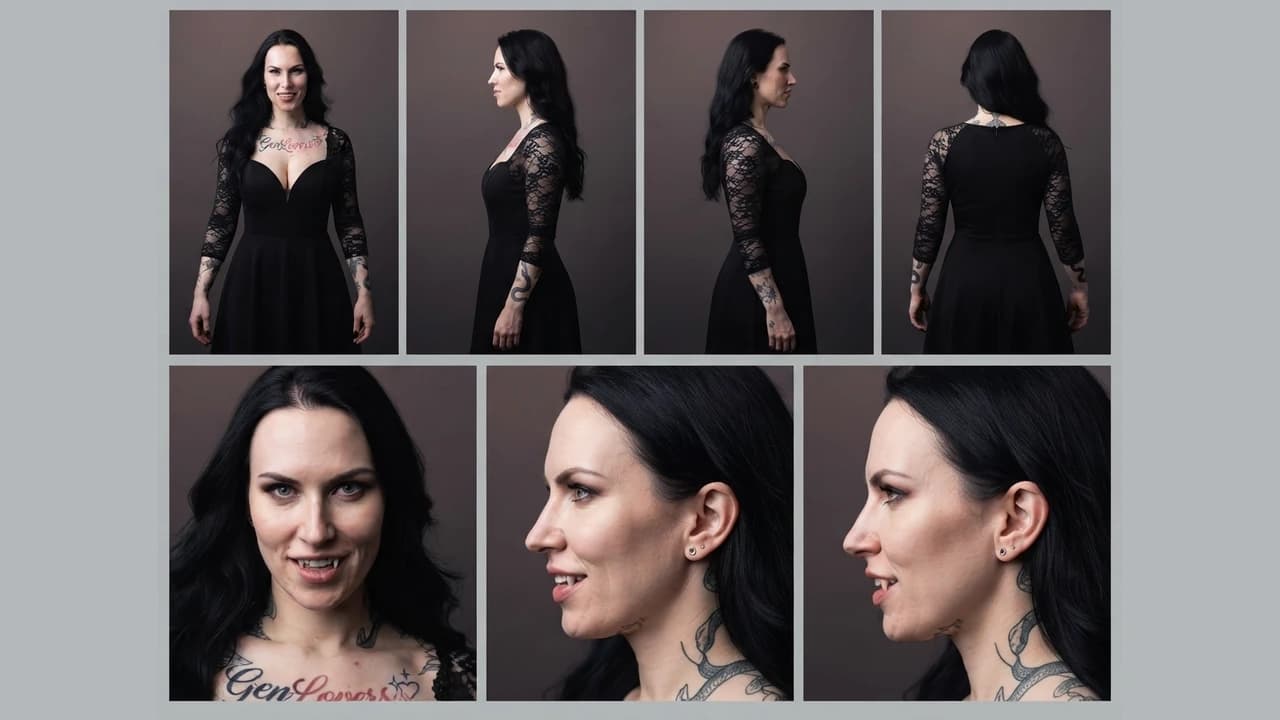
How to build character and scene reference sheets for consistent AI video
How to generate technical turnaround sheets for a character and for a location, then use both as persistent references across image and video generation, so the same character and the same setting hold from shot to shot.
What is a LoRA and when do you need one
A plain-language explanation of LoRAs for AI image generation: what they add to a base model, why they only work on open-weight models, and what weight to load one at.
Get new guides by email
One email when we publish new guides and model breakdowns. No spam, unsubscribe anytime.