
What is a LoRA and when do you need one
Written by Clement
A LoRA (Low-Rank Adaptation) is a small add-on file that plugs into a base model and teaches it something that model never learned: a specific character, a visual style, a look you cannot reach by prompting. For images it runs between 10 MB and 500 MB, next to a base model of several gigabytes.
LoRAs work for video too. Same technique, more parameters, bigger files. This page stays on images, because everything here transfers and the image case is where most people start.
A patch file, not a second model
A LoRA adjusts a thin slice of a base model's weights. That is the low-rank part of the name. It cannot work alone: it needs the base model underneath it, the way a patch needs the thing it patches.
Small files are cheap to train, quick to load, and easy to swap mid-session. Fine-tuning a whole model to add one character would cost hundreds of times more for the same result.
Open-weight models only
This is the constraint most guides skip. Training a LoRA means reaching inside the model's weights, so you can only do it where those weights are published.
You can train on Krea 2, Flux, Stable Diffusion, and Z-Image Turbo. You cannot train on Nano Banana or Grok Imagine, or any other hosted model that keeps its weights closed. No workaround exists. If a LoRA is central to your plan, that decides which model you build on before anything else does.
What to check before you train
Find the method for your model
Training methods are model-specific. Look up the current best method for the exact model you are targeting rather than following a generic tutorial, because the tooling moves fast and a guide written for another base model will waste your time.
Start small
The hardest part is getting the right output, not the training run itself. Keep the first attempts cheap while you work out what you are aiming for, then spend real GPU time once you know.
Check if one already exists
Civitai and Hugging Face host tens of thousands of them. A common style or a well-known character is very likely already trained and free to download.
typical size of an image LoRA. Video LoRAs run bigger
One image can be enough now
Old training methods needed hundreds of images, each tagged perfectly for the use case. Modern models and LoRA builder helpers can work from as little as a single image, which is why advice about dataset size ages badly.
What weight to load a LoRA at
Check the creator's documentation first. The recommended weight is nearly always written there, and it beats any general rule because the person who trained it knows how strongly it was baked in.
Without documentation, the weight depends on what you want. If you want only the LoRA, start at 1.0. If you want its influence on top of the base model rather than in place of it, somewhere between 0.6 and 0.7 is the useful range.
Three properties that made LoRAs the default way to extend a model
Small enough to share
A file measured in megabytes downloads in seconds and costs almost nothing to host. That is what built the public libraries.
Swaps without reloading
The base model stays in memory while LoRAs load on top of it, so you can test several against the same seed in one sitting.
Stacks with other LoRAs
A character LoRA and a style LoRA can run together, each at its own weight. Also the fastest way to make output fall apart, so add them one at a time.
Frequently asked questions
- Can I train a LoRA on any AI image model?
- No. Only on open-weight models such as Krea 2, Flux, Stable Diffusion, and Z-Image Turbo. Hosted models that keep their weights closed, including Nano Banana and Grok Imagine, cannot take a LoRA at all.
- How many images do I need to train one?
- Fewer than you would have needed a year ago. Older methods wanted hundreds of images, each tagged carefully. Some current models and LoRA builder helpers train from as little as one image, so check what the method for your specific model requires.
- What weight should I load a LoRA at?
- Whatever its creator documented, which is nearly always stated on the download page. Failing that: 1.0 when you want only the LoRA, and 0.6 to 0.7 when you want it to influence the base model rather than replace it.
- How big is a LoRA file?
- An image LoRA runs between 10 MB and 500 MB. Video LoRAs are larger, because a video model carries more parameters.
- Do LoRAs work for video as well as images?
- Yes. It is the same technique with more parameters and a bigger file. If you understand LoRAs for images, the video case follows.
Keep reading
How to turn an image into a video with AI
A model-agnostic guide to generating an AI video from an image: what image-to-video does, how to pick a source image that moves well, and how and what to prompt to get good motion.
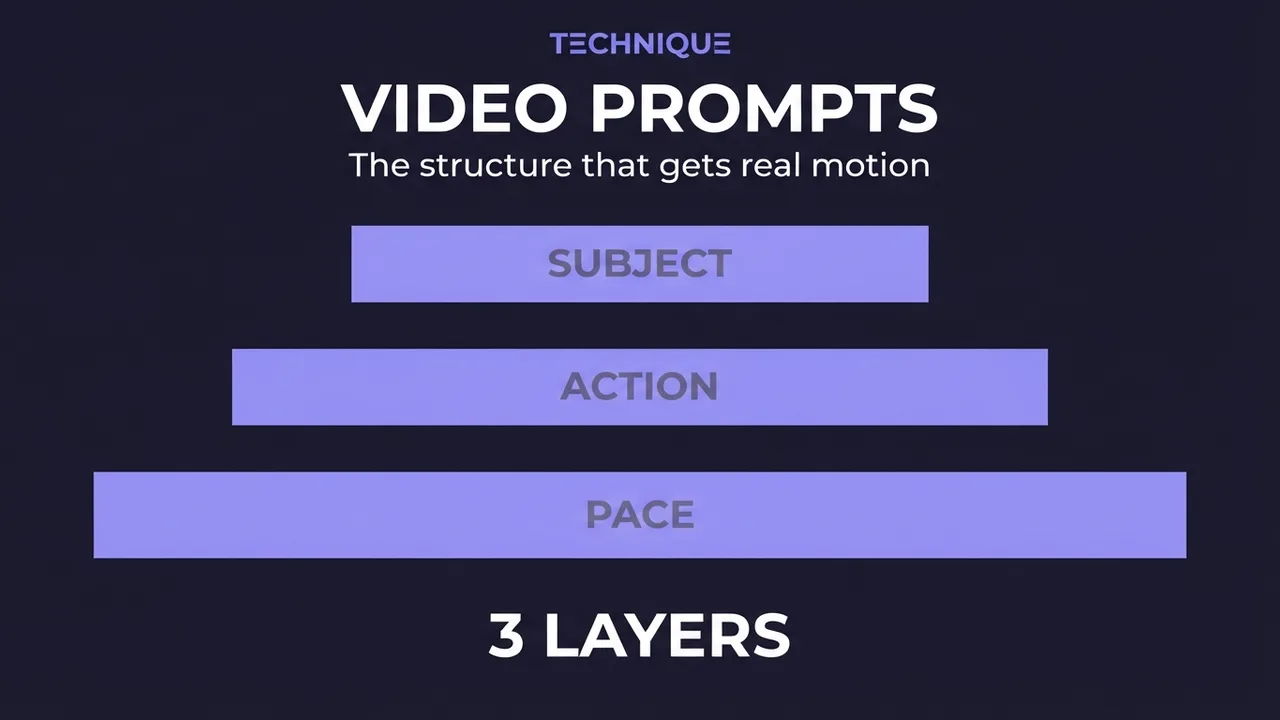
How to write prompts for AI video generation
The prompt structure that works for AI video: why motion prompts are different from image prompts, the present-progressive rule, and the specific phrasing that gets you believable movement instead of a warped photo.
How to fix flickering AI video: 4 causes and fixes
AI video that flickers, shimmers, or morphs between frames has 4 usual causes. Here's how to diagnose and fix each one: source-image noise, too-few steps, over-long clips, and unstable prompts. Step by step.
Get new guides by email
One email when we publish new guides and model breakdowns. No spam, unsubscribe anytime.