
Guías de generación con IA: cada paso, probado en generaciones reales
Todos los tutoriales de GenLovers en un solo sitio: generar vídeo e imágenes, escribir prompts que funcionen, corregir resultados fallidos y lo que cuesta cada modelo al ejecutarlo.
Cómo escribimos estas guías
Cada guía empieza ejecutando el modelo, no leyendo su documentación. Generamos con los ajustes reales, conservamos los intentos fallidos y anotamos las cifras que vimos en lugar de las que aparecen en la página de precios. Cuando una guía dice que un render tardó noventa segundos o costó once céntimos, ese dato sale de nuestro propio panel. Las guías se revisan cuando un modelo cambia de versión o de precio, y cada una muestra la fecha de su última comprobación.
Generar vídeo
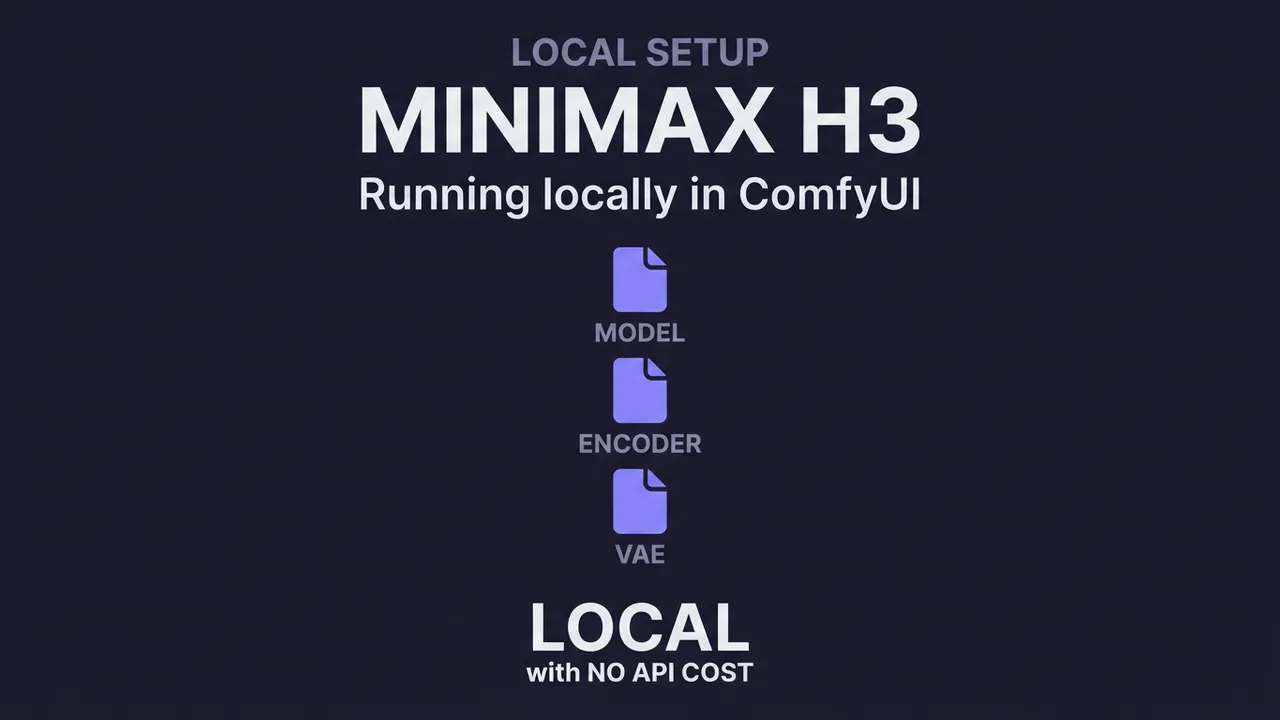
Cómo ejecutar MiniMax H3 en local con ComfyUI
Instala MiniMax H3 en ComfyUI: los archivos FP8/INT8 adecuados para tu GPU, la restricción de licencia que debes revisar primero y los tres workflows, paso a paso.
Leer la guía →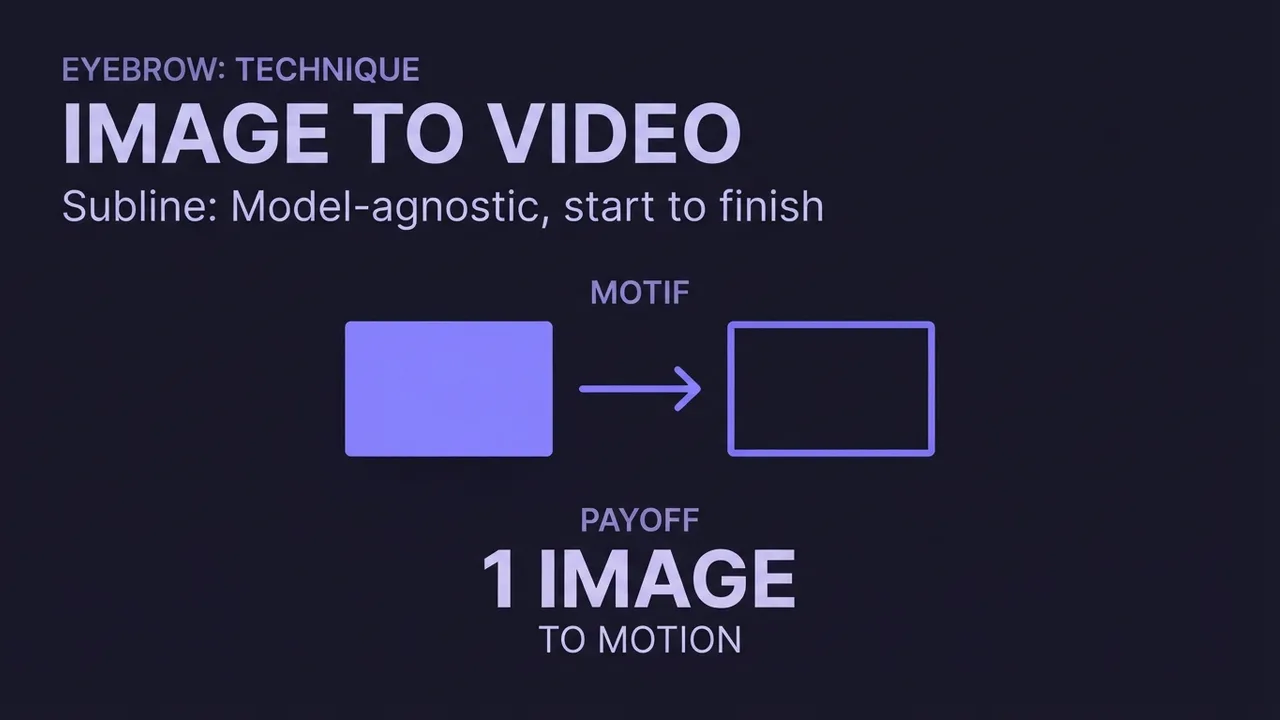
Cómo convertir una imagen en video con IA
Una guía independiente del modelo para generar un video con IA a partir de una imagen: qué hace el image-to-video, cómo elegir una imagen de origen que se anime bien, y cómo y qué escribir en el prompt para conseguir un buen movimiento.
Leer la guía →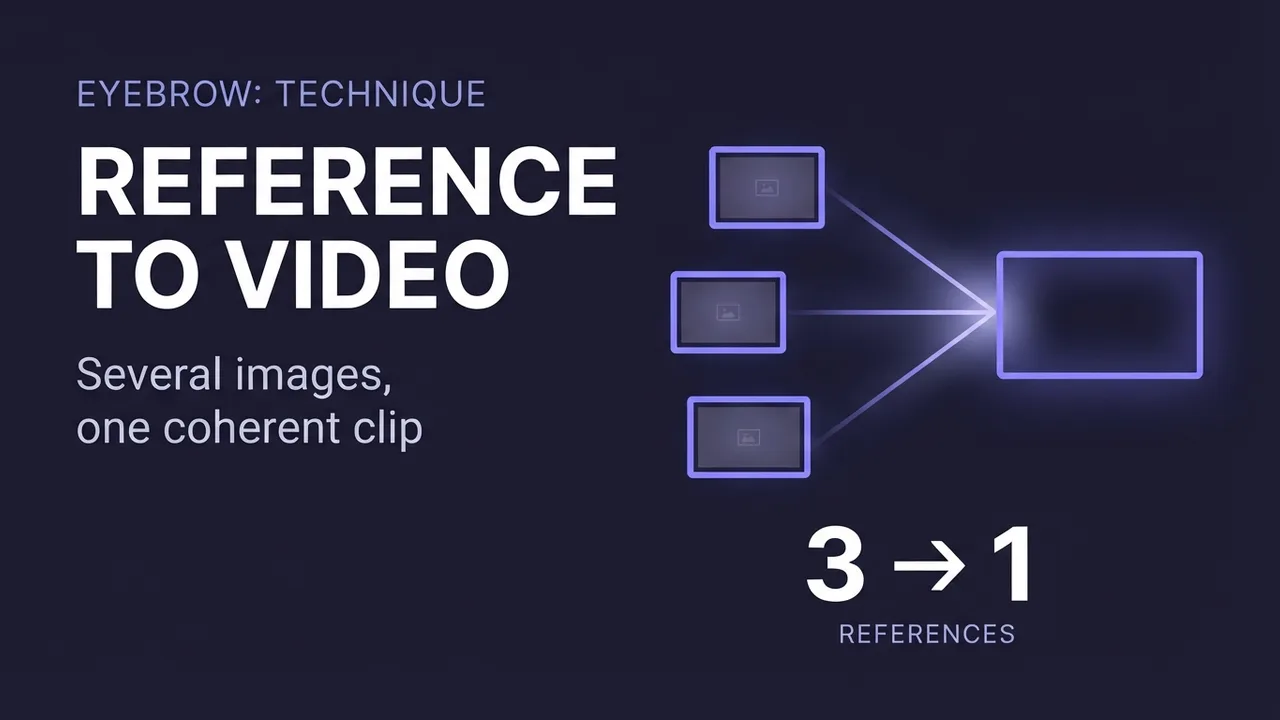
How to use reference-to-video AI (combine images into one clip)
A model-agnostic guide to reference-to-video AI: how to combine several reference images (a person, an outfit, a prop, a location) into one coherent clip, how some engines also take audio and video as references, and the mistakes that decide whether the shot fuses or falls apart.
Leer la guía →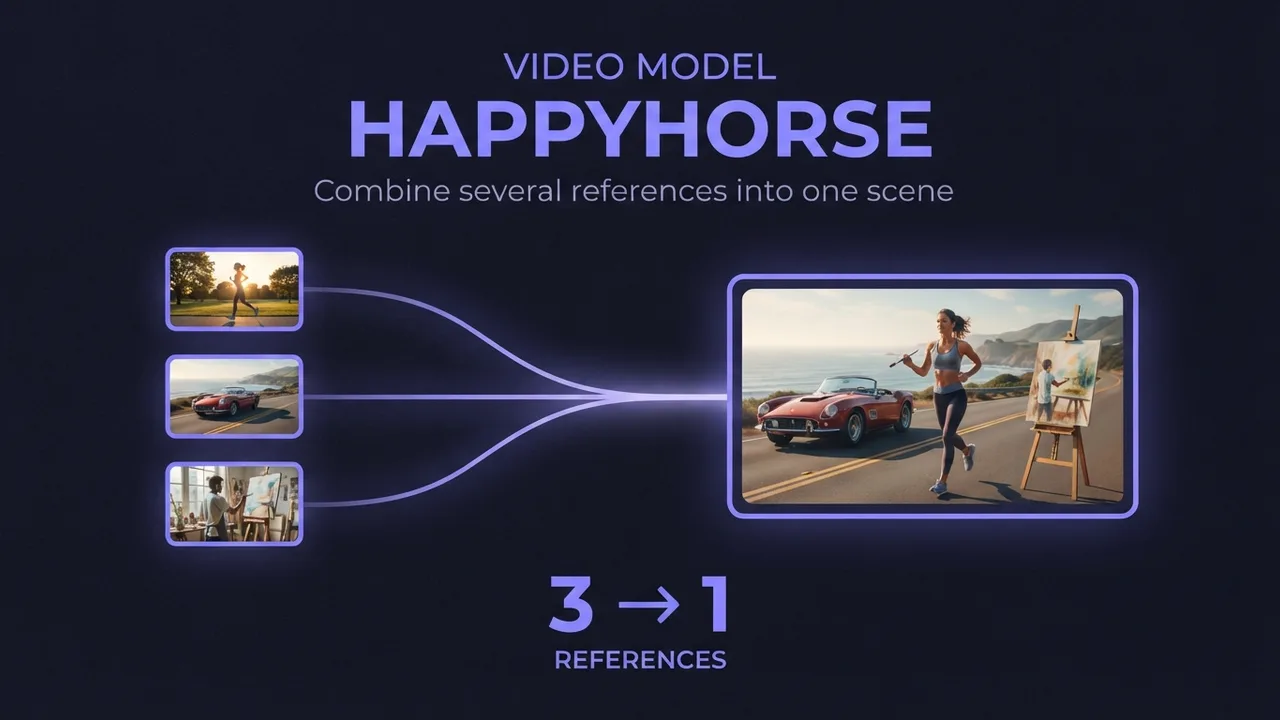
How to use HappyHorse reference-to-video (multi-image AI video)
A practical guide to HappyHorse reference-to-video: how to combine several reference images (a person, an outfit, an accessory) into one AI video scene, how to reference each image in your prompt, and the settings and mistakes that decide whether the shots blend or clash.
Leer la guía →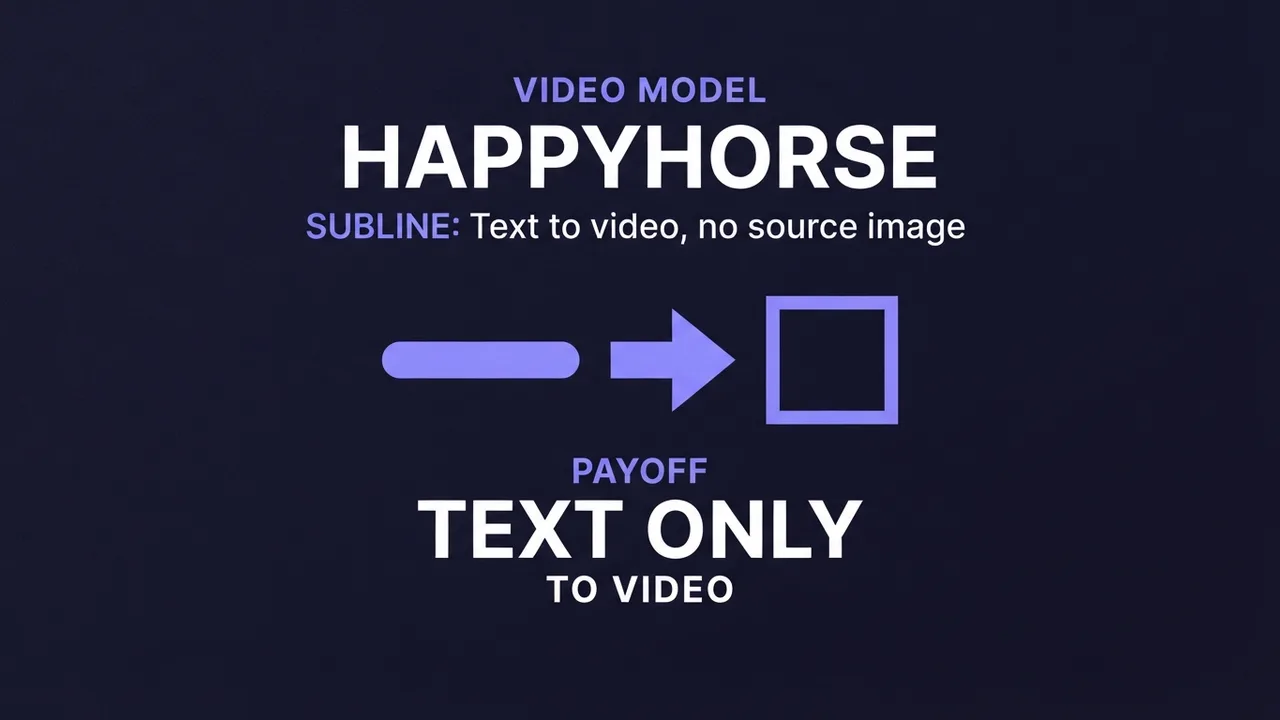
How to use HappyHorse text-to-video (AI video from a prompt)
A practical guide to HappyHorse text-to-video: how to write a prompt that produces physically realistic, motion-smooth video with no source image, the resolution and duration settings that matter, and the mistakes that waste a render.
Leer la guía →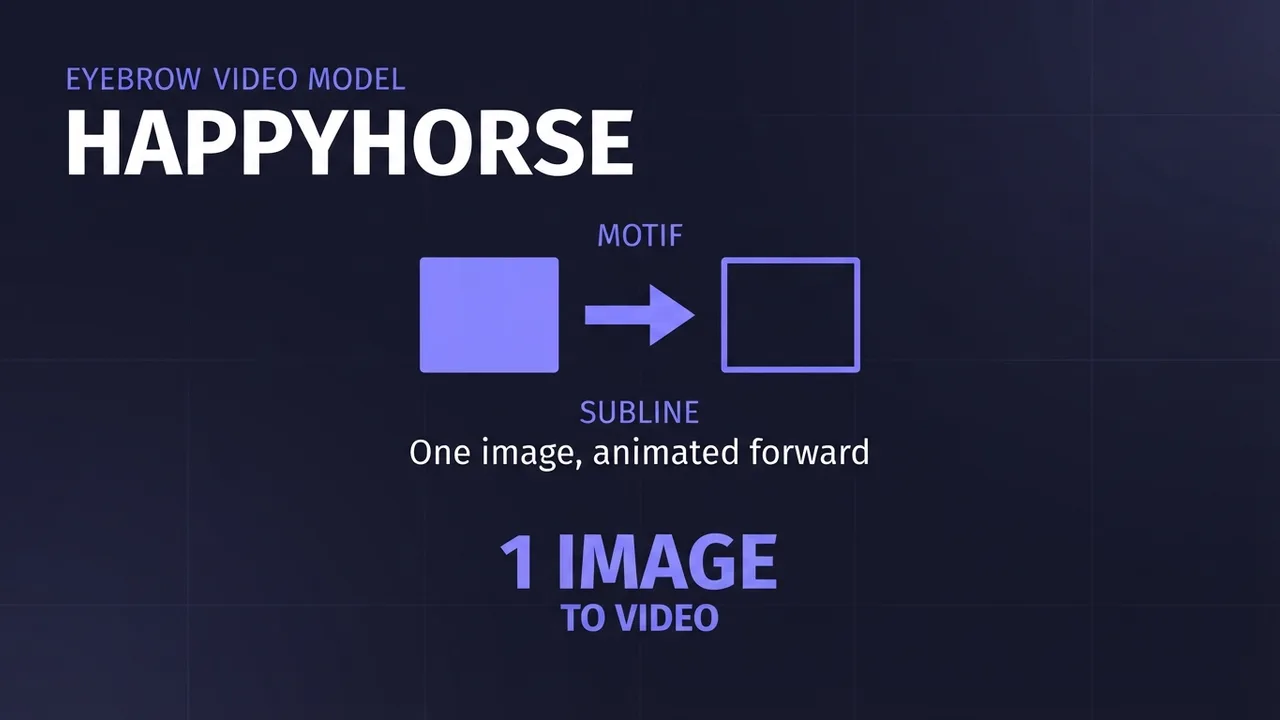
How to use HappyHorse image-to-video (first-frame AI video)
A practical guide to HappyHorse image-to-video: how to turn a single first-frame image and a prompt into smooth AI video, the resolution and duration settings that matter, and the mistakes that waste a render.
Leer la guía →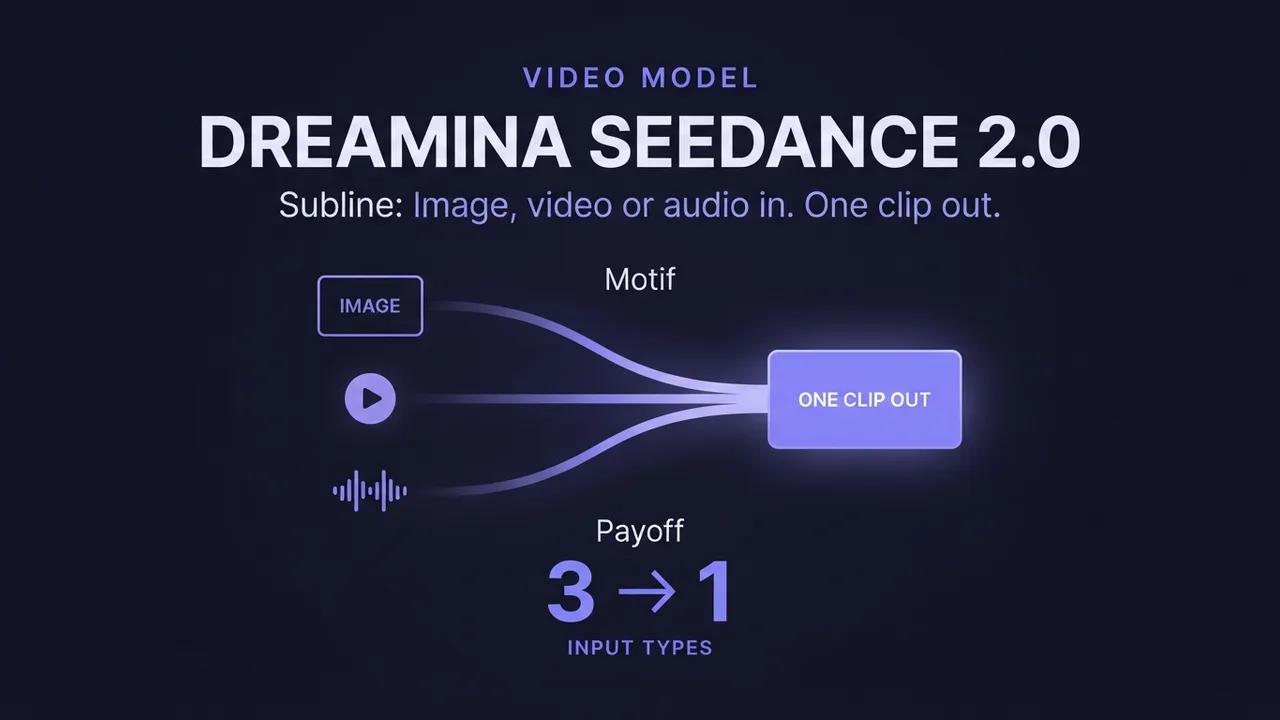
How to use Dreamina Seedance 2.0 (multimodal AI video)
A practical guide to Dreamina Seedance 2.0: how to generate video from image, video, and audio references, edit an existing video, and extend a clip. Plus how the standard, fast, and mini tiers differ so you pick the right one.
Leer la guía →Cómo generar vídeos con Wan 2.2
Una guía práctica y probada para convertir una sola imagen en vídeo IA fluido con Wan 2.2 (imagen a vídeo): los ajustes que importan, la estructura de prompt que funciona y los errores que arruinan tus renders.
Leer la guía →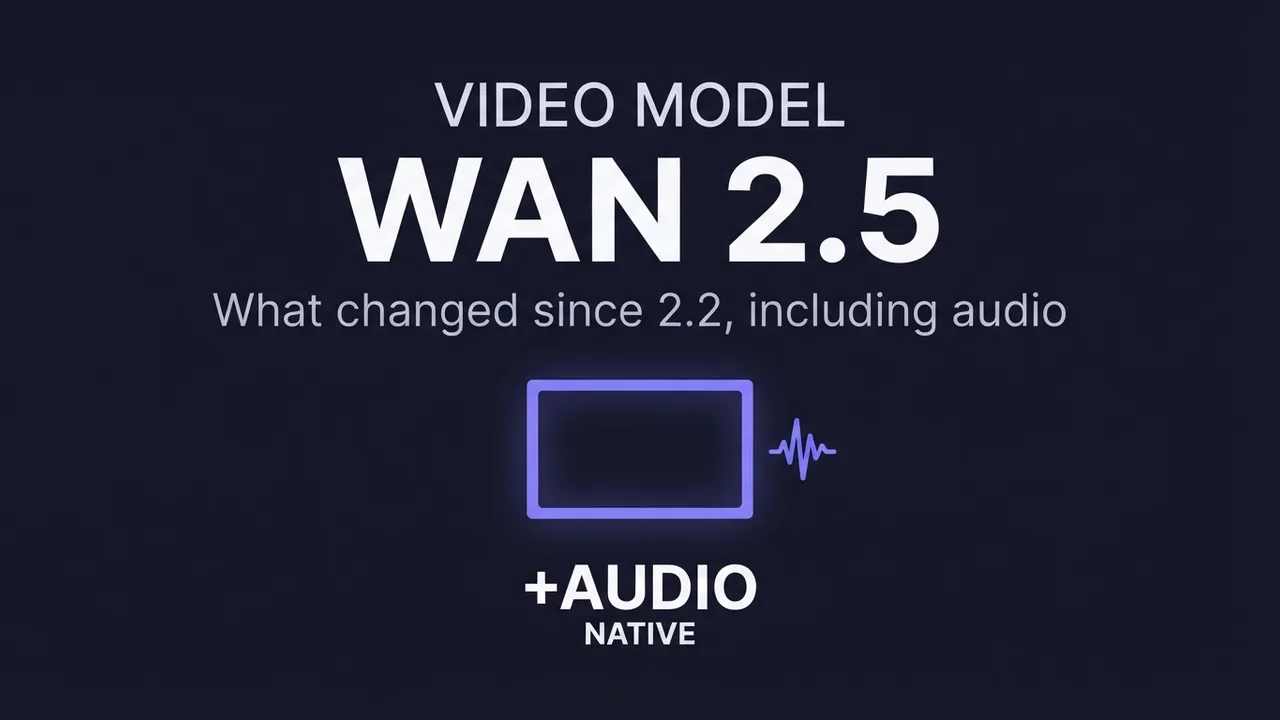
How to generate videos with Wan 2.5
What changed in Wan 2.5 versus 2.2, including native audio, and how to get the most out of it for image-to-video: the new settings worth touching, when the upgrade helps, and when it doesn't.
Leer la guía →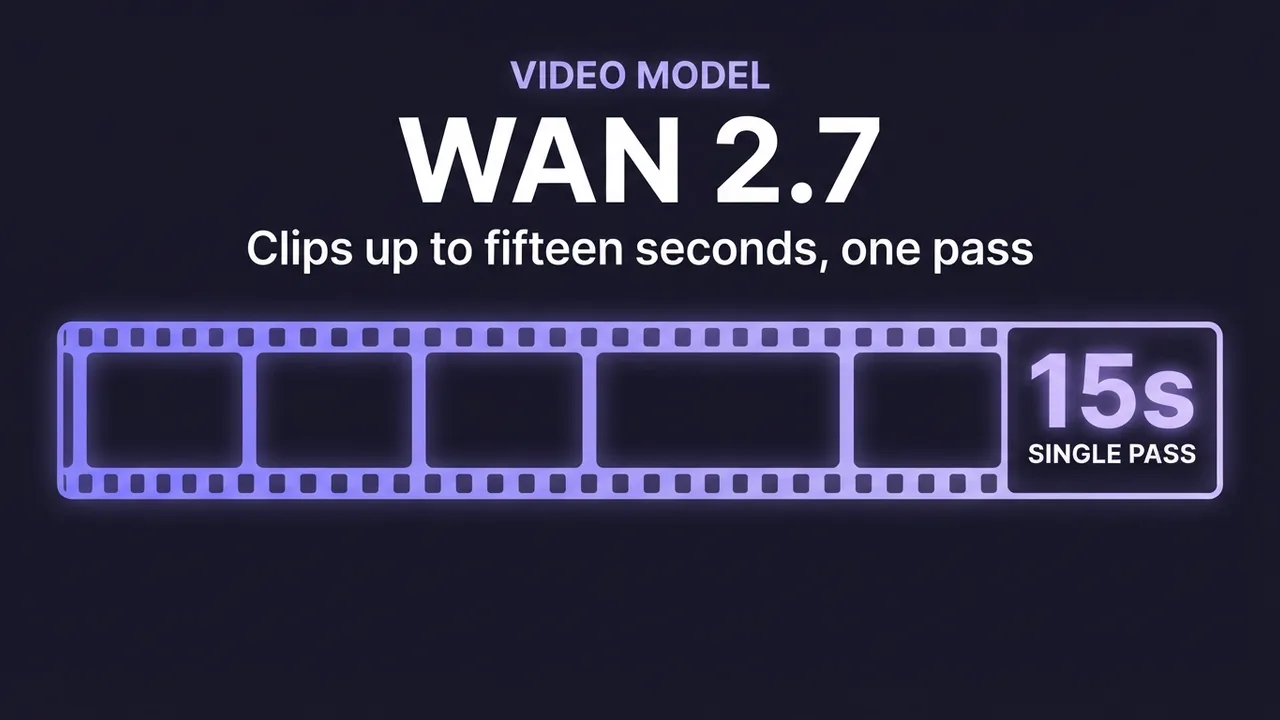
How to generate videos with Wan 2.7
A practical guide to Wan 2.7 image-to-video: clips up to about fifteen seconds, built-in prompt optimization, and refined native audio. What the model adds over 2.5, how to prompt sound, and how to script a longer clip so it holds together.
Leer la guía →
Generar imágenes
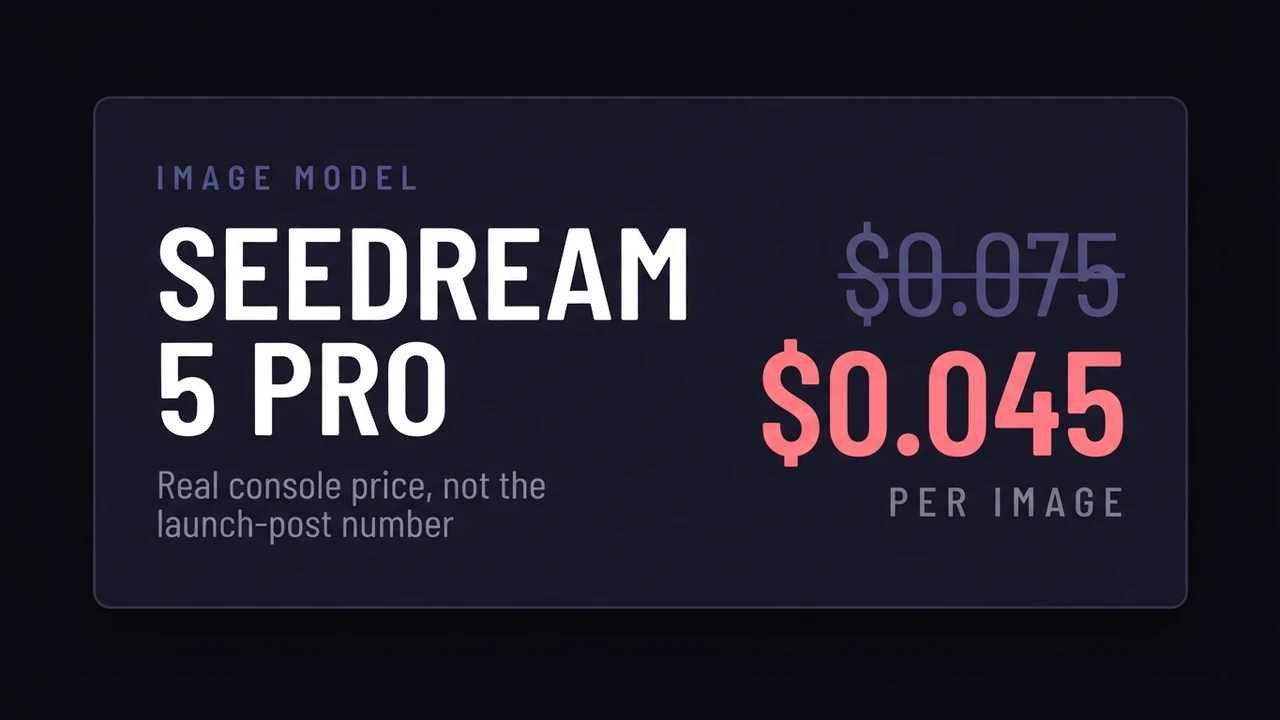
Dola-Seedream-5.0-pro: cuánto cuesta y qué hace
Seedream 5.0 Pro (ID de modelo dola-seedream-5-0-pro-260628) con el precio sacado de la consola de BytePlus y no de la nota de prensa: 0,045 USD por imagen, no los 0,075 que se citan en todas partes. Incluye los costes reales según el proveedor, la separación en capas, el paso de razonamiento y cuándo Lite es la mejor compra.
Leer la guía →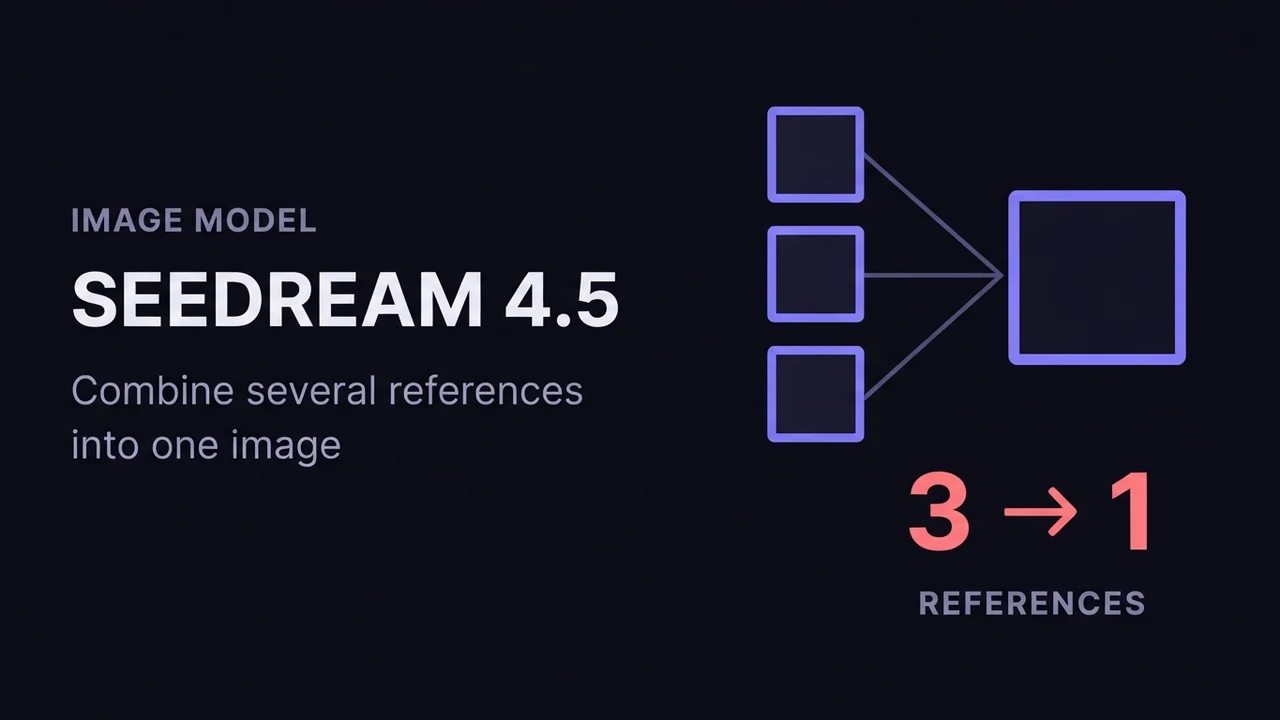
Cómo usar Seedream 4.5 para generar imágenes con IA
Una guía práctica de Seedream 4.5 de ByteDance: cómo funcionan sus modos text-to-image e image-to-image (fusión de varias imágenes), cómo referenciar imágenes de entrada en un prompt, los ajustes de resolución y de lote que importan, y cómo conseguir resultados coherentes y con mucho detalle.
Leer la guía →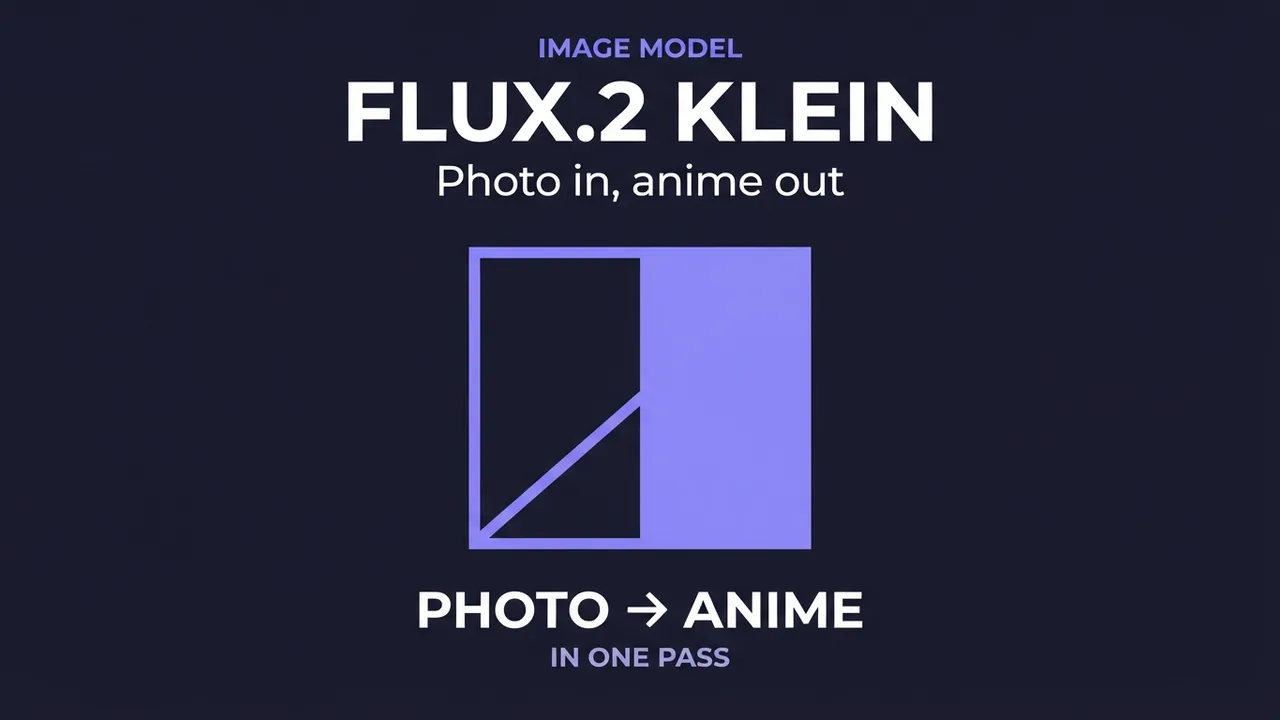
How to use FLUX.2 [klein] for AI anime-style images
A practical guide to FLUX.2 [klein]: a small, fast model that restyles a photo or photoreal image into anime/manga art. Covers how the image-to-image transform works, how to write a style prompt it responds to, and the mistakes that break the pose or composition.
Leer la guía →Cómo usar Wan 2.7 Image (texto a imagen, edición y conjuntos de imágenes)
Una guía práctica de Wan 2.7 Image: texto a imagen hasta 4K, edición por prompt, retoque de región interactivo, referencia multiimagen y generación de conjuntos de imágenes coherentes. Ajustes, prompts y los errores que arruinan renders.
Leer la guía →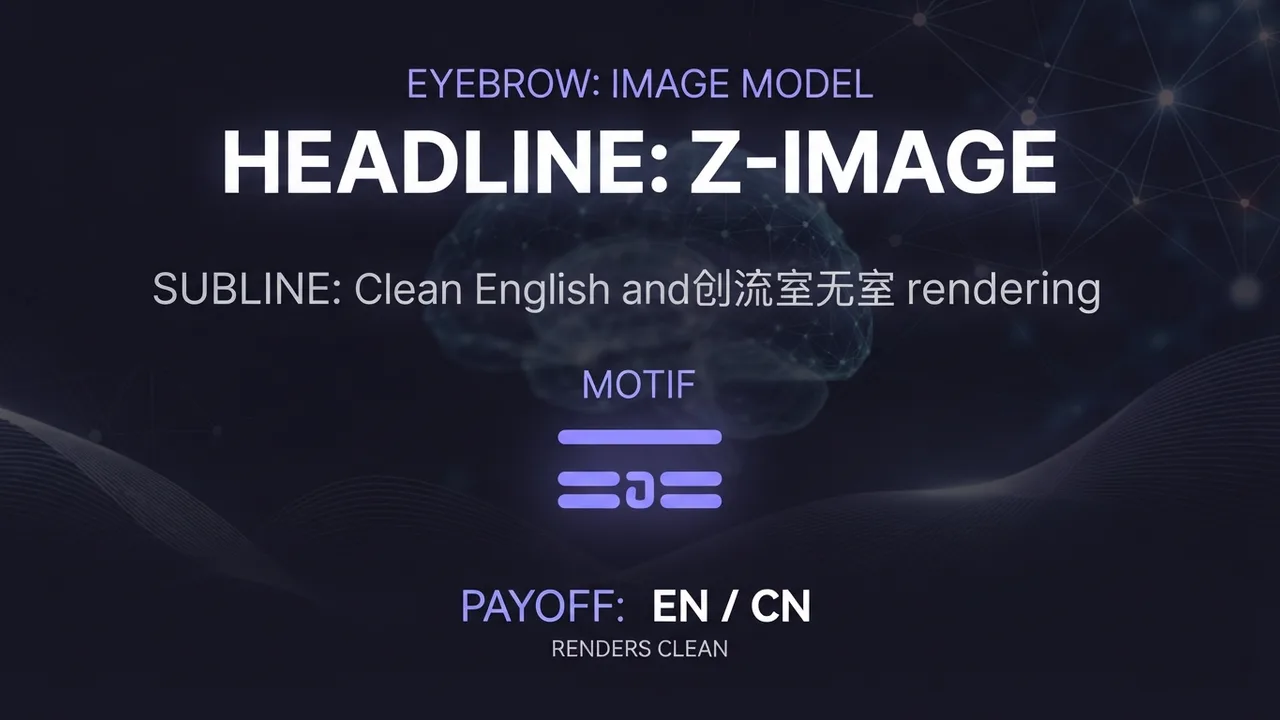
How to use Z-Image for AI image generation
A practical guide to Z-Image (z-image-turbo): a fast, lightweight text-to-image model with clean English and Chinese text rendering. Covers the resolutions that work best, how to write a prompt it renders faithfully, and the settings that decide speed versus quality.
Leer la guía →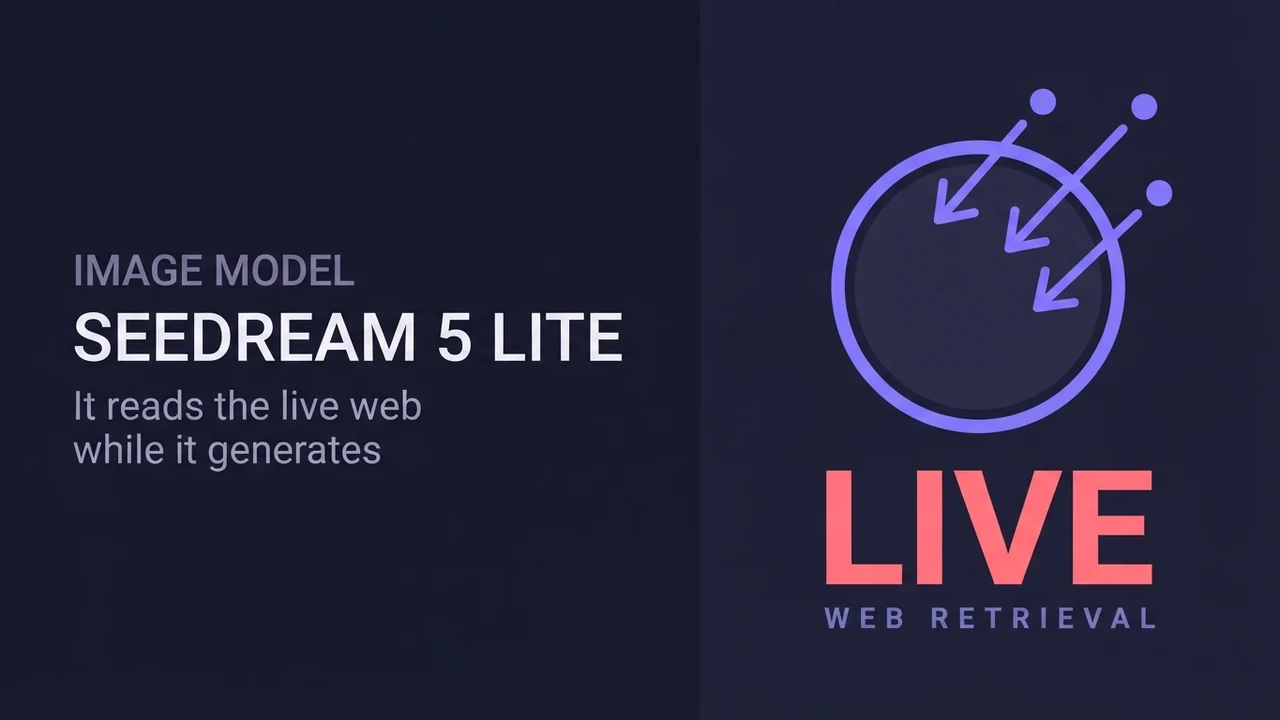
How to use Dola-Seedream-5.0-lite for AI image generation
A practical guide to Dola-Seedream-5.0-lite (model ID seedream-5-0-260128): a text- and image-input model with web-connected retrieval, strong reference consistency, and accurate instruction following. Covers how to prompt it, combine reference images, and pick the right pricing tier.
Leer la guía →
Voz y música
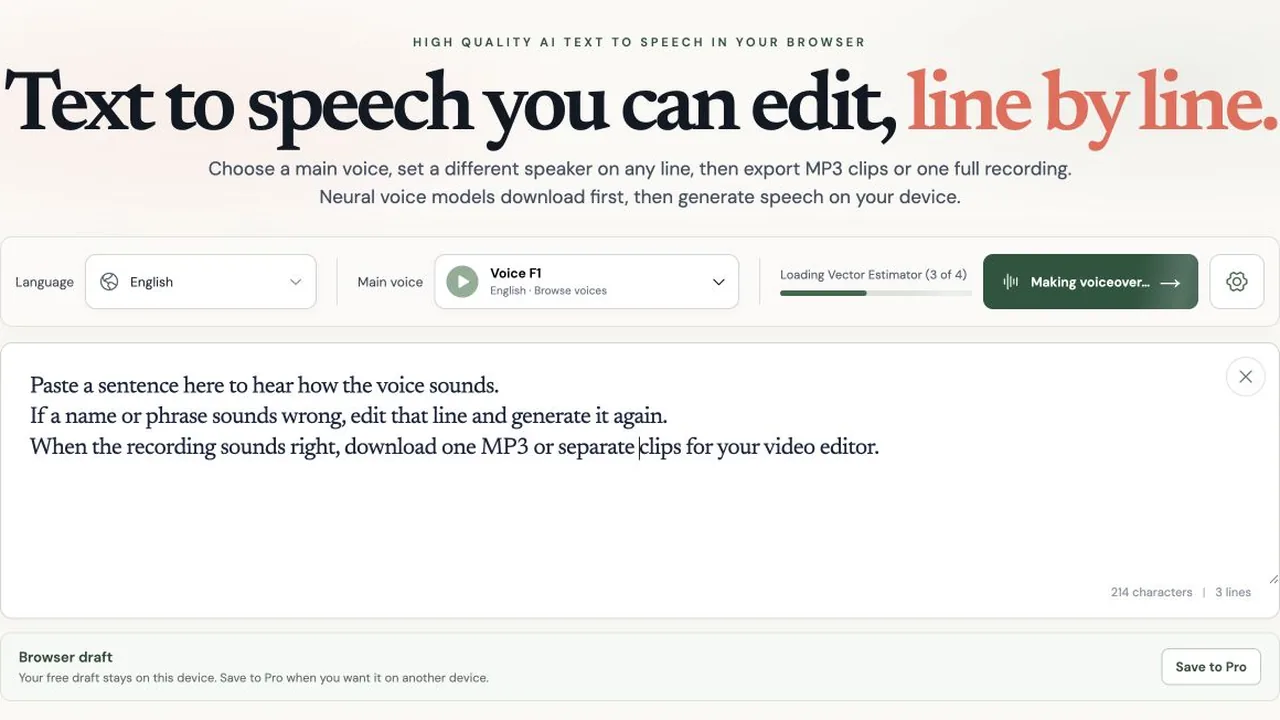
TTS Lines: free AI text to speech with editable lines
Make a voiceover in your browser, revise one sentence, and export separate MP3 clips. See TTS Lines' local technology, limits, and planned Pro pricing.
Leer la guía →
How to Set Up AuK: A Local, Uncensored Voice Model
Install AuK, Tencent's open-source 1.5B speech model, on a rented RunPod GPU through its official Gradio web form: zero-shot voice cloning, text-to-speech, and speech editing with no account, no content filter, and no per-second usage fee once it's running.
Leer la guía →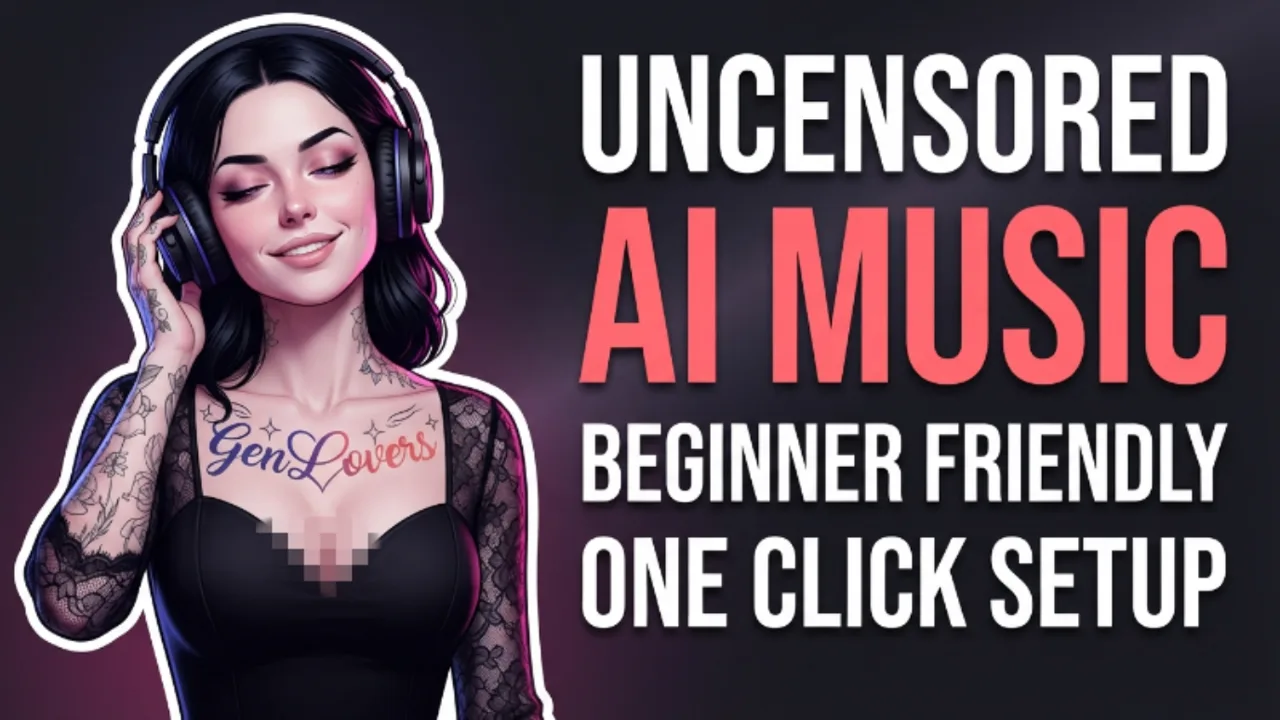
How to Set Up YuE2: A Local, Open-Source AI Music Model
Install YuE2, m-a-p's open-source 3B music model, on a rented RunPod GPU through ComfyUI: an editable musical score generated first, then a full song with vocals and accompaniment rendered from it, no account or per-generation fee once it's running.
Leer la guía →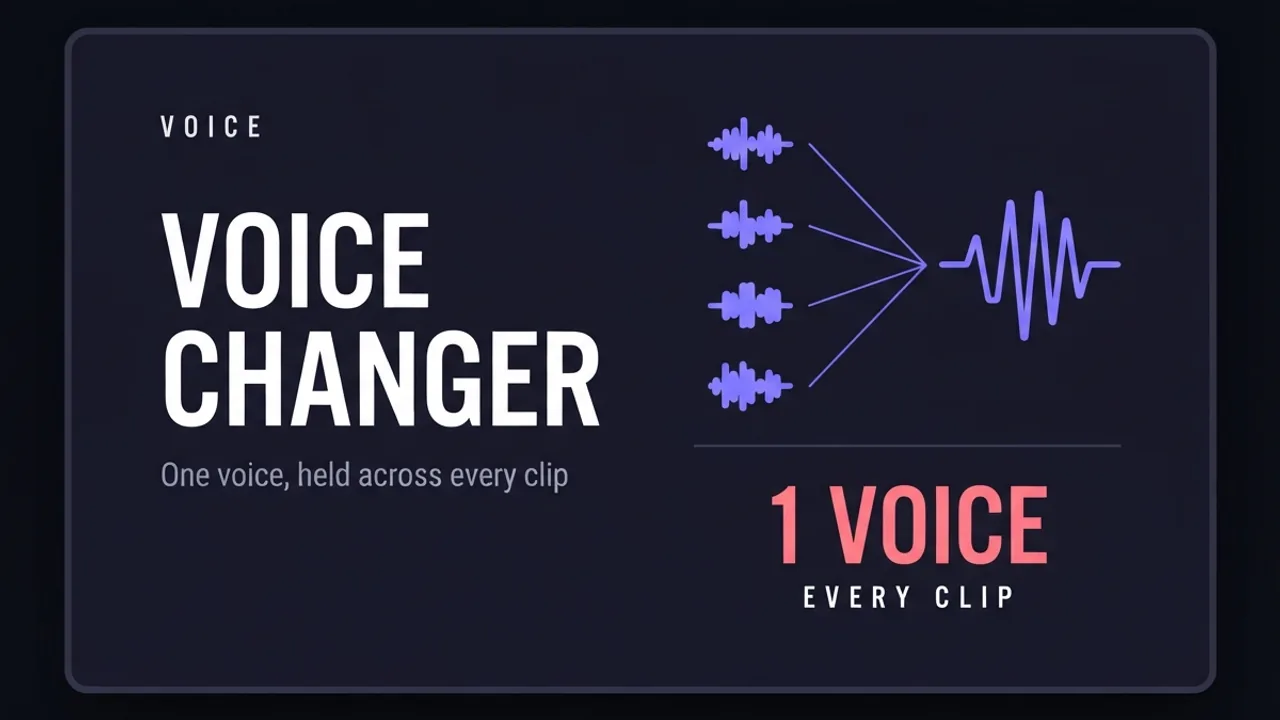
How to use ElevenLabs Voice Changer to keep one voice across a whole video
How to use ElevenLabs' Voice Changer (speech-to-speech) to replace your recorded voice with one consistent voice across a long video assembled from several separate AI generations.
Leer la guía →
Prompts y corrección de resultados
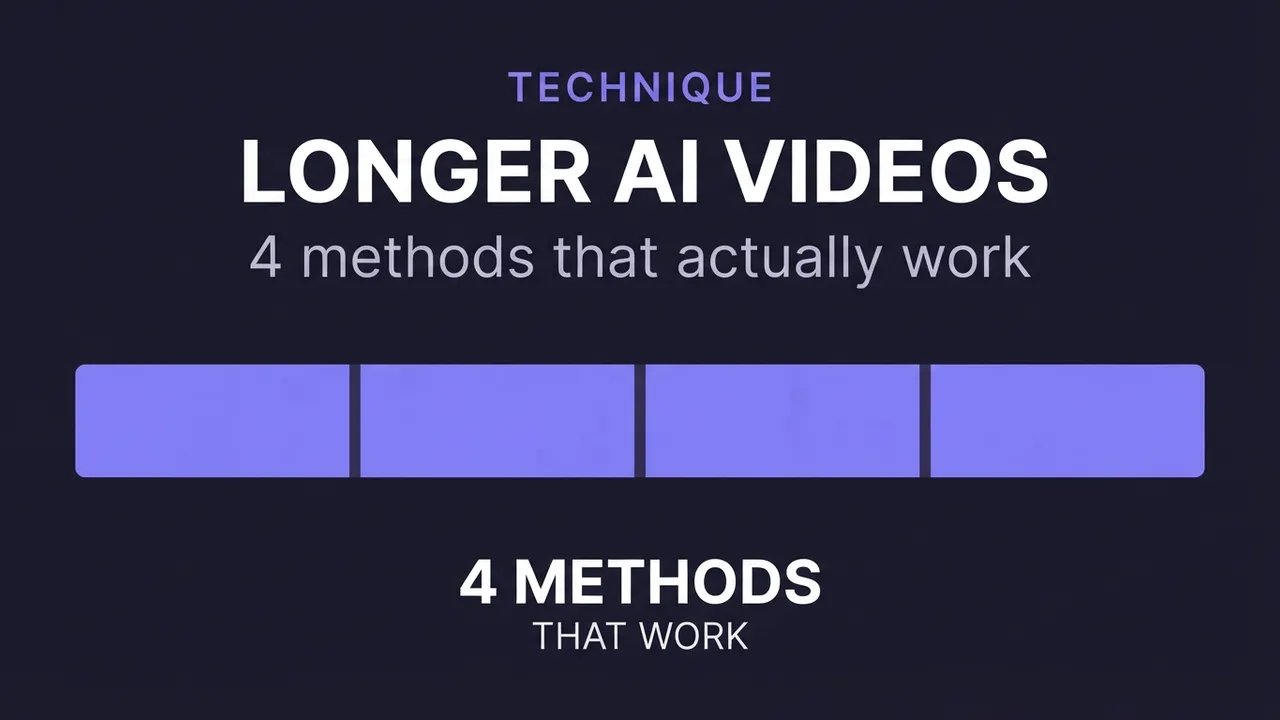
How to make longer AI videos: 4 methods that work
AI video models cap out at a few seconds. Here are the 4 methods that extend them: chaining clips, last-frame continuation, and keeping motion consistent across every join. Step by step, free.
Leer la guía →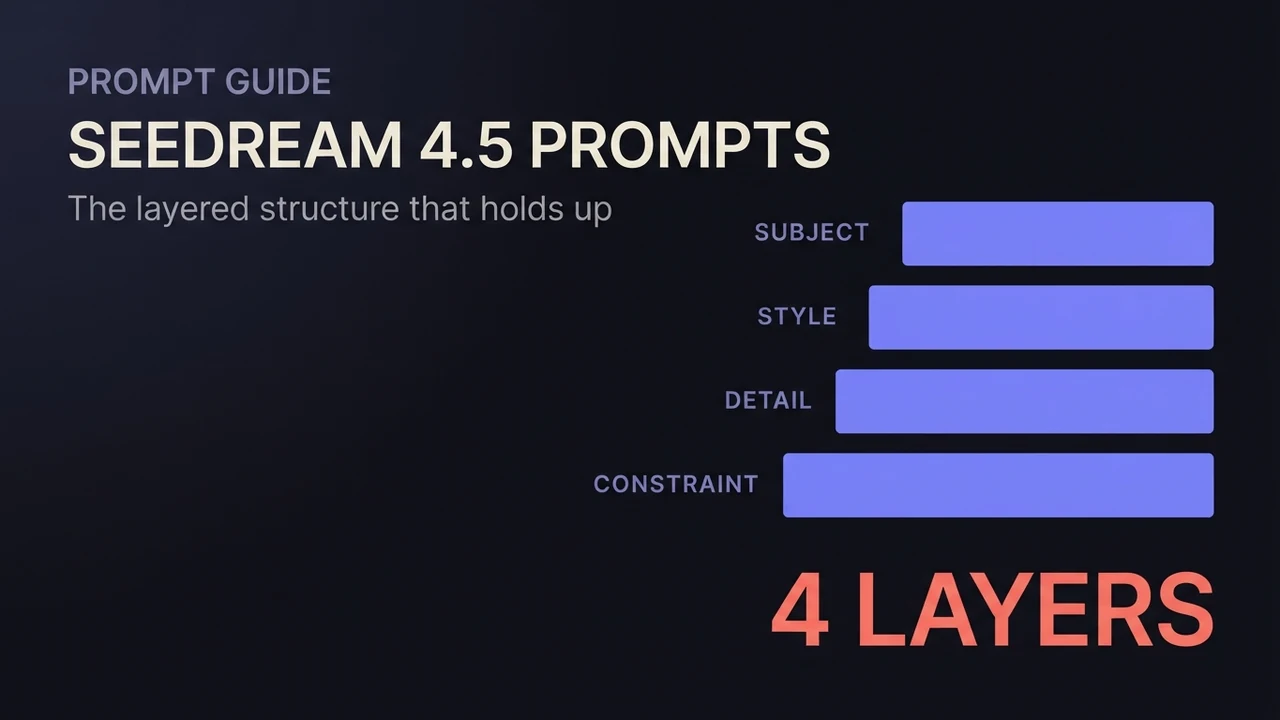
Guía de prompts de Seedream 4.5: patrones que funcionan
Una guía de prompts de Seedream 4.5 que funciona: la estructura por capas para text-to-image, instrucciones de edición que conservan lo importante, cómo redactar la fusión de varias imágenes, texto exacto dentro de la imagen y plantillas listas para copiar para cada caso.
Leer la guía →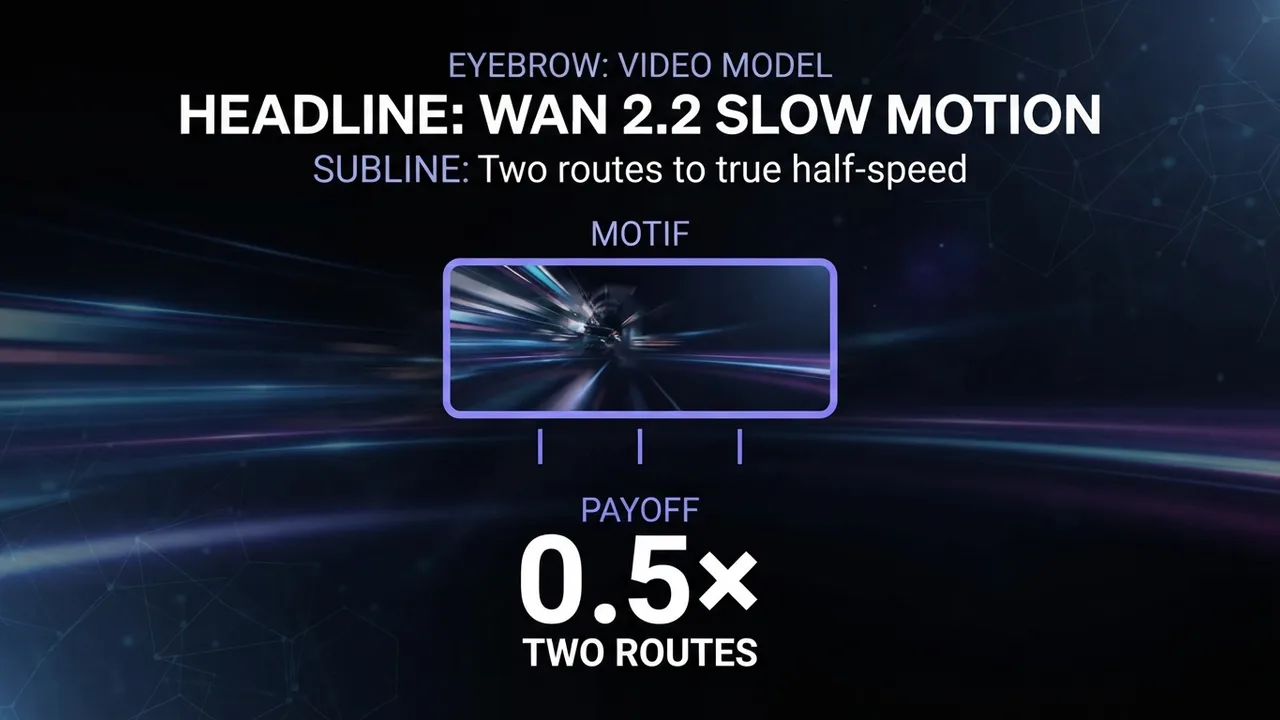
How to get slow motion in Wan 2.2
Two reliable routes to slow motion in Wan 2.2: prompt patterns that produce slow, stable movement in the render itself, and the post-process interpolation route when you need true half-speed smoothness.
Leer la guía →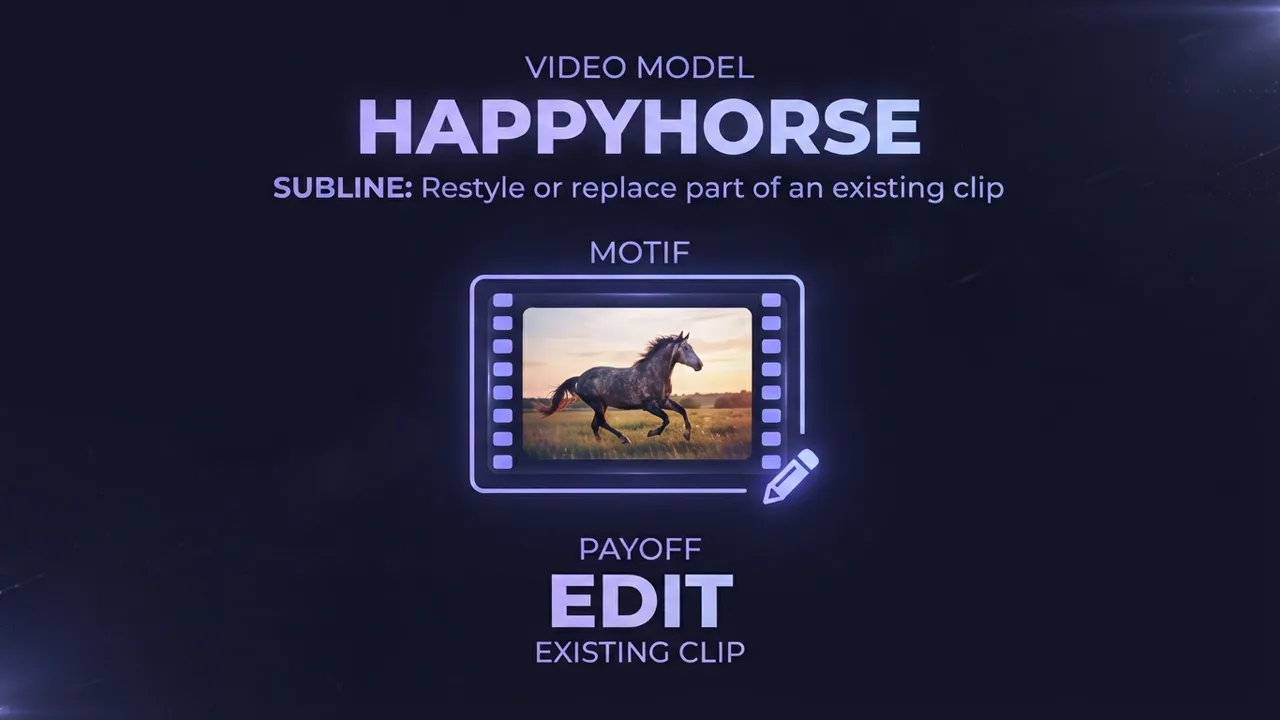
How to edit an existing video with HappyHorse (AI video editing)
A practical guide to HappyHorse video editing: how to restyle or locally replace parts of an existing video using a reference image and a text instruction, the input requirements that decide whether it works, and the settings and mistakes that make or break an edit.
Leer la guía →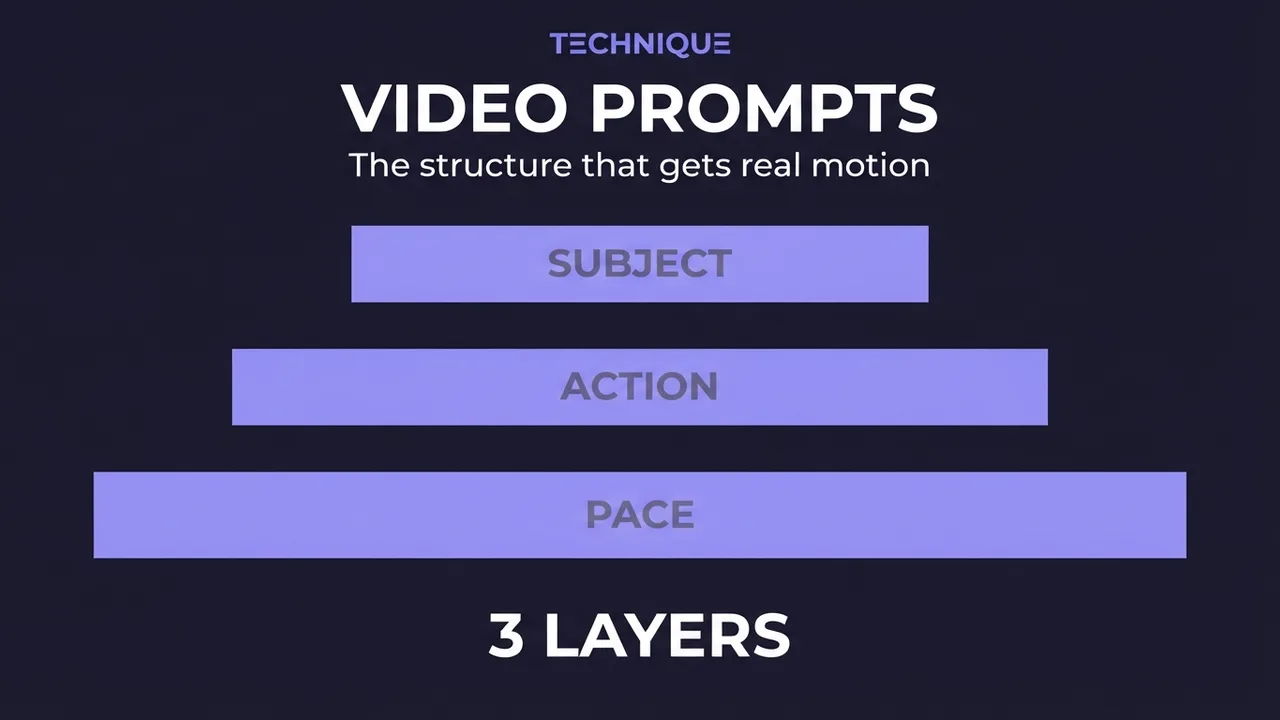
How to write prompts for AI video generation
The prompt structure that works for AI video: why motion prompts are different from image prompts, the present-progressive rule, and the specific phrasing that gets you believable movement instead of a warped photo.
Leer la guía →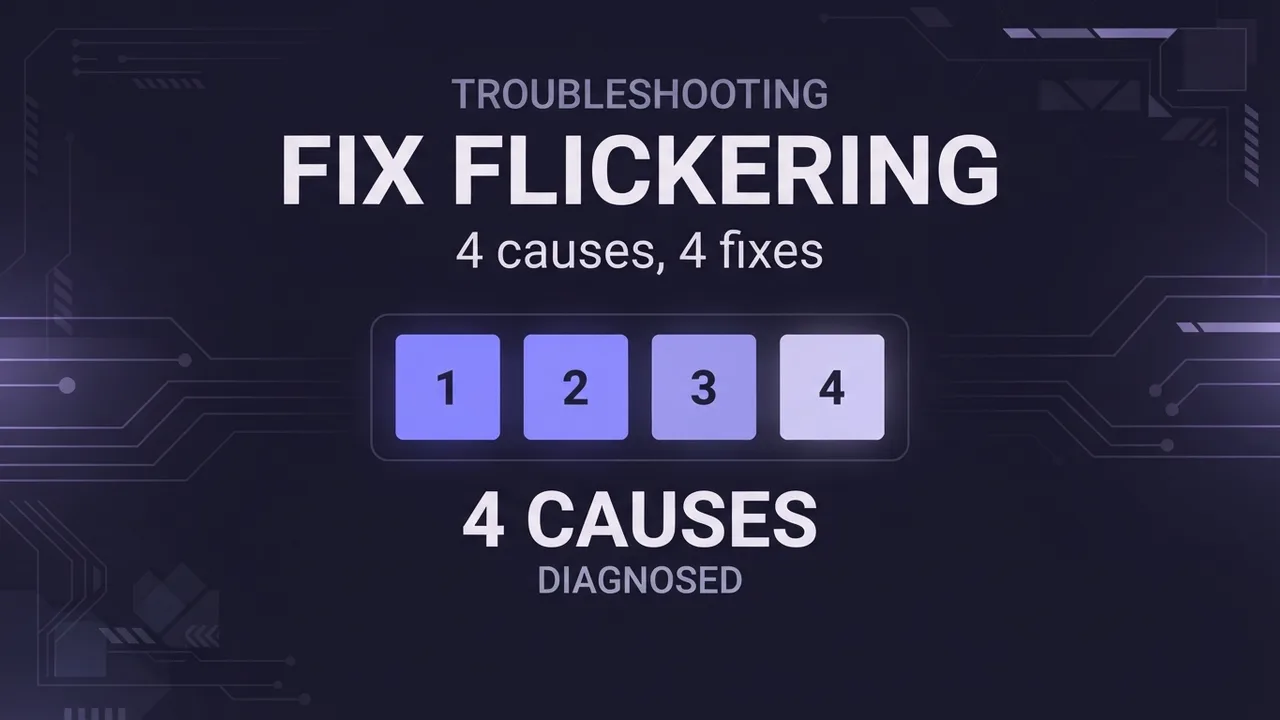
How to fix flickering AI video: 4 causes and fixes
AI video that flickers, shimmers, or morphs between frames has 4 usual causes. Here's how to diagnose and fix each one: source-image noise, too-few steps, over-long clips, and unstable prompts. Step by step.
Leer la guía →
Lo que cuesta en realidad
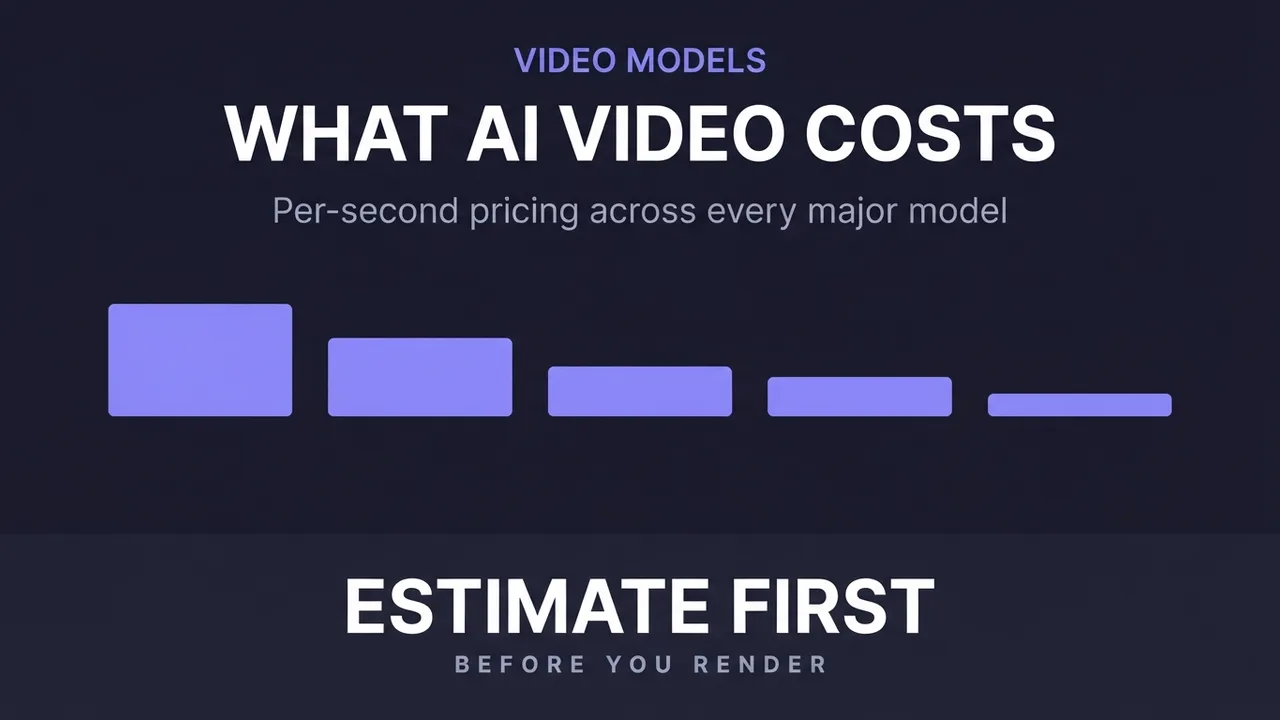
How much does AI video generation cost?
A clear breakdown of what AI video costs: per-second pricing, why resolution and audio change the bill, how to estimate a clip before you generate it, the free local alternative, and where the hidden costs like upscaling hide.
Leer la guía →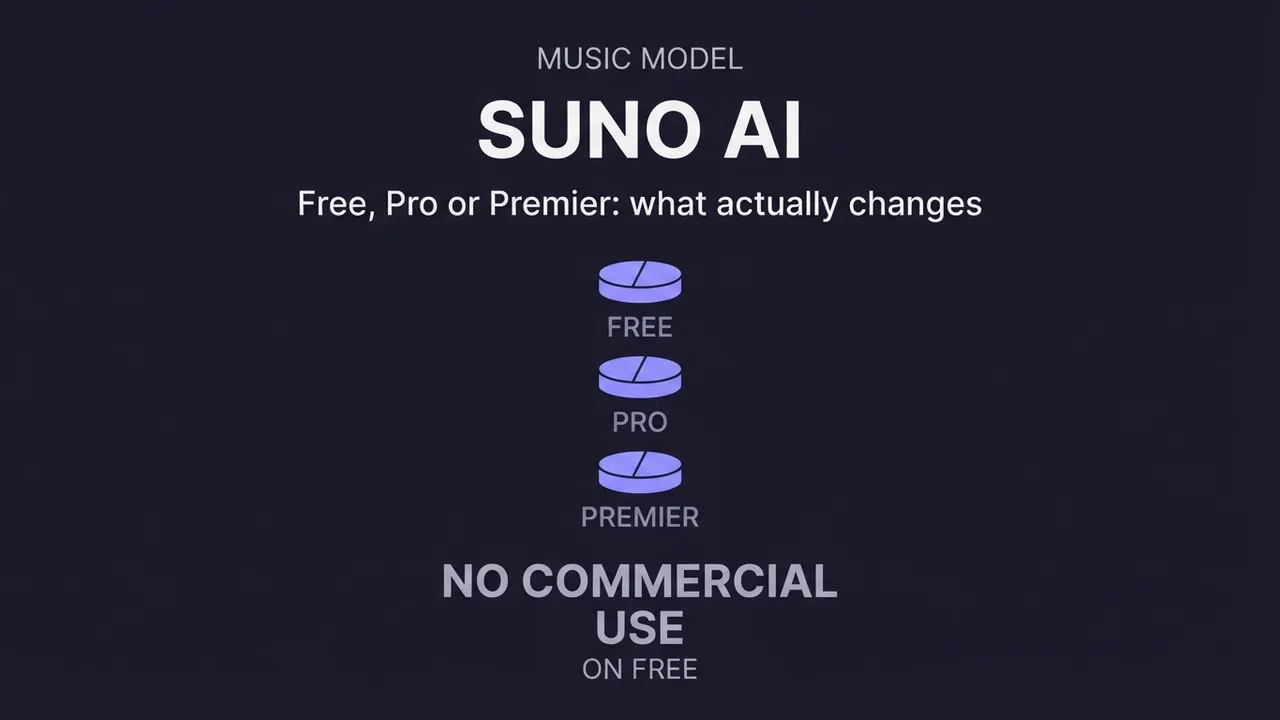
¿Cuánto cuesta Suno AI?
Lo que cuesta Suno AI: cómo funciona su sistema de créditos, la diferencia real entre los planes gratuito, Pro y Premier, la trampa del uso comercial en el plan gratuito, cuánto cuesta una canción y cómo elegir el plan adecuado.
Leer la guía →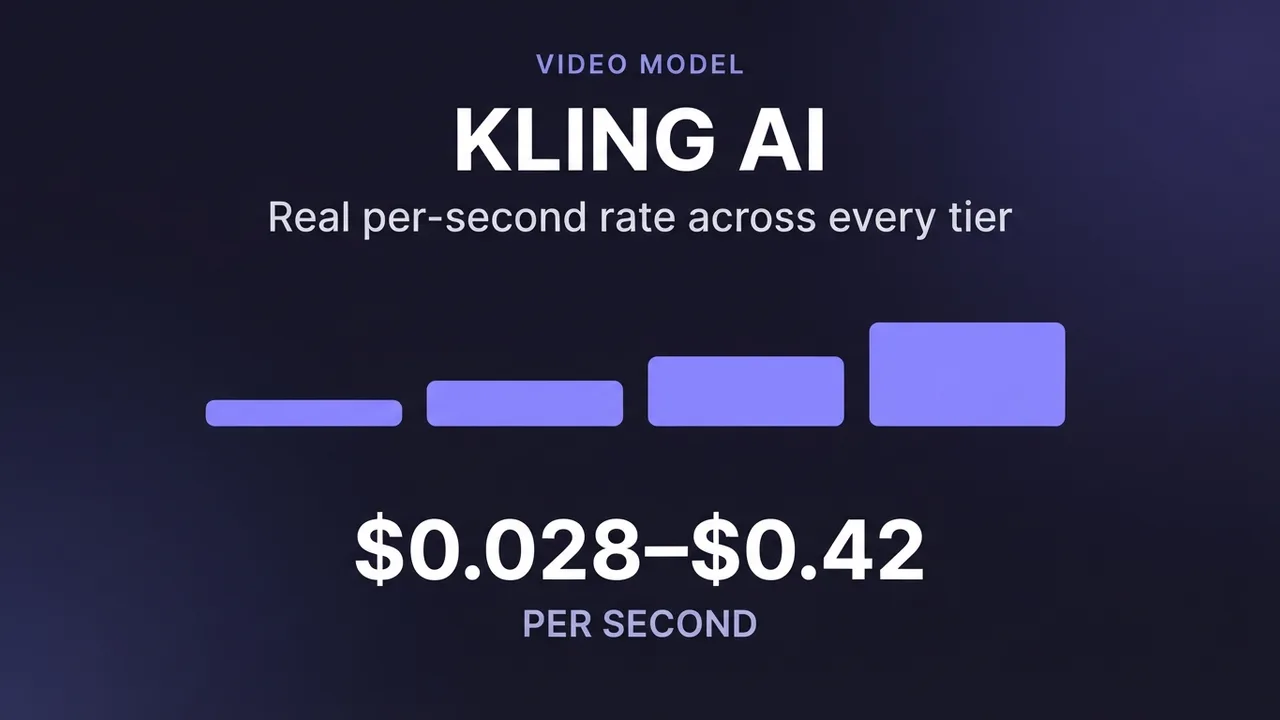
How much does Kling AI cost?
What Kling AI costs: the real per-second API rates from Kling's own pricing across every model (3.0, O1, 2.6, Master, 1.0 and more), how 720p, 1080p and 4K differ, what native audio adds, image pricing, and how to estimate a clip.
Leer la guía →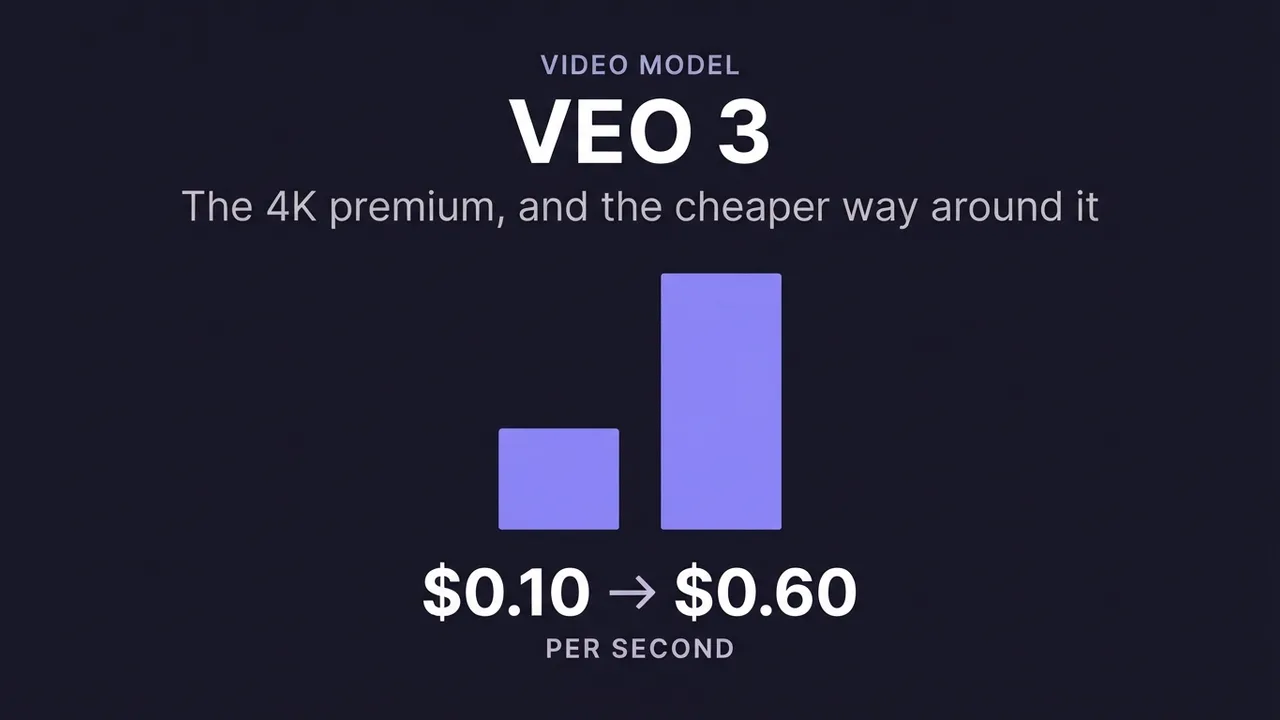
How much does Veo 3 cost?
Google Veo 3 pricing explained with the real per-second API rates: standard vs fast vs lite, what the 4K premium costs, why audio is included in the price, and how the tiers compare for budgeting a clip.
Leer la guía →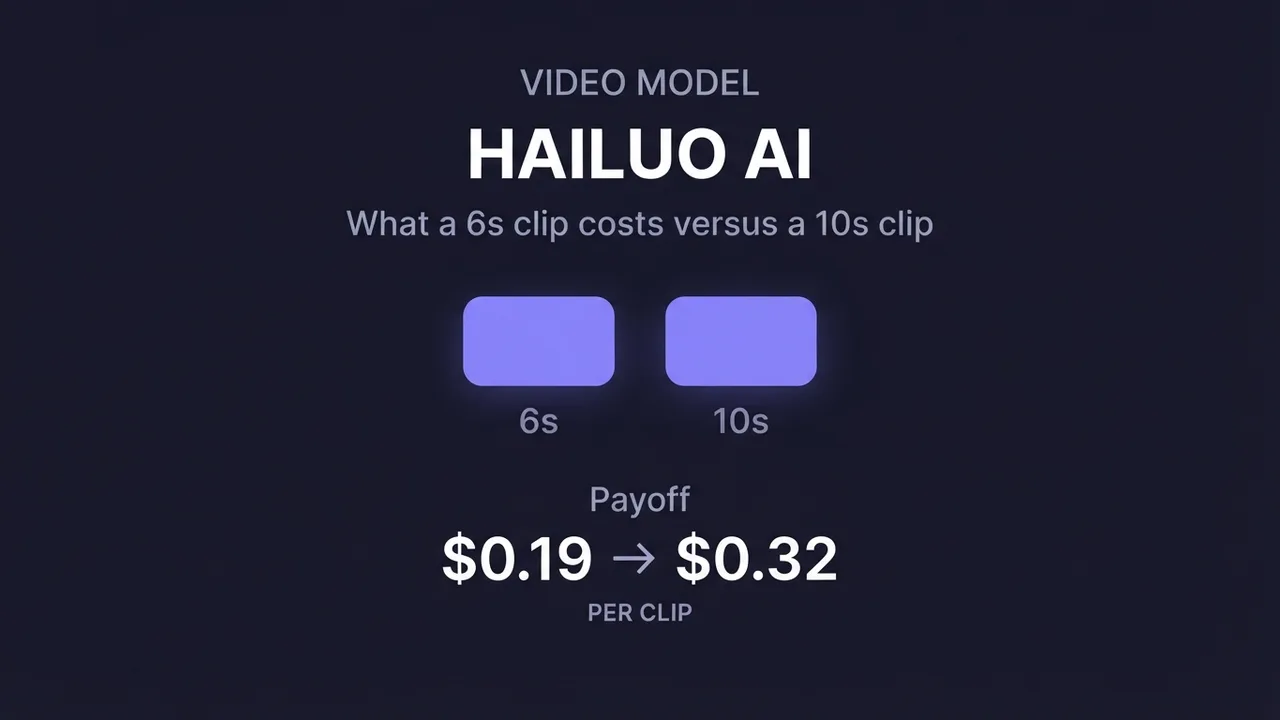
How much does Hailuo AI cost?
Hailuo AI (MiniMax) pricing with the real per-generation API rates: what a 6-second vs 10-second clip costs, how 768p and 1080p differ, the fast vs standard model tiers, and how to budget a batch.
Leer la guía →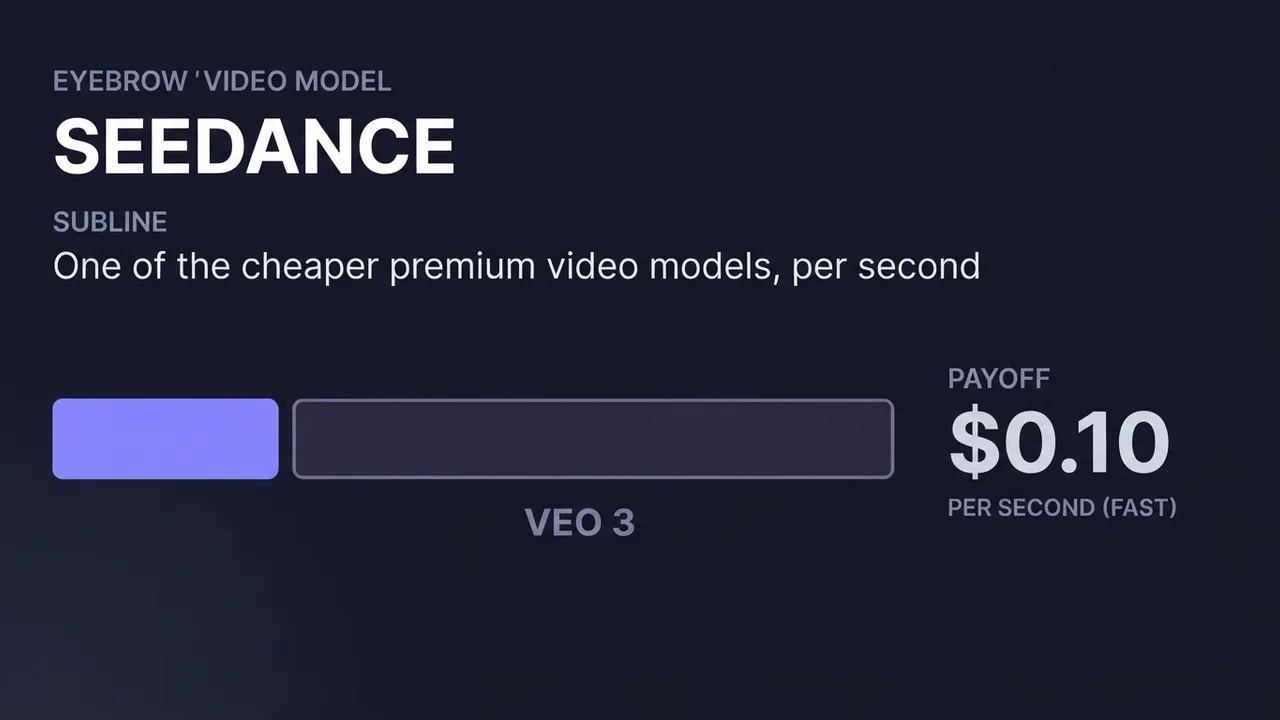
How much does Seedance cost?
Seedance (ByteDance) pricing: the real per-second API rate for the fast tier, how standard, fast and mini differ, why it's one of the cheaper premium video models, and how to estimate a clip.
Leer la guía →
Más guías
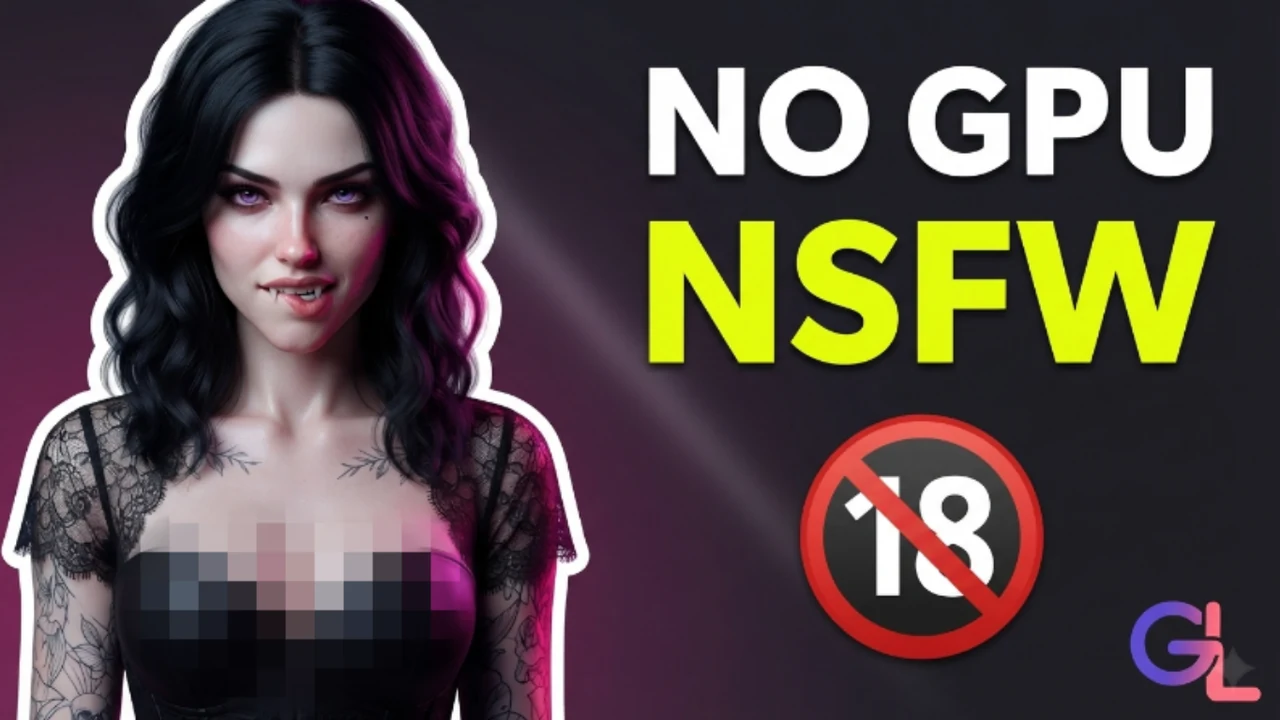
Cómo configurar en local un compañero de IA gratuito y sin censura (sin GPU)
Instala Ollama, descarga un modelo Qwen3.5 4B abliterated sin censura y chatea con tu propio compañero de IA privado, totalmente sin conexión y solo con CPU. Sin GPU, sin cuenta, sin suscripción.
Leer la guía →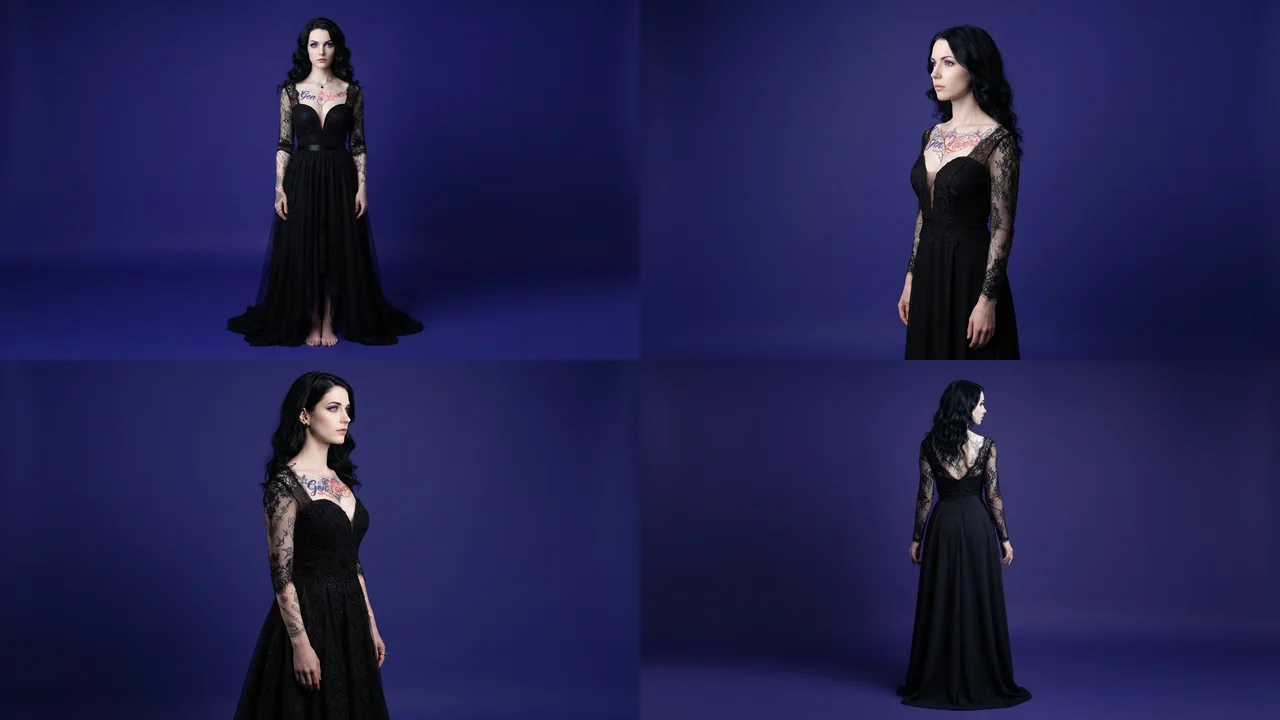
3D Gaussian Splatting From One Photo: Is It Good?
What 3D Gaussian Splatting is, how good a single-photo result really looks, where it breaks, and what it's useful for versus a flat generated image or a textured 3D mesh.
Leer la guía →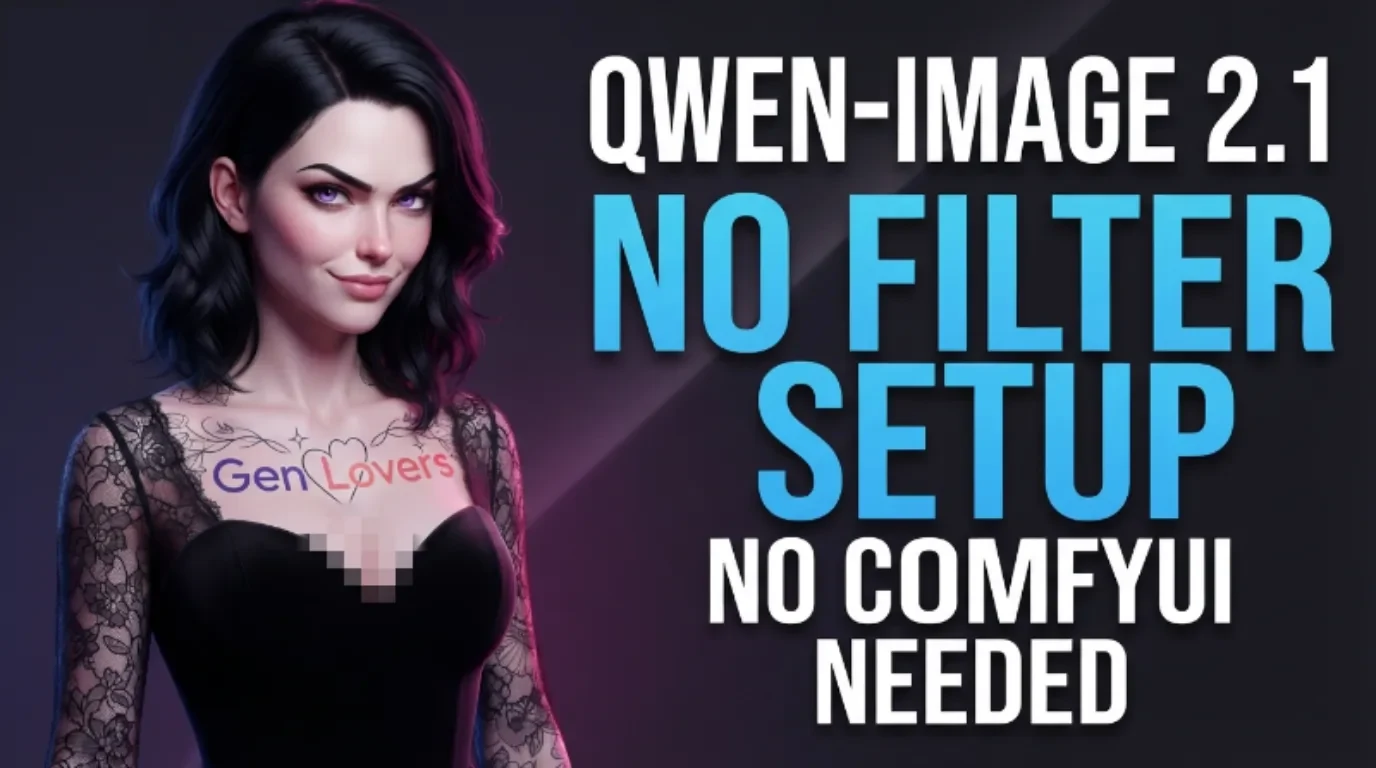
How to Set Up Qwen-Image-2.1 in ComfyUI
Install Qwen-Image-2.1, Alibaba's open-weight image model, on a rented RunPod GPU with a single setup script: text-to-image, multi-reference image editing, and background removal, through ComfyUI's official templates or through a plain web interface this guide includes for anyone who'd rather skip the node graph entirely. No account, no content filter, and no per-generation fee once it's running.
Leer la guía →
How to Make AI Porn: The Full Pipeline, Idea to Finished Video
The real production method behind a finished AI adult video: script first, repeatable character and scene sheets, then generation, then stitching it all into one clip with one consistent voice.
Leer la guía →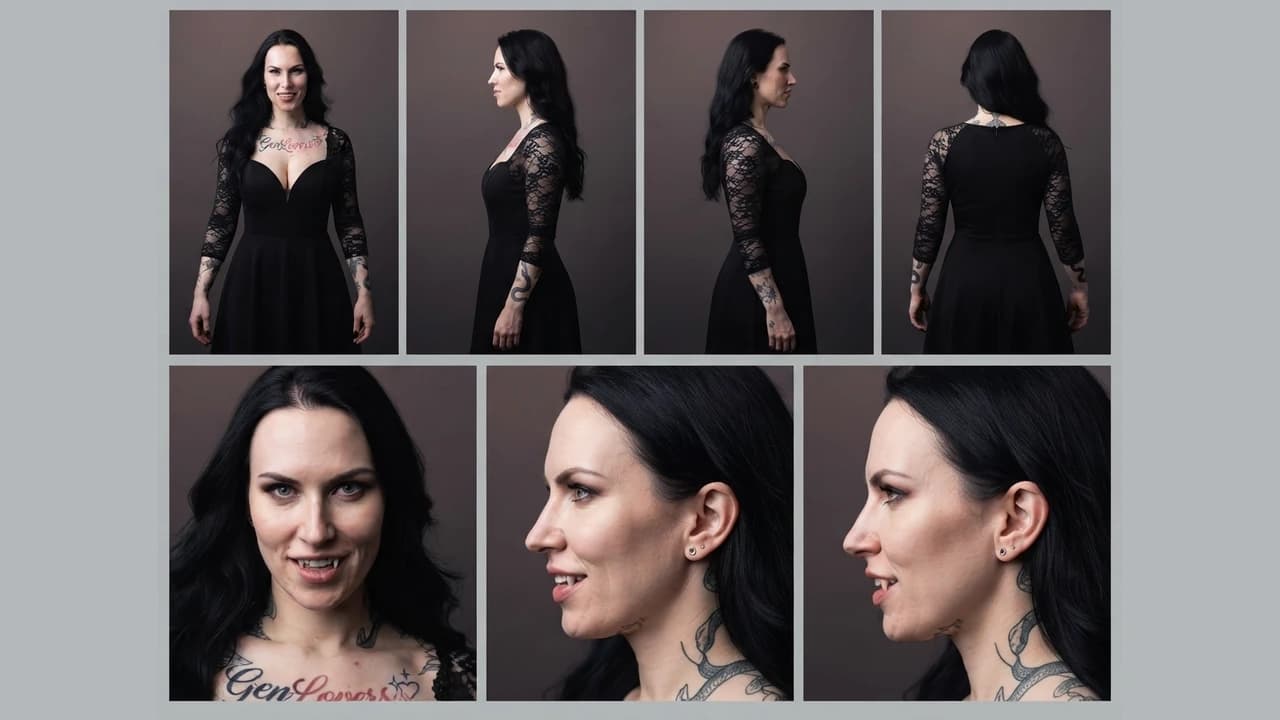
How to build character and scene reference sheets for consistent AI video
How to generate technical turnaround sheets for a character and for a location, then use both as persistent references across image and video generation, so the same character and the same setting hold from shot to shot.
Leer la guía →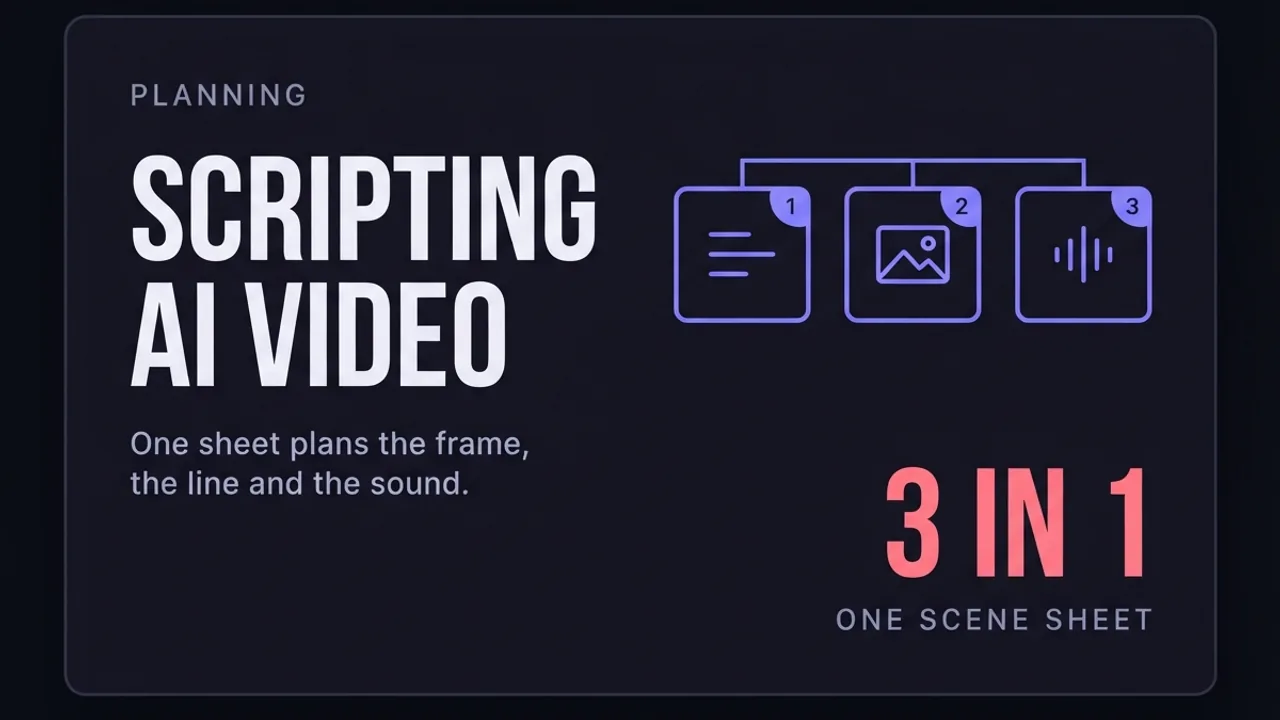
How to write a script for an AI-generated video
A script format built for AI video generation, not film: every scene planned with its start frame, end frame, duration, dialogue, camera move, and sound, so each clip can be generated on its own and still cut together as one continuous video.
Leer la guía →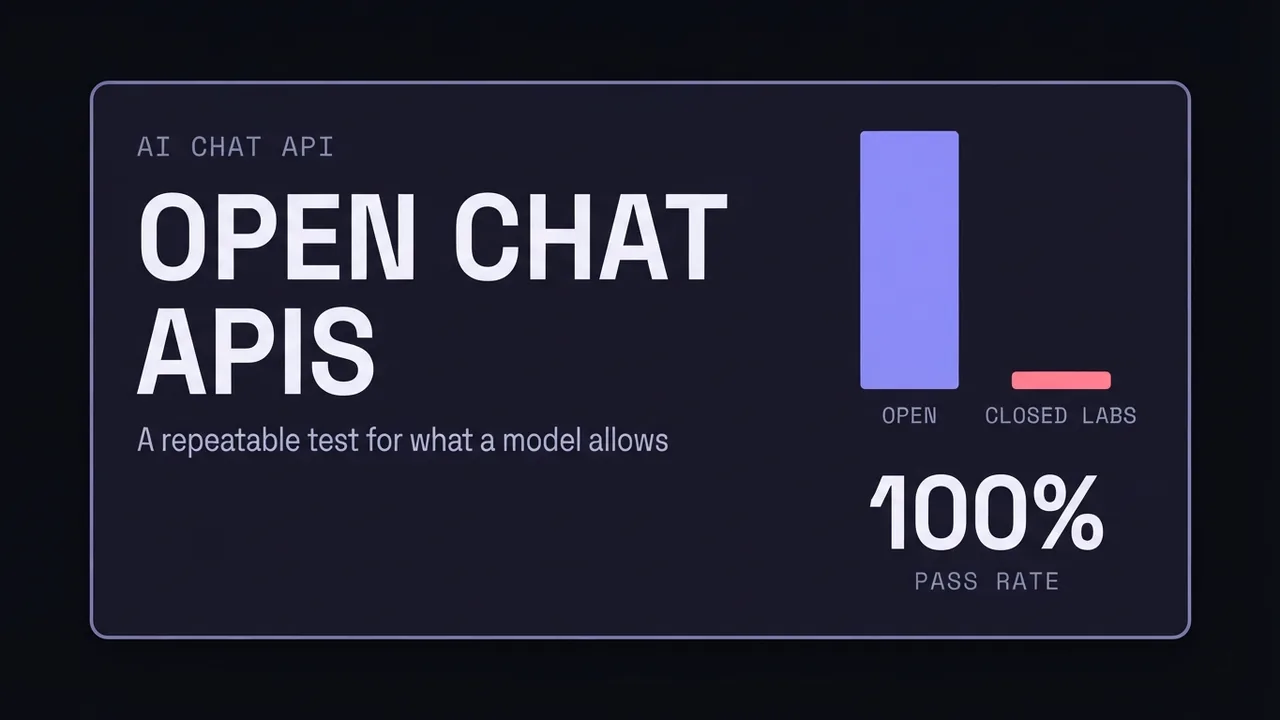
Which AI APIs allow uncensored roleplay
How refusal behavior differs between hosted AI APIs, why the usual recommendations go stale within weeks, and a repeatable way to test what a model allows before you build on it.
Leer la guía →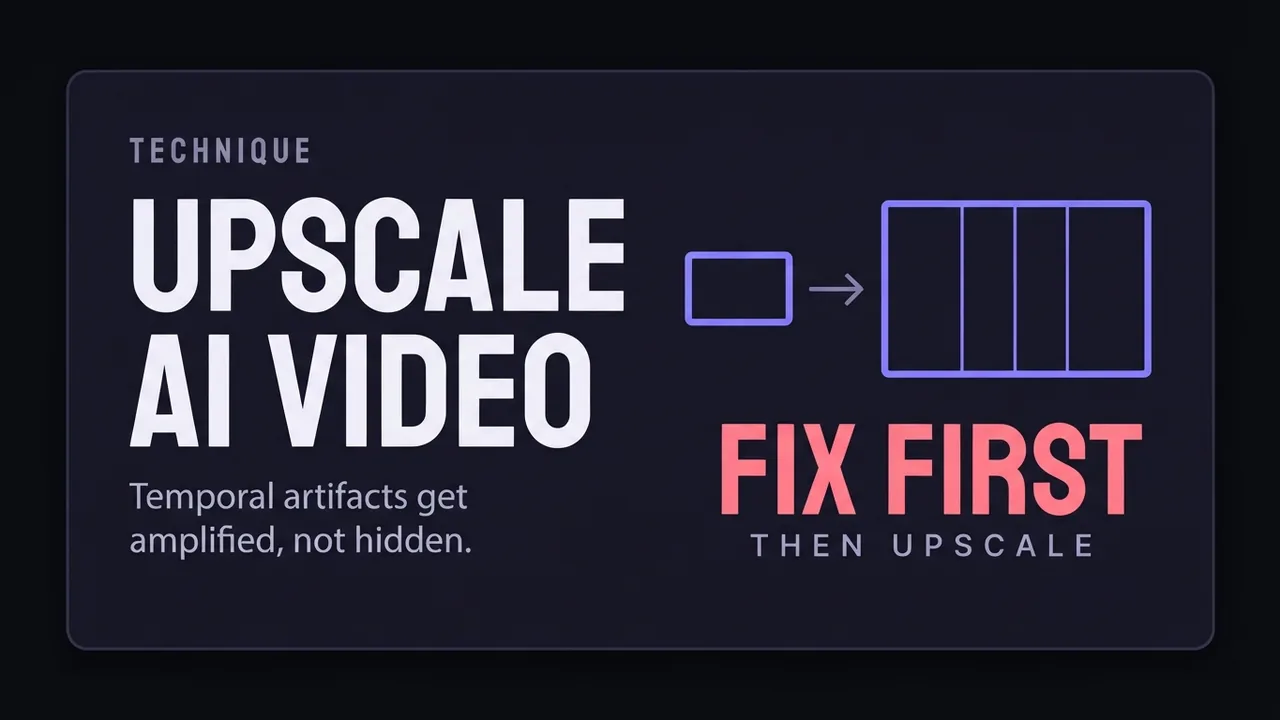
How to upscale AI video without making it worse
Upscaling AI video is not the same as upscaling photos: temporal artifacts get amplified. What to fix before you upscale, which approaches suit which footage, and where sharpening finds its limits.
Leer la guía →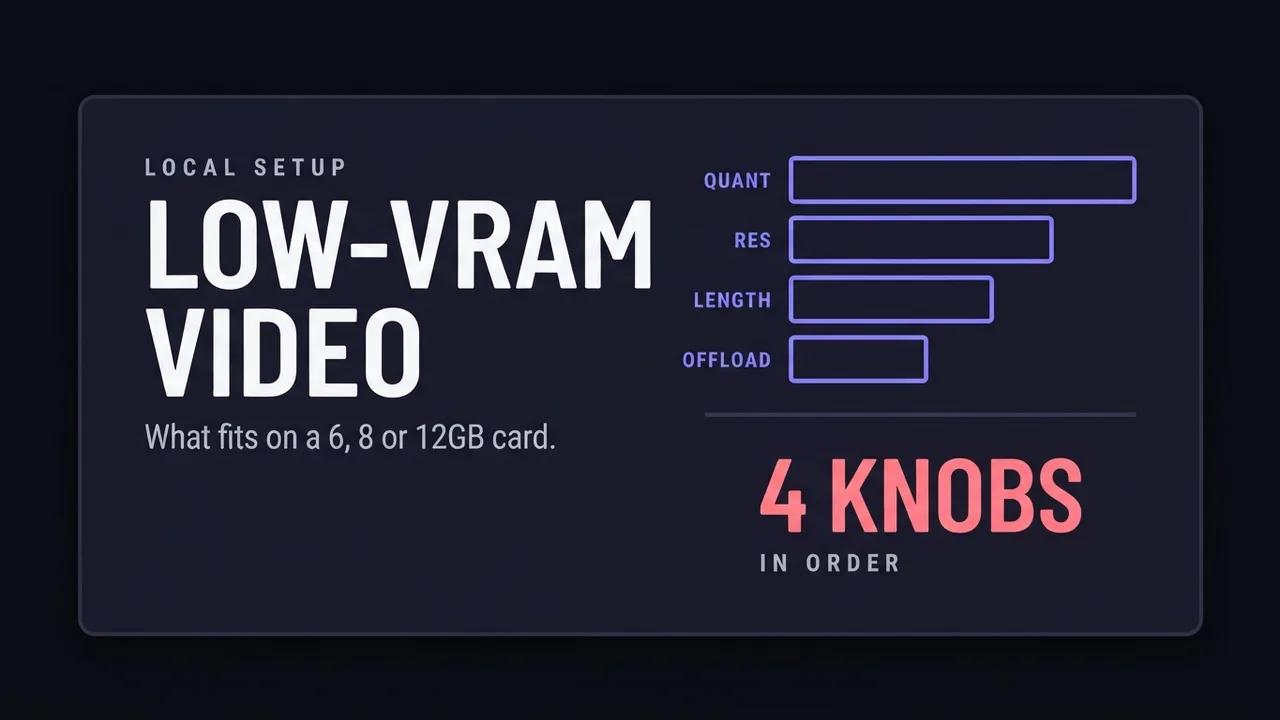
AI video generation on a low-VRAM GPU
What decides whether an AI video model fits on a 6, 8, or 12GB card: quantization, resolution, clip length, and offloading.
Leer la guía →
Cómo instalar un modelo de imágenes NSFW en local: tutorial completo
Instala un flujo de trabajo de generación de imágenes para adultos en una GPU de la nube alquilada: RunPod, ComfyUI, un archivo de workflow real y cada paso intermedio, captura por captura.
Leer la guía →
What is a LoRA and when do you need one
A plain-language explanation of LoRAs for AI image generation: what they add to a base model, why they only work on open-weight models, and what weight to load one at.
Leer la guía →
Preguntas frecuentes
- ¿Por dónde empiezo si nunca he generado vídeo con IA?
- Empieza convirtiendo una imagen en vídeo. Es el camino más corto hacia un resultado que puedas juzgar, porque tú aportas el primer fotograma y solo tienes que acertar con el movimiento. Cuando eso encaje, pasa a texto a vídeo, donde el modelo decide tanto el aspecto como el movimiento.
- ¿Necesito una cuenta de pago para seguir estas guías?
- En la mayoría no. Cuando una guía requiere un plan de pago lo indicamos al principio y señalamos la vía más barata para el mismo resultado. Varios de los modelos que cubrimos funcionan gratis en tu propia GPU.
- ¿Por qué vuestros costes no coinciden con la página de precios?
- El precio anunciado suele ser el mejor caso: resolución mínima, clip más corto, sin audio y facturación anual. Nosotros medimos lo que cuesta un trabajo realista, incluidos los reintentos cuando la primera generación sale inservible. Esa cifra casi siempre es más alta.
- ¿Con qué frecuencia se actualizan estas guías?
- Cuando el modelo cambia de forma que alteraría las instrucciones, y cuando nuestras propias pruebas dan un resultado distinto. Cada guía muestra su fecha de actualización.
Recibe las nuevas guías por email
Un email cuando publicamos nuevas guías y análisis de modelos. Sin spam, cancela cuando quieras.